Does Private Browsing Hide Your IP Address?
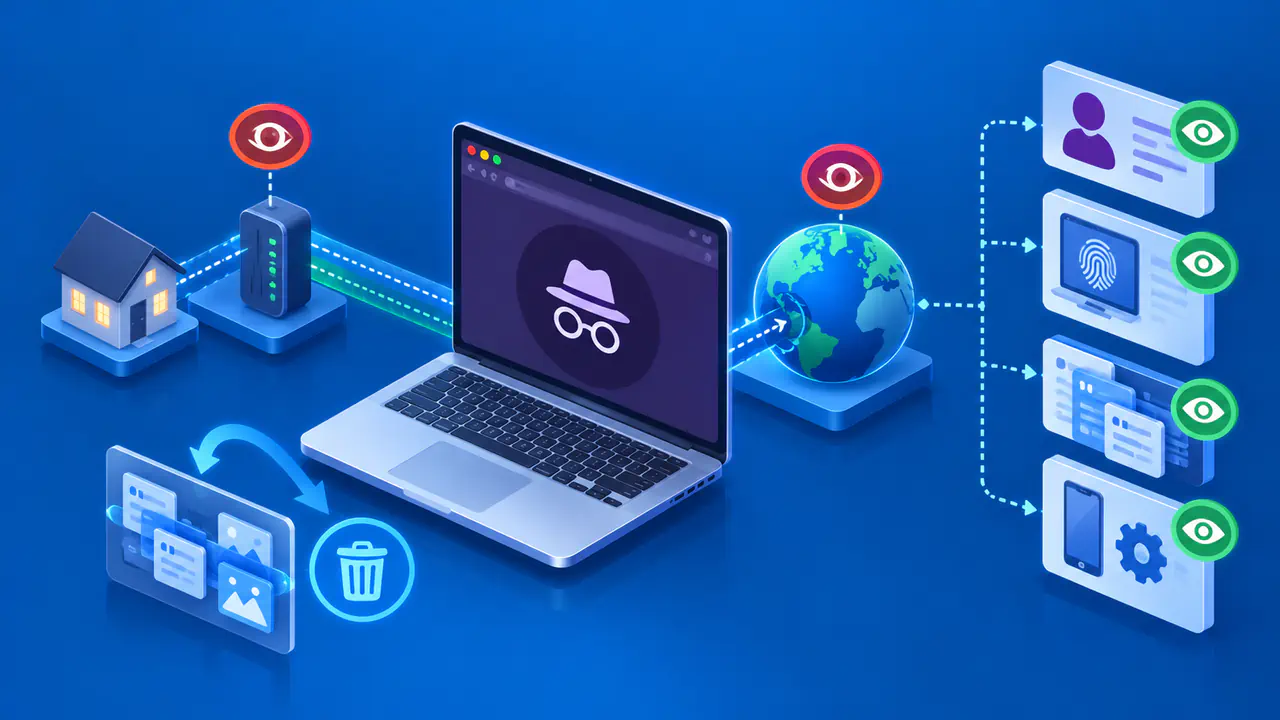
Private browsing does not hide your public IP address on its own. It stops the browser from keeping certain records of your visit, such as entries in its browsing history. The website still receives your connection and can usually see the public IP address you use. A VPN, proxy, or separate IP-hiding feature can change the address the website sees, but opening a private window alone does not do that.
Private mode is useful when you share a device and want to keep your browsing out of its ordinary history. For example, you can shop for a gift without leaving the product pages in that browser's history. You still need to end the private session, and anything you deliberately save or send may remain elsewhere. Local browsing records and information held by a website are separate.
History and Cookies during a Private Session
In Firefox, pages visited in private windows are not added to ordinary browsing history. Text entered into web forms and the search bar is not saved for later form autocomplete. Private cookies are kept apart from cookies in regular windows, so a private window can start without the sign-in cookies from your usual browsing session. Firefox also avoids retaining temporary cached pages and offline website data from private browsing.
Cookies can still work while a private session is open. A store may remember the items in your cart, and a service can keep you signed in as you move between its pages. Those temporary cookies are not evidence that private browsing has failed. Some browsers also block trackers or restrict particular cookies in private mode, but these protections do not stop every site from collecting information during a visit.
On desktop Chrome and Firefox, closing every private window ends the private session and removes its temporary cookies. Closing one window while another remains open may not finish the session. On mobile browsers, switching to ordinary tabs is not necessarily the same as closing the private tabs. Before handing over a shared device, check that you have actually closed the private pages you no longer want open.
Downloads and Bookmarks Can Remain
A file you download in a private window can remain on the computer after the window closes. Firefox removes the private session's download list, but it does not delete the downloaded files. A document saved in Downloads is still available through the file manager. If you save it in a folder that syncs to a cloud service, another copy may be uploaded according to that service's settings.
Bookmarks you create in Firefox or Chrome also remain after the private session. Firefox can retain new passwords you explicitly save during private browsing, too. Saving a bookmark or password asks the browser to keep it beyond the current session. Check what you chose to save before leaving a shared computer, especially if the browser offered to remember a password.
Other applications have their own records. A screenshot, a printed page, or text pasted into a saved document is not removed when you close a private window. A file opened in another program may also appear in that program's recent-files list. Private browsing controls the browser's handling of the session; it cannot undo a print job or remove a file you saved through another application.
What Websites and Networks Still See
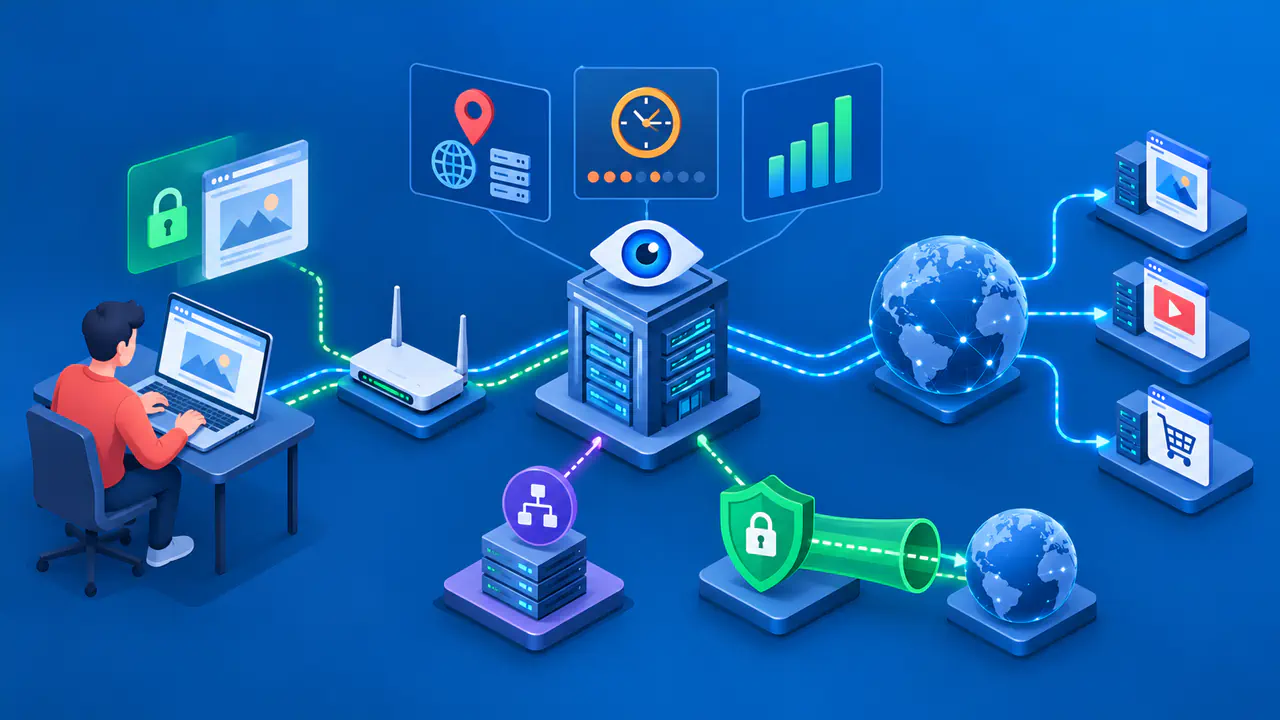
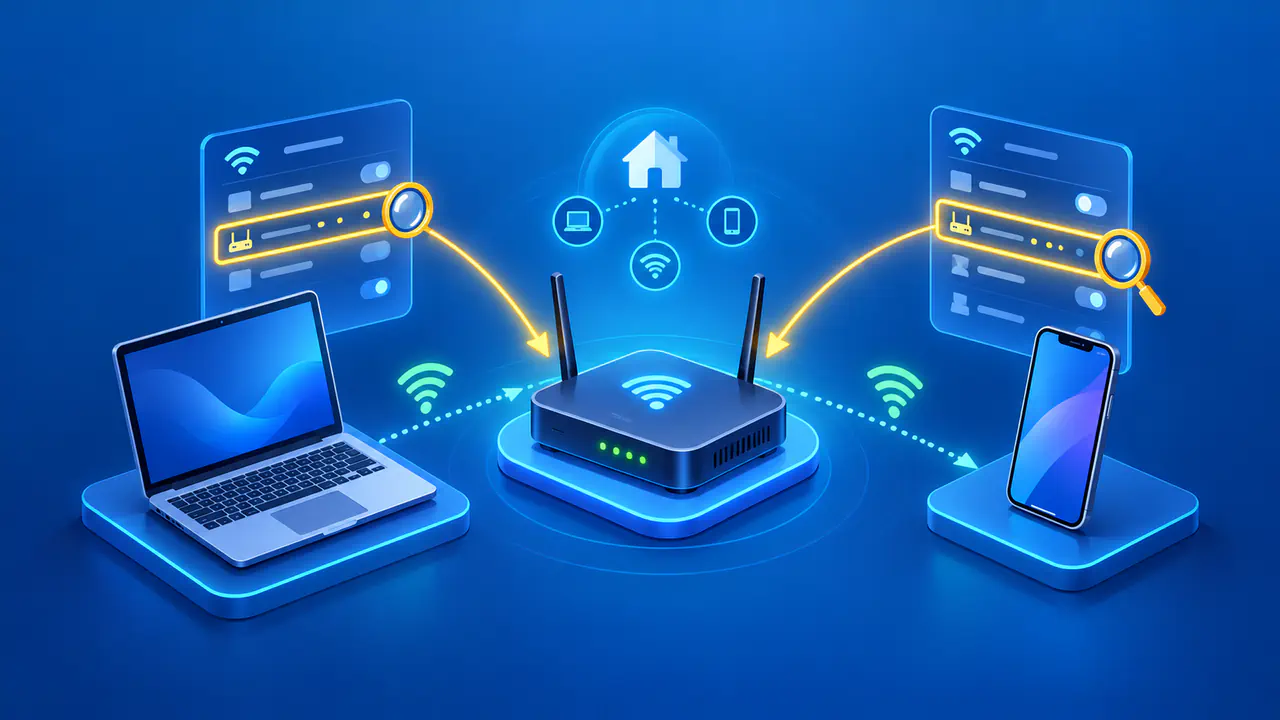
A website can see the requests your browser sends and the public IP address used to reach it. On a direct connection, that is normally an address belonging to your internet connection. If several devices share an address through a router, the address alone does not identify one person or device. It still gives the website information about the connection, even when the browser keeps no local history.
Your internet provider or a workplace or school network may also record details of the connection. HTTPS encrypts the data exchanged between your browser and the website, such as a submitted password or the page contents. HTTPS alone does not hide the destination IP address from the network carrying that connection. Private mode does not change those protections or turn an unencrypted page into an encrypted one.
Signing in gives the website a more direct way to recognize you. Once you use an account in a private window, the service can associate your activity with that account. Searches, purchases, uploads, or messages may be saved by the service even though the browser later removes its cookies. Ending your private session does not erase the account's records or recall a message you sent.
A compromised device can expose information before the browser discards it. Private mode does not remove spyware or stop a keylogger from recording what you type. Browsers may still warn about known malicious websites and downloads, but those warnings do not establish that the device itself is free of malware. Use a device you trust when you enter sensitive information.
When You Need More than Private Browsing
To hide your usual public IP address from a website, your connection to that site needs to pass through a service that presents a different address. A suitable VPN or proxy can do this for the traffic it handles. Private browsing can still be useful alongside such a service because it limits local records. The two features address different concerns, and neither makes an account you sign in to anonymous.
Check which traffic a privacy service actually handles. A feature built into one browser may protect that browser's requests but leave other applications using the ordinary connection. A device VPN may cover more applications, with exceptions depending on its settings. Some browsers offer separate IP protection alongside private browsing, so read the settings for both features instead of assuming that the word private means every connection is hidden.
A VPN also changes whom you trust with parts of the connection. Your local network may see an encrypted connection to the VPN server, while the VPN operator becomes another party involved in carrying your traffic. Continue to use HTTPS for the connection to the website. A proxy that changes the visible address does not necessarily encrypt the connection between your device and the proxy.
You can compare the address shown by the same IP-checking page in an ordinary window and a private window without changing networks. If the addresses differ, check for an active VPN, proxy, or browser IP-protection setting before attributing the change to private browsing. That comparison only describes those page requests at that moment. It does not show whether other applications use the same route or whether a website can recognize your account.