IP Address vs MAC Address

An IP address and a MAC address answer different networking questions. An IP address is used to deliver packets across an IP network and, with routing, between networks. A MAC address identifies an endpoint for a link-layer exchange, such as an Ethernet or Wi-Fi frame on the local link. Your device may use both addresses during one web request, but a distant website normally sees the source IP of the connection, not your local Wi-Fi MAC address.
Neither address is a permanent identifier for a person. Public IP addresses can be shared or reassigned; local IP addresses can change when a device joins another network or receives a new assignment. Modern phones and computers may use a private, randomized Wi-Fi MAC address that differs across networks or changes over time. The distinction matters when interpreting a router's device list, a website log, or a device's network settings.
How IP and MAC Addresses Work Together
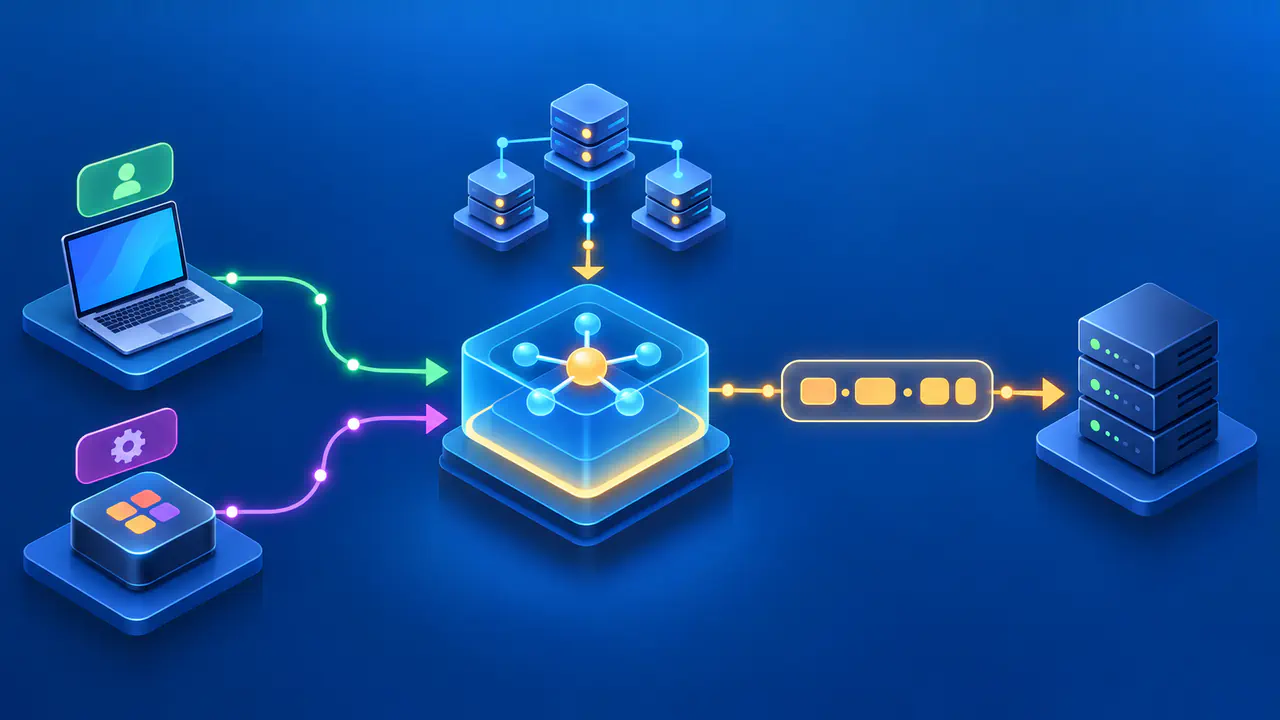
IP addresses give network software a source and destination for a packet. Routers inspect the destination IP address and choose the next hop toward that destination. A MAC address, short for Media Access Control address, appears in the local link-layer frame needed to deliver that packet over a technology such as Ethernet or Wi-Fi. The MAC address is relevant to the immediate link; it is not an internet-routable destination that a remote website can use to reach your device.
Address Resolution Protocol, or ARP, maps an IPv4 address to an Ethernet MAC address on the local network. When a device sends an IPv4 packet to a neighbor, it may need the neighbor's link-layer address to build the frame. For a destination elsewhere on the internet, the immediate neighbor is typically the local router, so the device uses the router's MAC address for that first link rather than the distant server's MAC address.
IPv6 has a different local address-resolution method: Neighbor Discovery. IPv6 devices use Neighbor Discovery to find neighboring link-layer addresses and detect when those addresses change. The general separation remains: IP addressing identifies the network-layer destination, while link-layer addressing handles delivery on a particular connection. An IP packet can pass through several links, each with its own framing and immediate link-layer endpoints.
A common MAC address format is six bytes written as pairs of hexadecimal digits, for example 02:11:22:33:44:55. IPv4 and IPv6 use their own numeric address formats. The visual difference is helpful, but format alone is not the main point: the addresses live in different layers and serve different scopes. Some network technologies have different link-layer addressing rules, so avoid assuming every connection works exactly like Ethernet.
Where Each Address Is Used
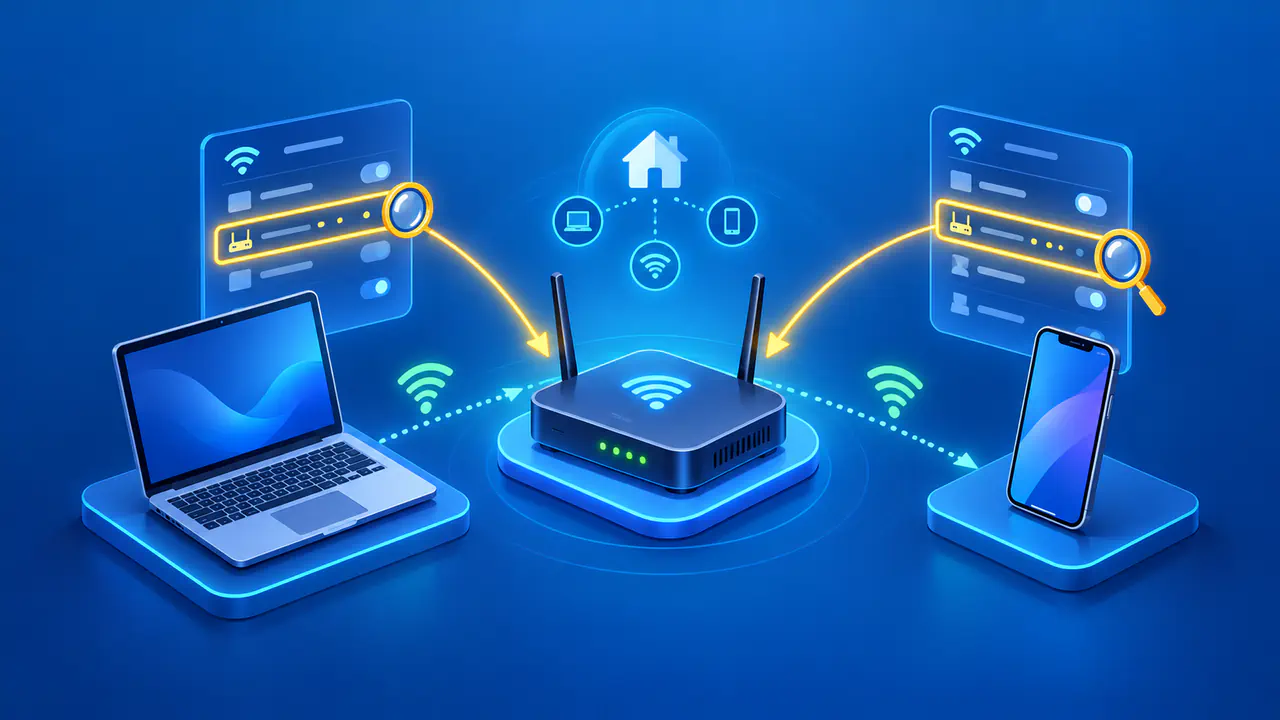
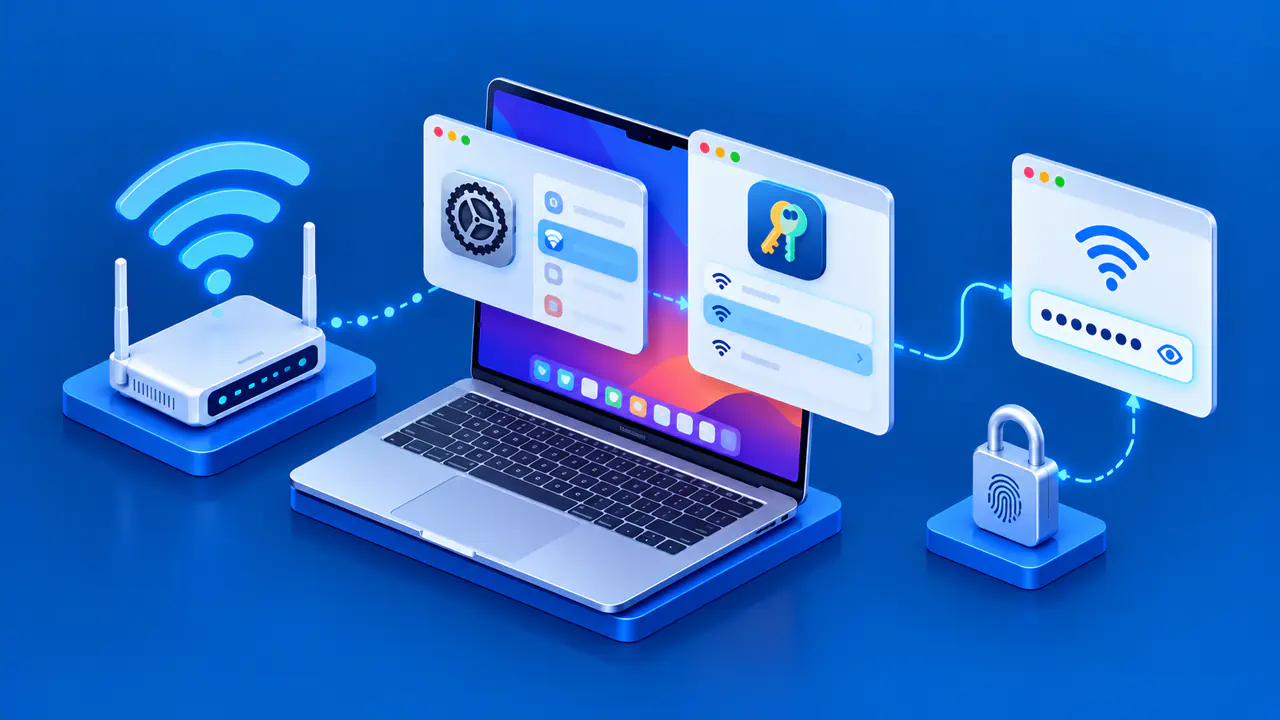
Your home router may display a device's current Wi-Fi MAC address next to its local IP address. The local IP is used to deliver packets to the device within that IP network, while the MAC identifies the interface on the Wi-Fi or Ethernet link. Many routers use MAC addresses in device lists and address reservations made through Dynamic Host Configuration Protocol, or DHCP. A change in the MAC that the router sees can affect a reservation or a local access rule, even if the same physical phone is still in use.
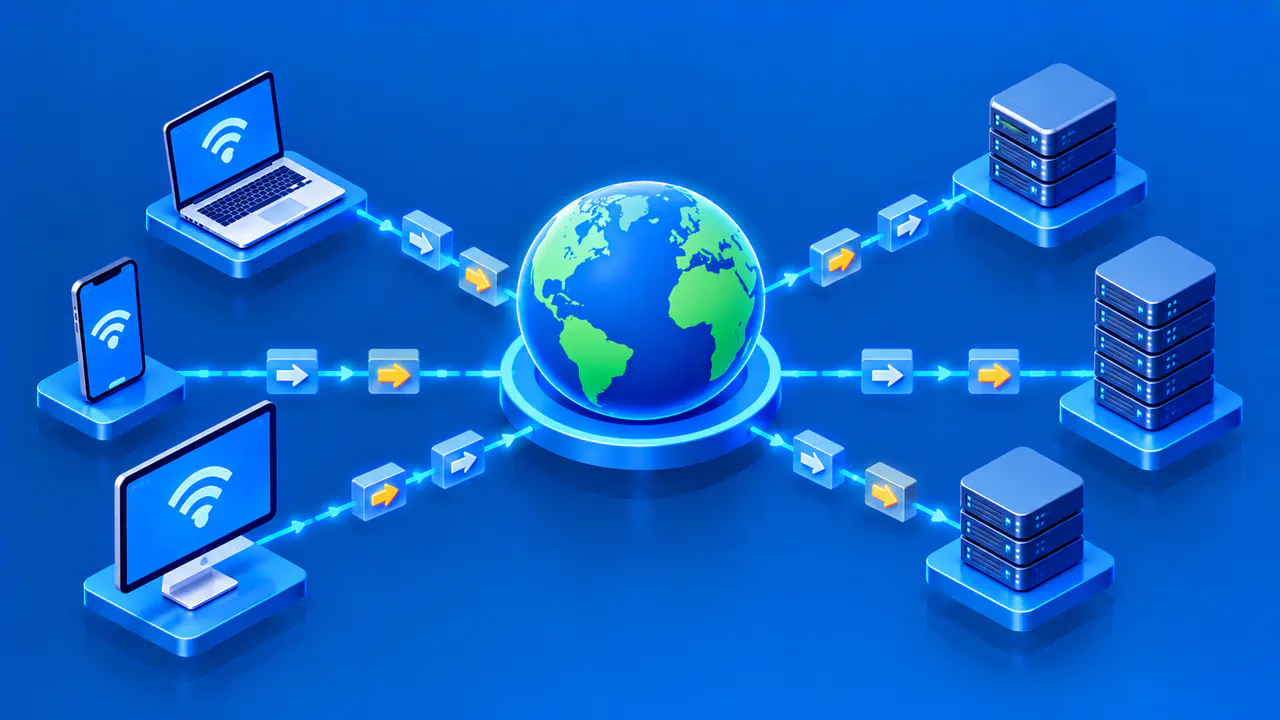
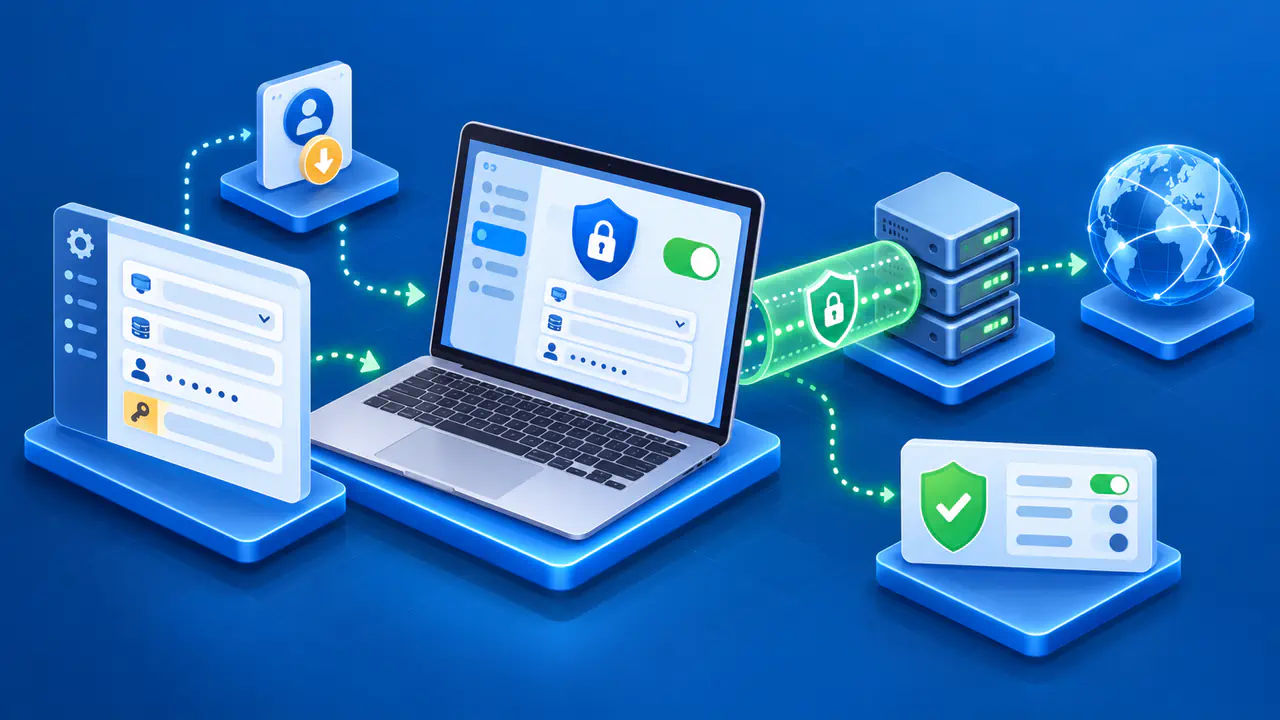
An internet service usually sees the public source IP address used for your connection, which may belong to a router, proxy, or VPN server. Routers replace link-layer frames as they forward packets, so the original Wi-Fi frame does not travel unchanged across the internet. The IP header has no separate field for your local MAC address. Software installed on your device may have access to local interface information, which is a different source of data.
Some IPv6 addresses contain an interface identifier derived from a MAC address. In that case, a remote observer may be able to recover the embedded MAC value from the IP address itself. The observer does not need to receive the original local frame. Other IPv6 address-generation methods avoid this by using identifiers that are not based on a stable MAC address.
Multiple Addresses on One Device
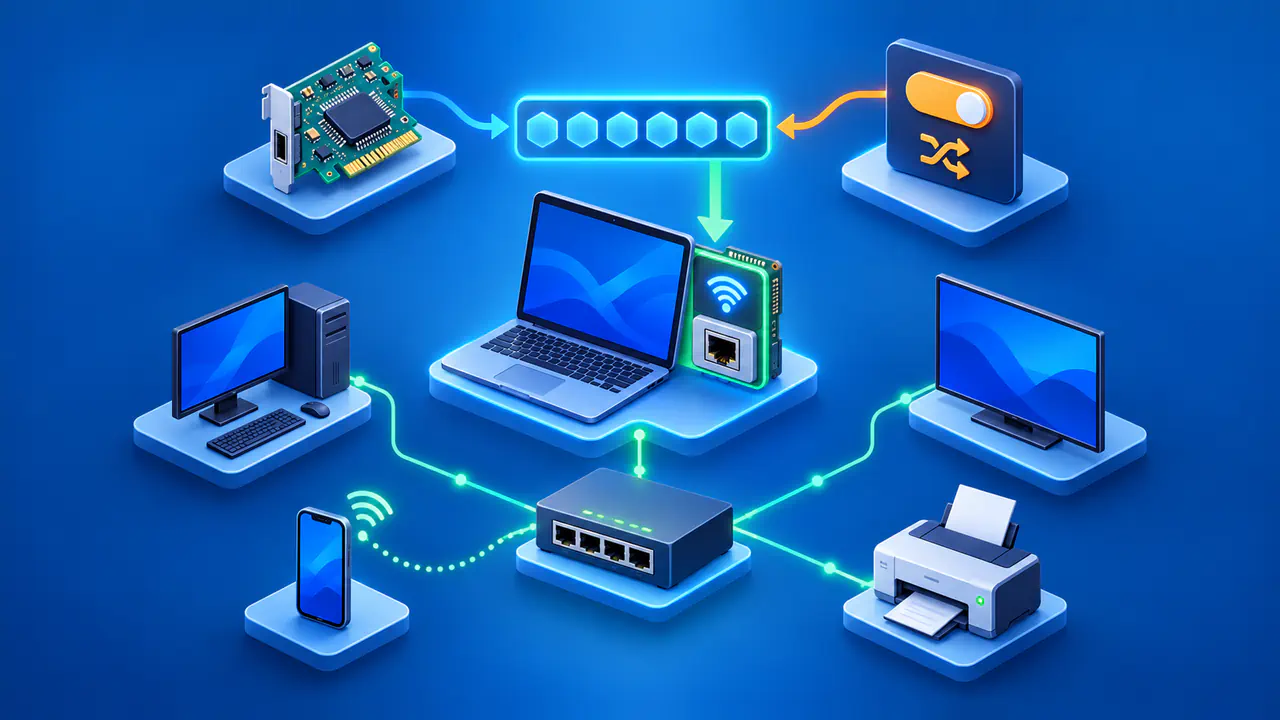
One device can also have several network interfaces. Wi-Fi, Ethernet, and a virtual network adapter may present different link-layer addresses and different IP addresses. If a support team asks for a MAC address, use the address of the interface involved in the connection. If the team asks for your public IP, a private address such as 192.168.1.20 may not be the address the remote service sees.
The two identifiers do not have a fixed one-to-one relationship. DHCP can assign a different IP on a later connection, multiple devices can share a public IP behind a router, and one interface can have more than one IP address. Address resolution tables can also change when a device or its network configuration changes. When comparing addresses, check which interface is connected and which network assigned the IP address.
Randomized Wi-Fi MAC Addresses
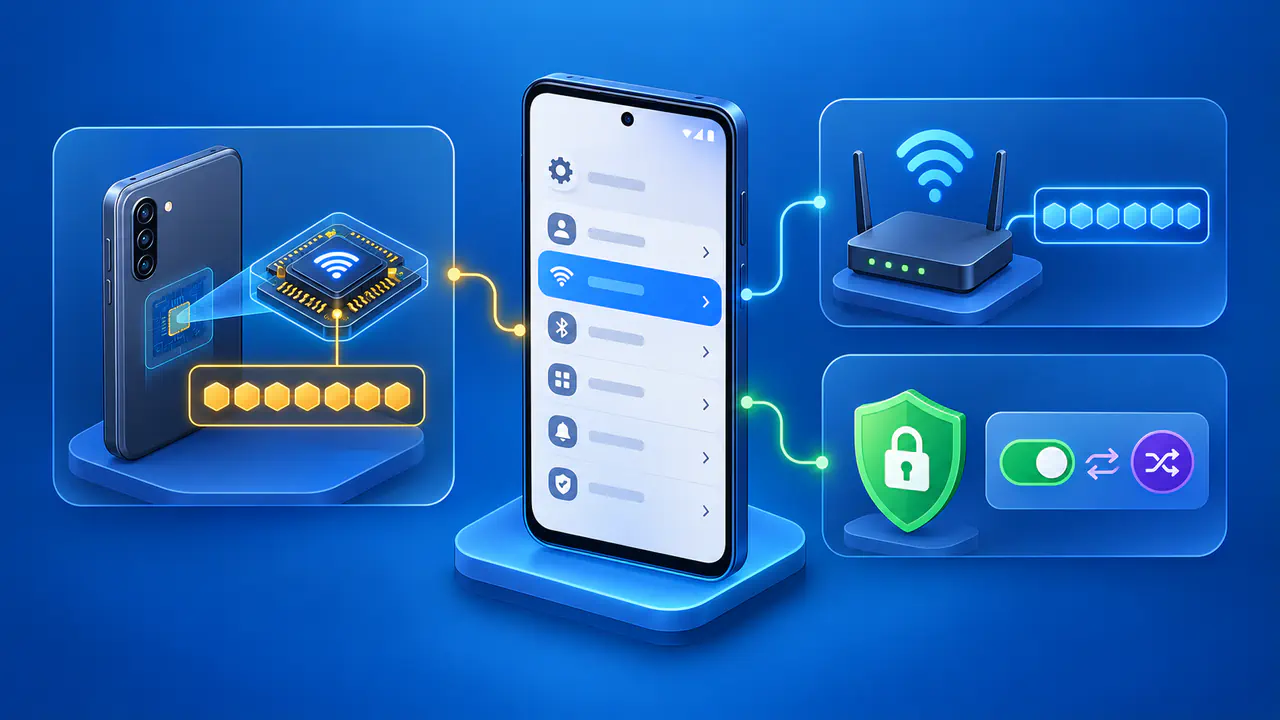
A private Wi-Fi address is a locally used MAC value chosen to reduce tracking across wireless networks. Supported Apple devices normally use a different Wi-Fi address for each network and may rotate that address. Devices running iOS 18, iPadOS 18, visionOS 2, or macOS Sequoia 15 or later offer Off, Fixed, and Rotating choices for each network. The setting controls the Wi-Fi address presented to that network; it does not replace the device's IP address with a MAC address.
Android also supports randomized MAC addresses for network discovery and uses MAC randomization by default for supported Wi-Fi connections from Android 10 onward. Actual controls and behavior can depend on the device and software version. A router or managed Wi-Fi system may therefore see a private address instead of the factory-assigned MAC. The value can be stable for a particular network or can change under a product's rules.
If a router uses a MAC address for an access rule or a DHCP reservation, compare the device's current Wi-Fi MAC address with the router's saved entry. Disabling MAC randomization is usually unnecessary for ordinary troubleshooting.
Keep private Wi-Fi addresses enabled where the network and software support them. For a compatibility problem, try available software updates before disabling the feature for that network. A network administrator may need to update the network configuration instead.
MAC randomization does not make traffic anonymous to every system. A Wi-Fi operator may still identify a signed-in account or use other signals, and an internet service may still see a public IP.
Why Neither Address Proves Identity
A MAC address can be changed or randomized in software, and a device can have multiple interfaces. An IP address can change, be shared by many customers, or belong to a gateway rather than the end device. Either address can help an administrator match a logged connection to a network or interface, but neither address alone proves who performed an action. Logs, time, account context, and the network path matter.
Use the address that matches the question. For a local Wi-Fi connection or a router reservation, look at the current MAC and local IP address for the correct interface. For a remote website access issue, look at the public IP and the site's request details. Treat addresses as network clues with different scopes, not interchangeable names for a person or machine.