What Is a Default Gateway?
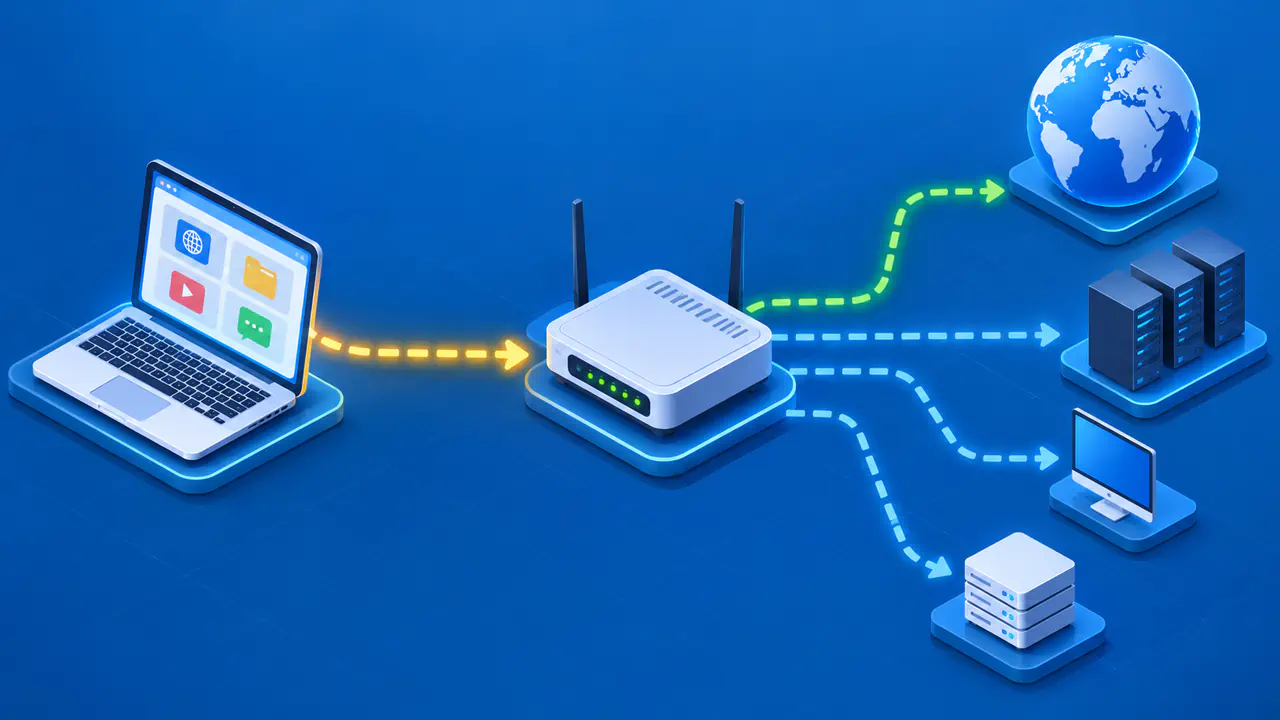
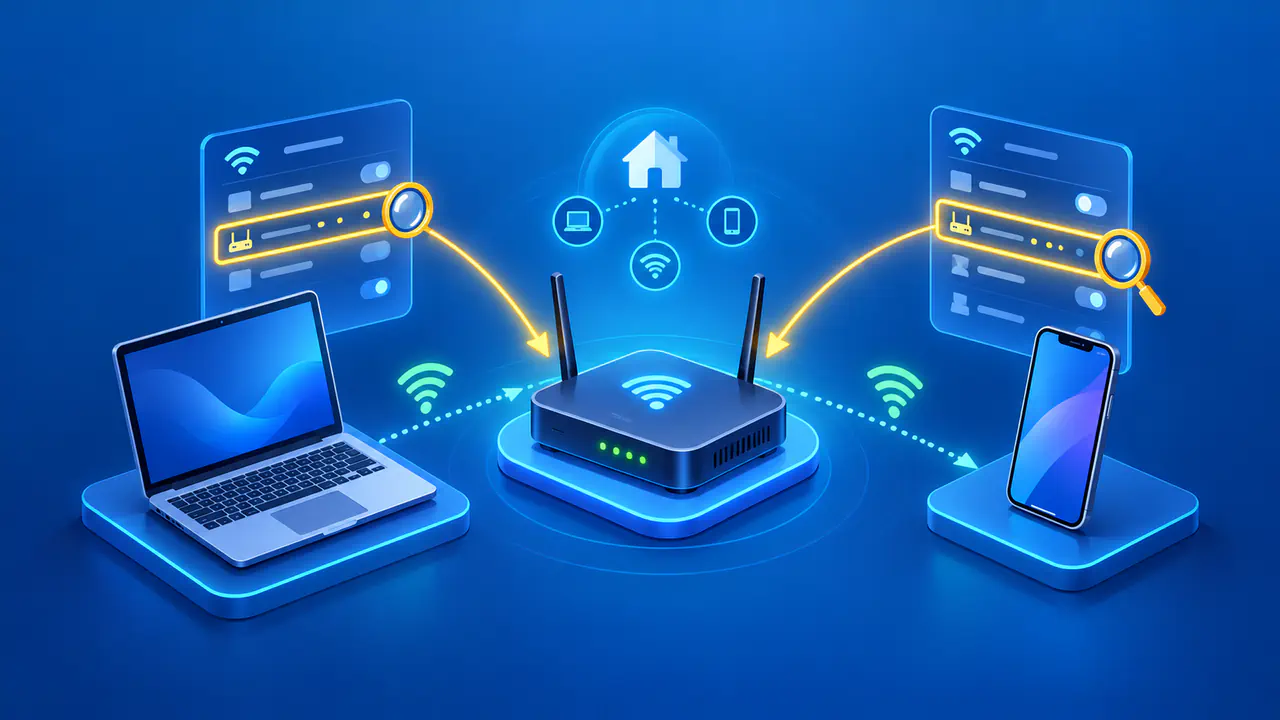
A default gateway is the next router a device uses for traffic that cannot be delivered directly on its local network when no more specific route applies. In a typical home network, the gateway is the router connected to the local Wi-Fi or Ethernet segment. The device sends a packet to that router, which then decides where to forward it.
Knowing the gateway helps explain why a printer on the same subnet might work while a website does not. Local communication and traffic to other networks follow different paths. A gateway forwards IP packets, while a DNS server answers name queries and cannot replace a missing route.
Local Destinations versus Remote Networks
For IPv4, a device uses its assigned address and network prefix to identify destinations on a directly connected network. If another device is on that link, the sender can deliver traffic locally using the link's neighbor-discovery method. The packet does not need the default gateway for that local hop. If the destination is outside the connected network, the sender looks for a route to it.
For example, imagine a device at 192.0.2.25/24. An address such as 192.0.2.80 is in the same /24 and can be treated as local if the link and policy permit it. 198.51.100.20 is outside that block. If there is no more specific route, the device sends traffic toward its default gateway. These documentation addresses illustrate the decision; they are not a live network configuration to copy.
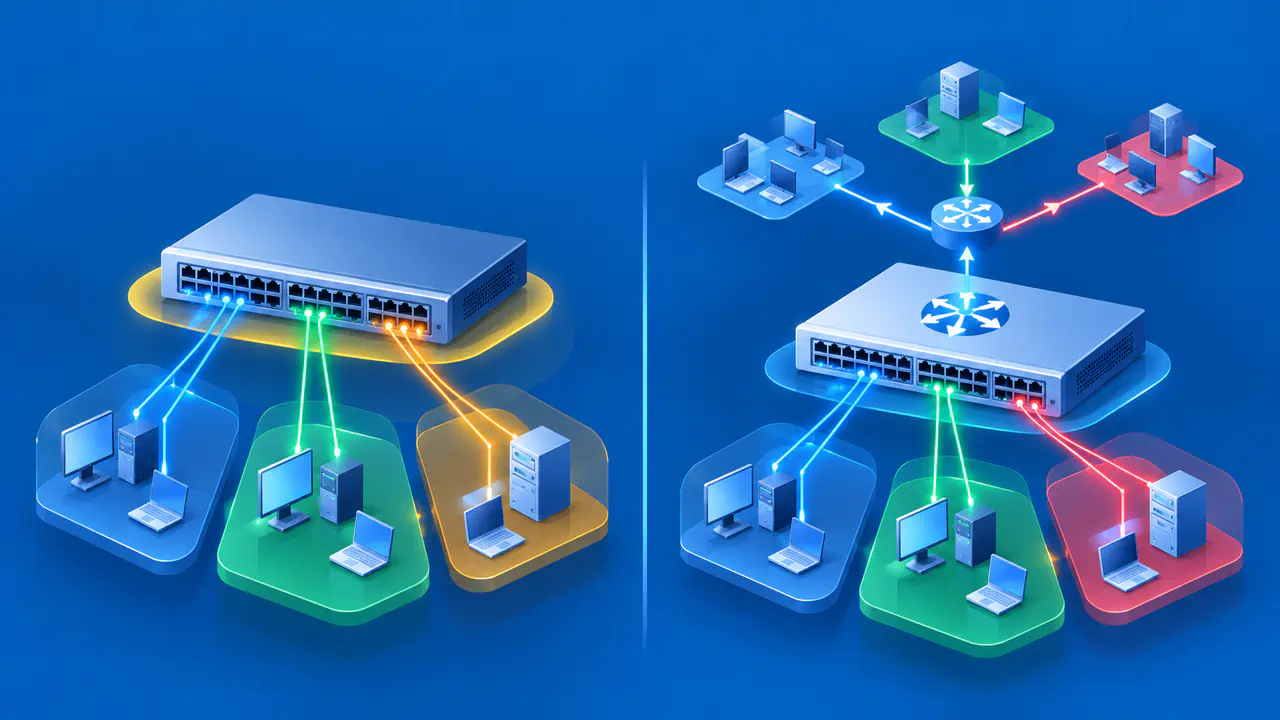
Real networks may have additional routes, several interfaces, VPN tunnels, and policy rules. A specific route to a remote subnet can take precedence over the default. A destination that looks numerically close is not necessarily local; the actual prefix and routing table govern the choice.
How a Default Gateway Is Selected
The default gateway is normally learned from network configuration or entered by an administrator. The device's route table links a broad default route to a reachable next-hop router on a particular interface. For each destination, the system considers matching routes and uses the appropriate one; the default is the fallback when no more specific route applies. The gateway must itself be reachable on the selected link.
A home router may supply the gateway through DHCP along with a local IPv4 address. On managed networks, a different router or route may be provided. Devices can have more than one potential gateway, for example when both Wi-Fi and Ethernet are connected. The operating system and its routing policy determine which path a given packet uses. The address shown as default in one interface's settings is therefore not proof that every application used that interface.
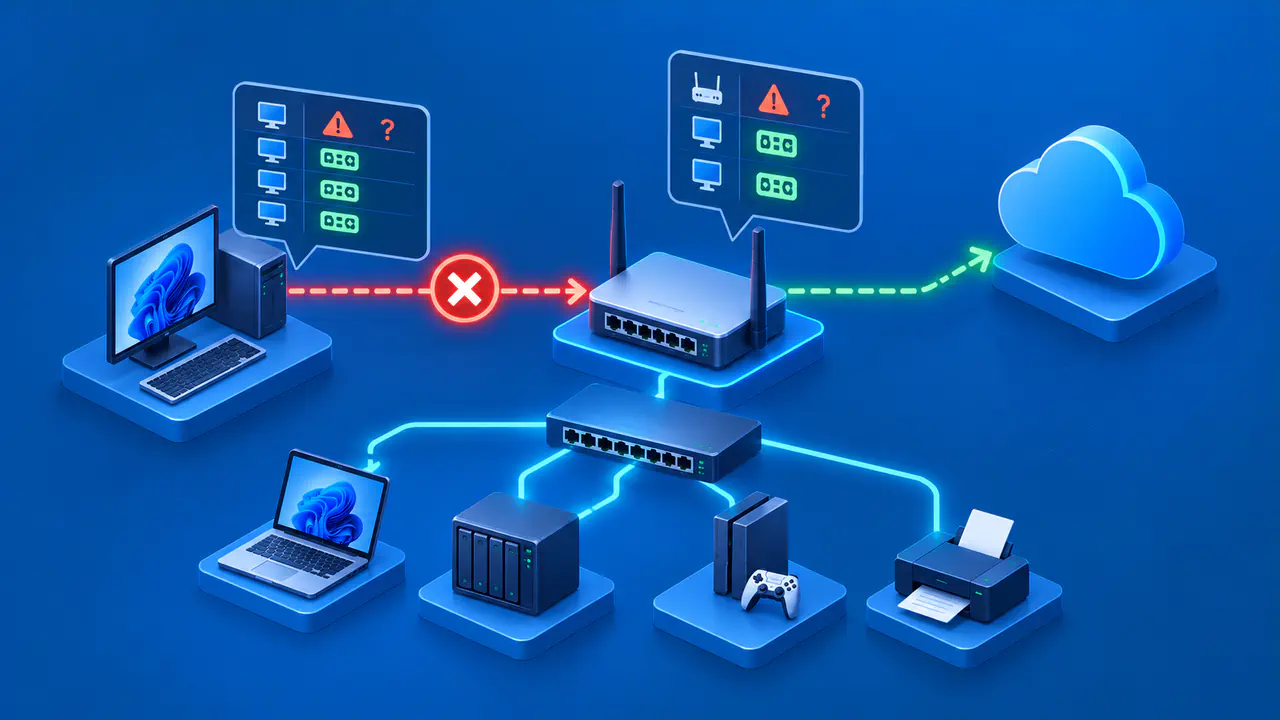
A gateway forwards packets but does not automatically guarantee internet access. It needs its own route onward, and firewalls or upstream service can still block traffic. Similarly, the gateway may respond to local management requests while an external destination fails. Reachability should be checked at each stage rather than assuming the gateway alone is the problem.
IPv4 and IPv6 Gateway Examples
On an IPv4 LAN, the router might be 192.168.1.1 and a device might be 192.168.1.20/24. The router's address is on the same local subnet, so the device can send packets to it for other networks. These are example settings, not universal defaults. Your router could use a different private range and address.
IPv6 also has default routers. Neighbor Discovery lets hosts learn routers from Router Advertisements and maintain information about which destinations are on-link. A host cannot assume that another IPv6 address is on-link just because it shares the prefix of the host's own address.
The next-hop router is often identified by a link-local IPv6 address beginning with fe80:, which is meaningful on the relevant interface. Do not confuse that link-local next-hop address with the remote global address in the packet. The router forwards toward the destination after receiving it on the local link.
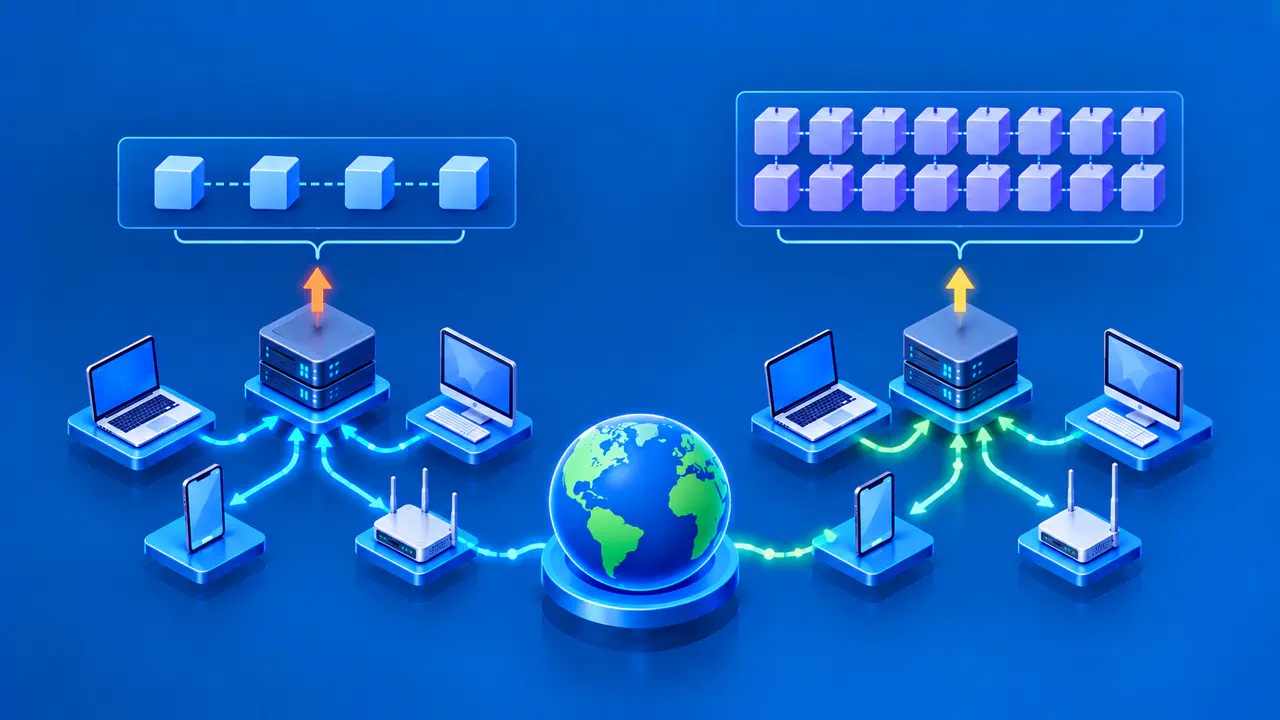
The two address families can have separate routes and gateways. A working IPv4 gateway does not prove that IPv6 traffic has a usable route, and the reverse is also true. When diagnosing a connection, note the address family of the destination and the interface carrying it. A VPN can install its own route for selected traffic as well.
Diagnose a Missing Gateway without Changing DNS
If local devices are reachable but destinations beyond the local network are not, inspect the active connection's IP address, prefix, and default gateway. A missing or unreachable gateway is one possible explanation. For an IPv4 connection that uses DHCP, check whether the assigned settings include a gateway address. On a managed network, ask the administrator for the intended router information.
To separate routing from name resolution, check whether the name resolves to the expected address, then look at the route for that address. A name-resolution failure and a missing route are different findings. DNS can return an IPv6 address even when only the IPv4 path is working, so use the address family of the result when checking the gateway. Firewalls and service availability can still prevent a connection after both DNS and routing are correct.
Do not change DNS servers in an attempt to create a missing gateway. A DNS server can translate a name into an address, but packets still need a route to that address. Likewise, a correct gateway will not fix an invalid DNS entry.