What Is a Private Wi-Fi Address?
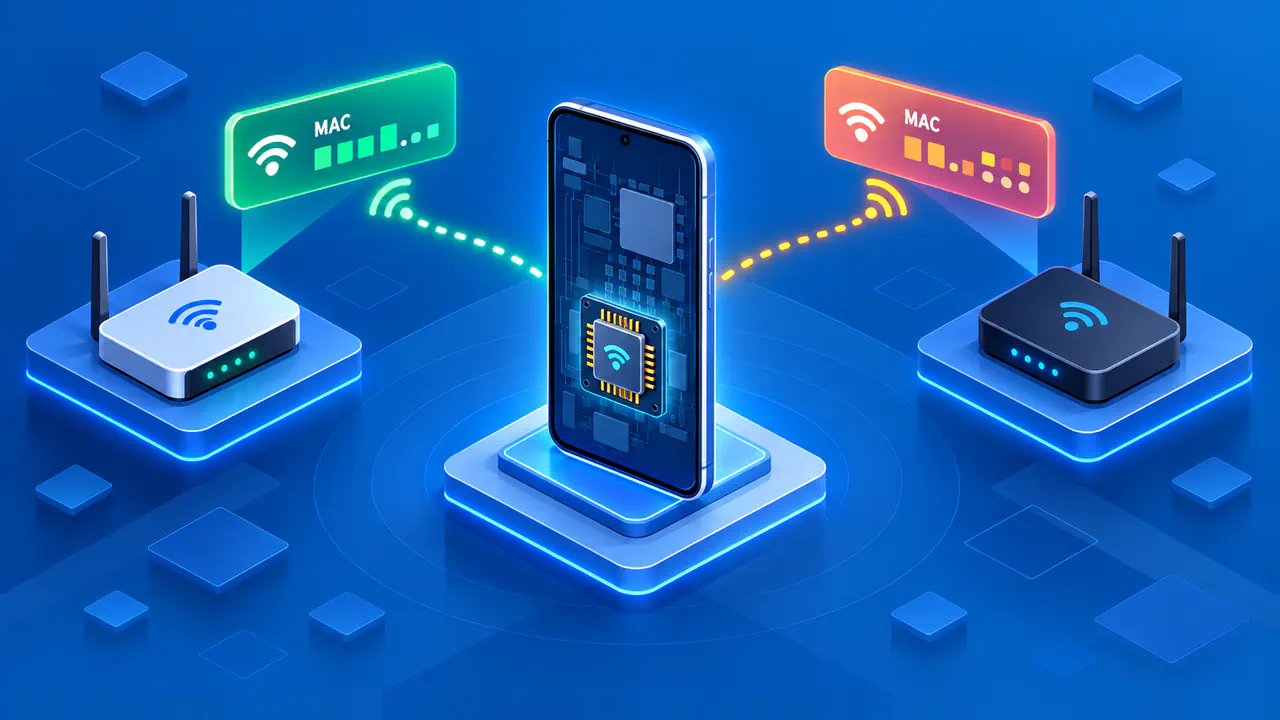
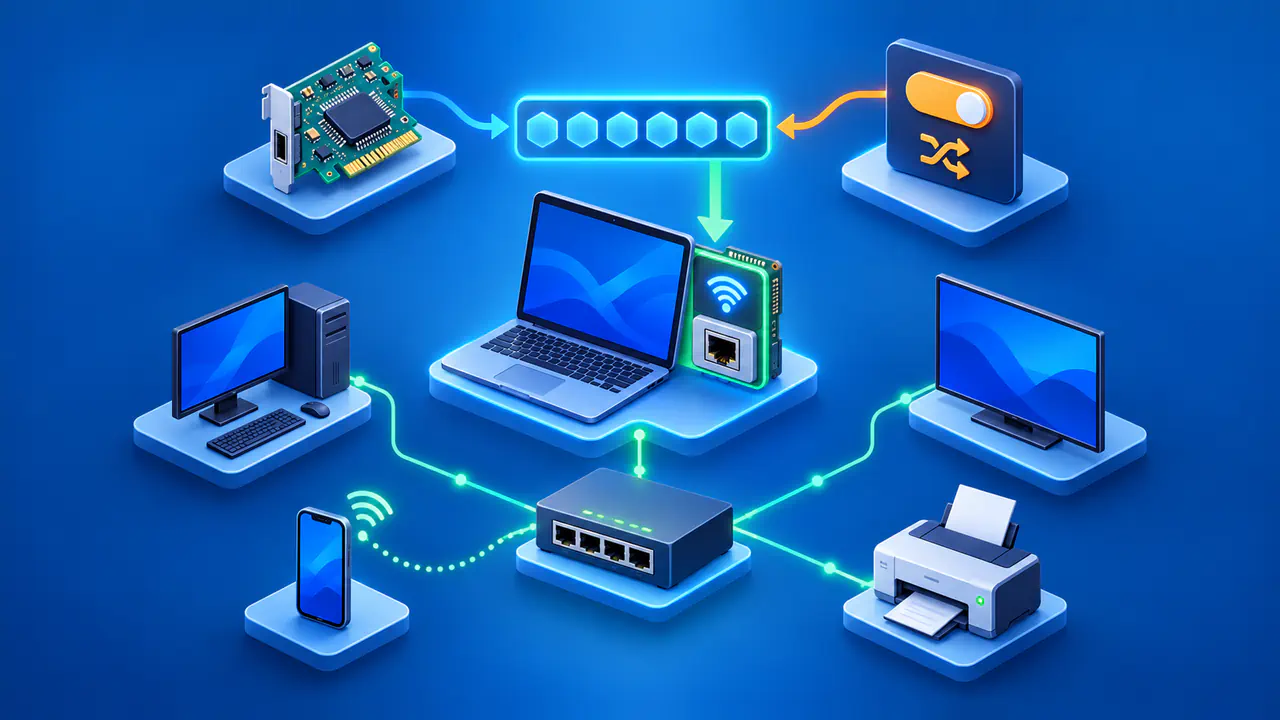
A private Wi-Fi address is an alternative MAC address that your device uses when joining a wireless network. A MAC address identifies the Wi-Fi interface that sends and receives data on that local network. By using a different address for different networks, your phone or computer makes it harder for network operators to recognize the same device in several places. The address is still visible on the network you join; it simply does not have to be the permanent address assigned to the hardware.
You may notice that a private address stays the same on your home Wi-Fi. That can be normal: an address can be random when first created and then reused for a particular network. Other settings allow it to change periodically. Neither behavior makes your internet activity anonymous, changes your GPS permissions, or hides accounts you sign in to.
A Wi-Fi MAC Address and an IP Address Have Different Jobs
Your device uses its Wi-Fi MAC address to exchange data with the wireless access point. The access point needs that address to send data back to the right device. When a private address is enabled, the access point sees the private address in place of the hardware address. Changing the address does not remove the need for a local identifier.
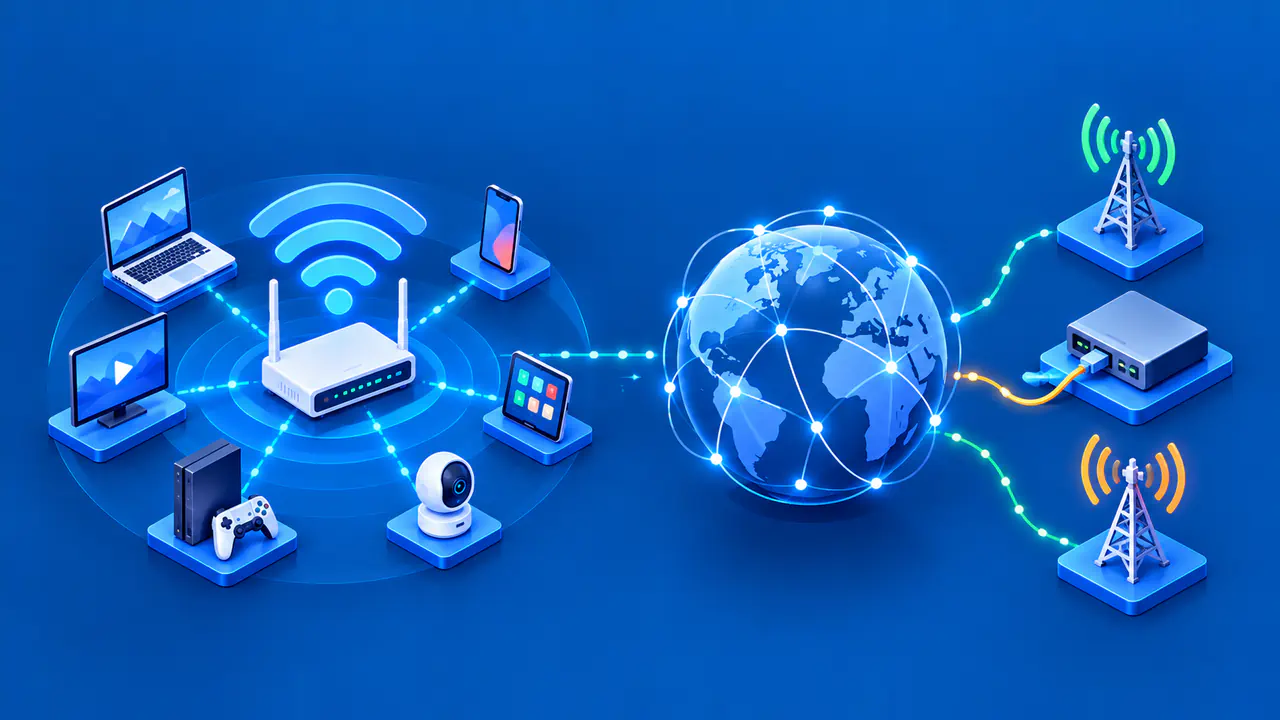
An IP address serves a different purpose: it lets networks route traffic to its destination. Your device has IP addresses as well as a MAC address. On a typical home network using IPv4, websites see the public IP address of the internet connection, while the router assigns separate local IP addresses to devices at home. A new MAC address can affect which local IP address your device receives, but it does not by itself give your home connection a new public IP.
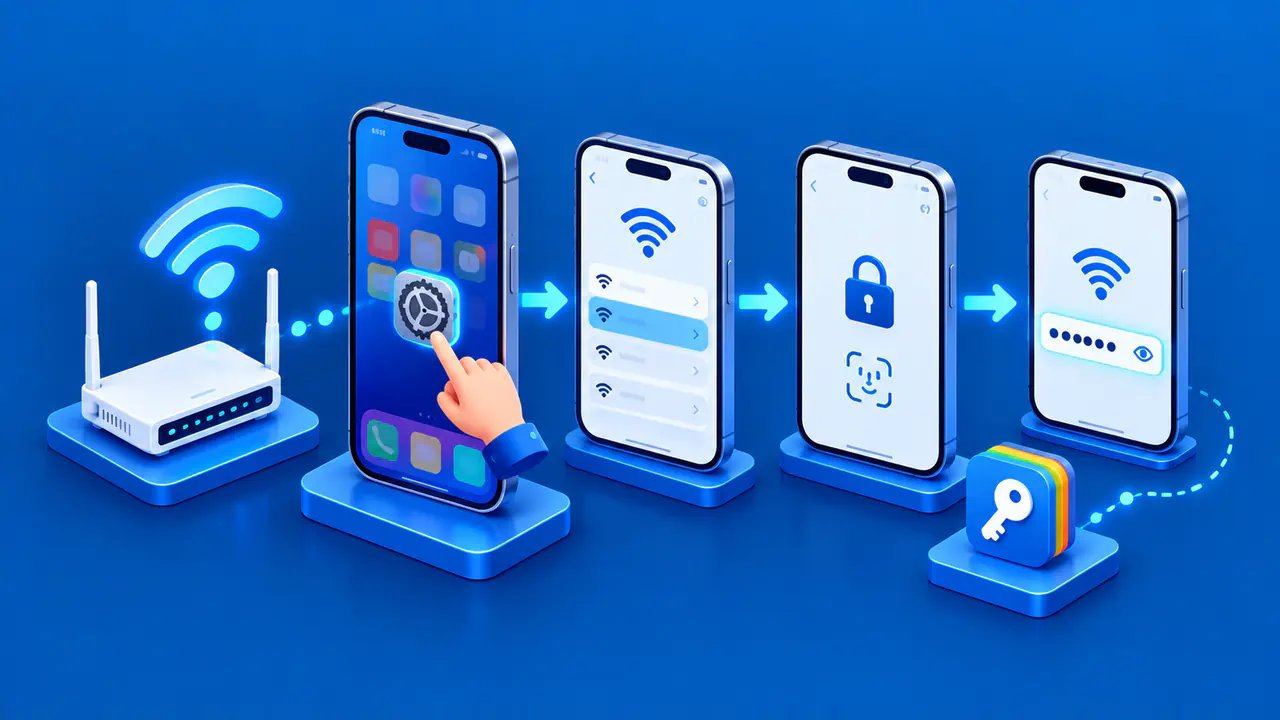
An IP-check website therefore cannot tell you whether your private Wi-Fi address is working. The Wi-Fi MAC address is not carried to a remote web server as the source address of your internet request. Check the connected network's details on your device instead. If you manage the router, you can compare that address with the router's record for the connected device.
Why a Private Address Can Stay the Same
A private address can stay the same because the device saves or consistently generates an address for a particular network. Random does not necessarily mean new on every connection. Reusing that address lets the network recognize a returning device without requiring the device to present its hardware address everywhere.
On Apple devices running iOS 18, iPadOS 18, macOS 15, watchOS 11, or visionOS 2 and later, the available modes are Off, Fixed, and Rotating. Off uses the hardware MAC address. Fixed keeps a private address for the network, while Rotating changes the private address every two weeks. Fixed is the default for a newly joined network with WPA2 or stronger security; Rotating is the default when the network has weak security or none.
Android uses different rules. Persistent randomization, the default behavior in the Android framework, keeps an address associated with the saved network's details. Some networks on Android 12 and later use non-persistent randomization instead. The settings and names on your phone can differ from those on an iPhone, so an Apple rotation interval does not describe every phone's behavior.
A fixed private address still lets the same network recognize repeat visits. For example, a hotspot may remember that the device has already completed its sign-in page. Signing in with an account can also identify you even if the MAC address changes. Private addressing reduces tracking through a reused hardware address; it does not remove the information you give the network in other ways.
What Happens When Your Device Searches for Wi-Fi
Your device can transmit Wi-Fi discovery requests before it joins a network. Those requests help it find nearby access points and reconnect to saved networks. An observer within radio range may receive this traffic even if you never join the observer's network. The address used during discovery is therefore relevant to privacy as well as the address used after connection.
On Apple devices, scans made while disconnected use randomized MAC addresses, with an exception for scans made while trying to connect to a preferred network. Supported Apple hardware and software also randomize sequence numbers in Wi-Fi frames when the MAC address changes. Without such measures, an observer could use a continuing sequence of numbers to help connect transmissions made with different addresses.
These protections depend on the device and its software. A private address in the connected network's settings is not proof that every wireless transmission is impossible to associate with the device. Nor does MAC randomization control tracking inside your browser. Websites may recognize a signed-in account, stored cookies, or a combination of browser characteristics regardless of the address used for Wi-Fi.
When a Network Has Trouble with Private Addresses
A connection failure does not automatically mean that private addressing must be disabled. First check whether the Wi-Fi password is correct, whether other devices can connect, and whether your device and router have current software. If the problem occurs only on a school, workplace, or hotel network, ask its administrator whether devices must be registered before they can connect.
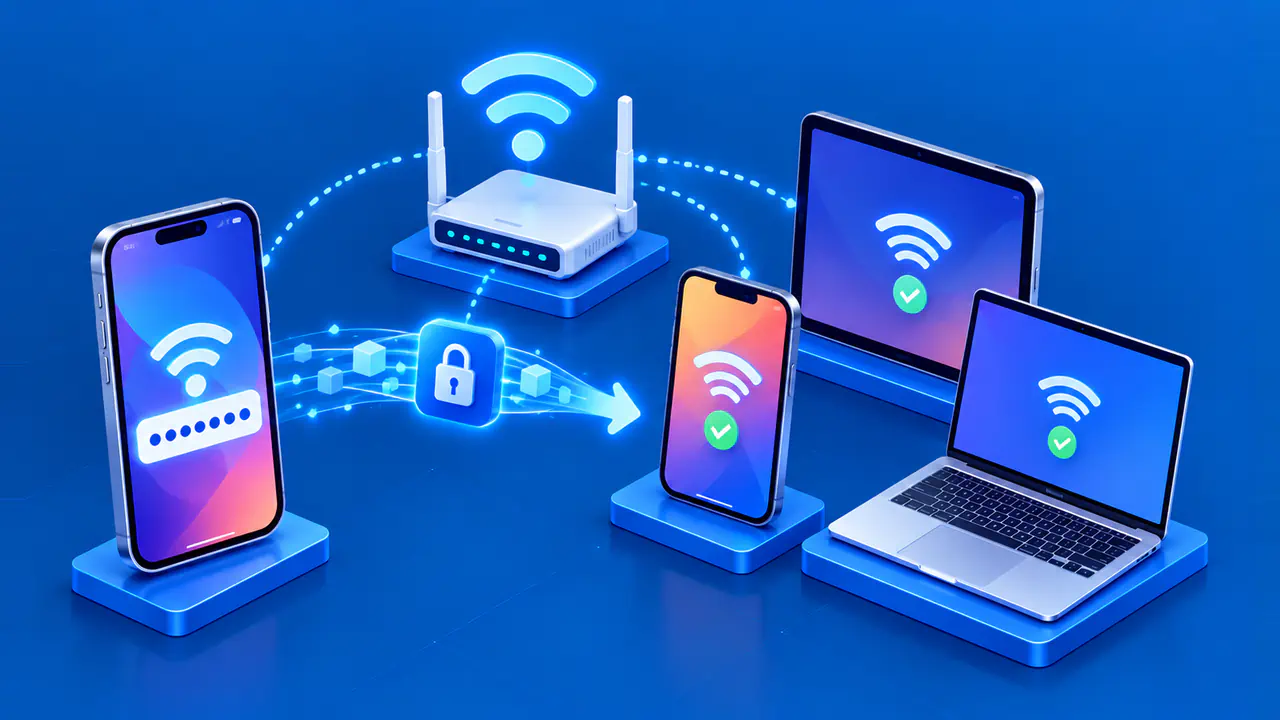
Some networks use MAC addresses to match devices with access rules, parental controls, or reserved local IP addresses. If your device presents a new address, a rule saved for the old address may no longer apply. Where the network supports private addresses, registering the address currently used for that network can resolve the mismatch. If the device offers a fixed private address, that setting may also help a registration remain valid.
Compare the actual address and the affected rule before changing settings. A router reservation tied to the hardware MAC will not match a different private MAC simply because both belong to the same phone. Network administrators can often update their registration process or configuration to accept private addresses. If a particular network requires the hardware address, change the setting only for that network and recheck whether the connection or service works.