What Is Jitter in Networking?

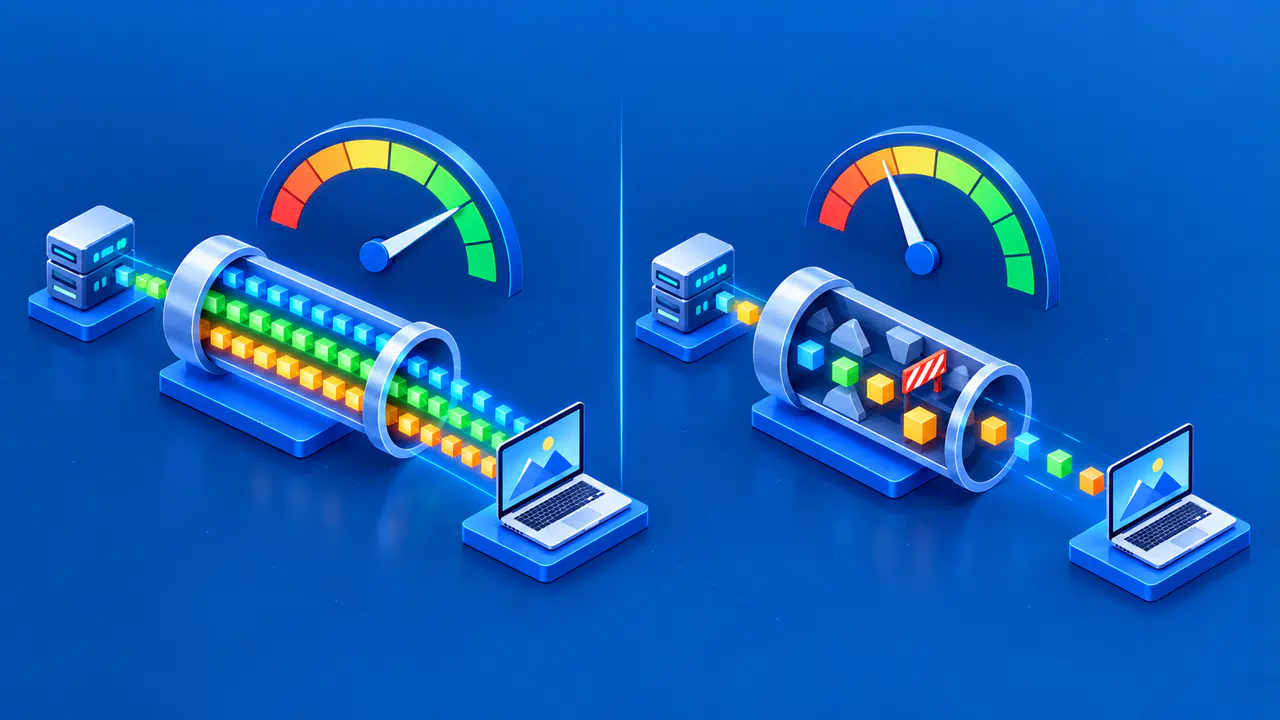
Network jitter means that packets do not experience the same delay from one moment to the next. A stream can have a moderate, steady delay and remain predictable, while another stream with a similar average delay arrives in uneven bursts. That changing arrival pattern is what makes jitter relevant to voice and video calls.
Speed tests and dashboards do not all measure jitter in the same way. Before interpreting a jitter value, check how the tool calculates it. Real-time Transport Protocol (RTP), which carries live media, defines an interarrival jitter value for reception reports, but another tool may calculate a different statistic from ping times or other probes.
Steady Delay versus Varying Delay
Imagine audio packets produced at equal intervals. If every packet takes 40 milliseconds to reach the receiver, the whole conversation is delayed, but the arrivals can still keep their spacing. Now imagine that one packet takes 25 milliseconds, the next 55, and the next 35. Even if the average delay is similar, the receiver has to manage packets arriving early and late relative to the planned playback schedule.
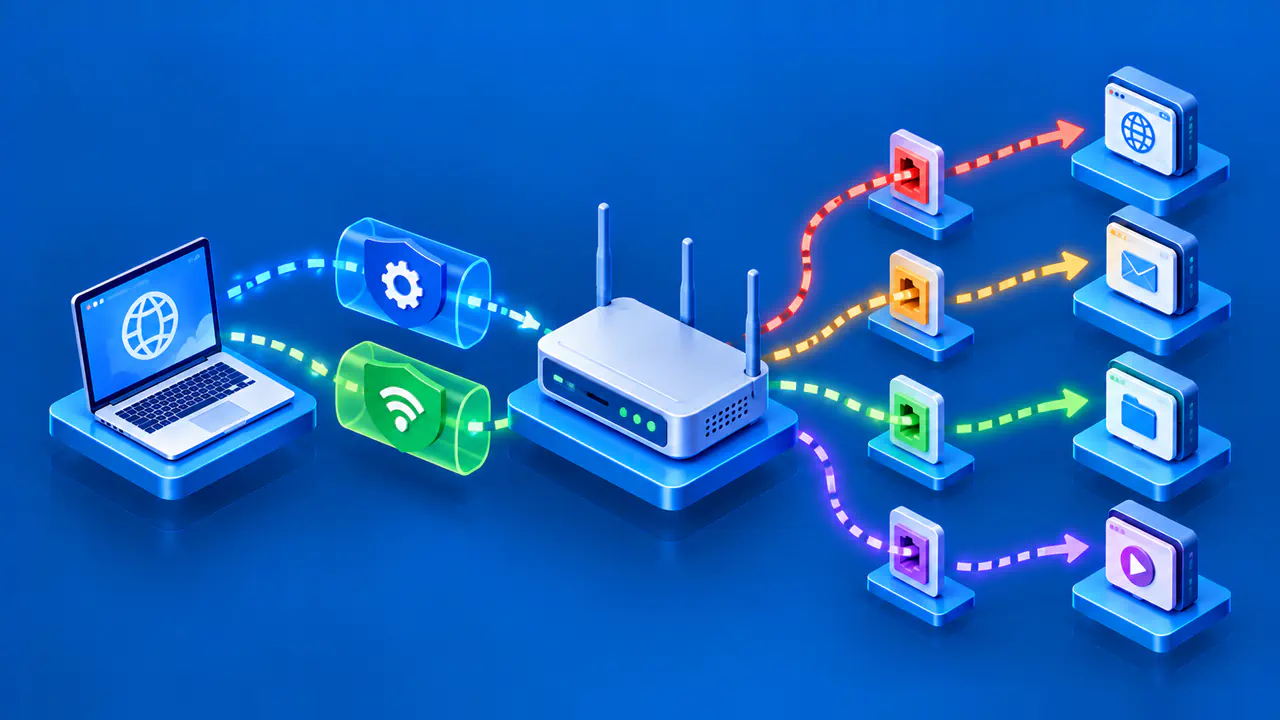
Packets can wait for a busy outgoing link, compete for WiFi airtime, or encounter changing conditions along the path. Those waits are not necessarily equal from packet to packet. The sender itself can also produce or transmit packets at irregular times. A measurement made only at the receiver may reflect both network behavior and variation before transmission, depending on its method.
Jitter differs from latency. Latency describes how long packets take to travel between endpoints, while jitter describes variation in that delay. Jitter also differs from packet loss, which a measurement records when an expected packet has not arrived within its waiting limit. Delay variation and packet loss can both affect a call, but a single jitter figure cannot establish the loss rate.
What RTP Interarrival Jitter Measures
RTP interarrival jitter compares the spacing between packet arrivals at a receiver with the spacing indicated by the packets' RTP timestamps. Those timestamps represent media sampling times, which are not necessarily the times the packets leave the sender. The comparison produces a smoothed estimate of delay variation rather than the difference between the highest and lowest ping. RTP's companion control protocol, RTCP, can carry the estimate in reception reports.
For a simplified illustration, suppose the RTP timestamps indicate that two packets are spaced 20 milliseconds apart, but their arrival times are spaced 35 milliseconds apart. The spacing difference for that pair is 15 milliseconds. Another pair might have a smaller difference or one with the opposite sign. The calculation takes the absolute difference and updates a running estimate, rather than reporting the example's 15 milliseconds as the complete session result.
Each update moves the estimate one sixteenth of the way toward the newest absolute spacing difference. The value in a reception report is sampled from that running estimate. It is carried in RTP timestamp units, which depend on the media clock rate. Check the displayed units: the tool may already convert the value to milliseconds, while a raw jitter value in RTP timestamp units needs conversion using the media clock rate.
RTP interarrival jitter is not the standard deviation of ping results. A dashboard labeled merely “jitter” might use a different calculation altogether, so compare values only after checking its documentation, units, sample window, traffic type, and endpoints.
Why Delay Variation Matters to Live Media
Delay variation can interrupt the steady delivery that voice and video playback need. A receiver normally holds some incoming media in a playout buffer before playing it, allowing time for delayed packets to arrive and for packets to be put in order. If packets arrive later than the playback deadline, the application cannot use them for that moment even if they eventually reach the device. The listener may hear a gap, distortion, or a short interruption; video can pause or appear uneven.
Adding more buffer time can make playback smoother, but it also increases the wait before a speaker is heard. The application must balance smooth playback against the extra delay in a conversation. The useful balance depends on the application, the codec that encodes the media, how much media each packet carries, and network conditions, so there is no universal jitter threshold that guarantees a good or bad call.
Delay variation is only one factor in call quality. Loss, congestion, device processing, and the application’s own buffering choices also matter. A stable jitter reading does not guarantee clear sound, and a brief increase does not prove that the network alone caused an interruption. Check when the sound or video broke up and which participant heard or saw the problem, then compare the measurements for that incoming stream.
How to Compare Jitter Measurements
First check how the tool measures jitter. Each RTCP reception report block describes a particular RTP source as observed by one receiver. A ping-based tool may instead summarize variations in round-trip times to a selected target. The ping target may differ from the media endpoint, and the two measurements can use different paths and calculations. Avoid treating the two reported numbers as interchangeable.
One screenshot may miss changes during a call. An RTCP jitter value is a snapshot of the running estimate when the report was sent, so compare several reports over time under similar conditions. Record which stream and direction were measured, the units, the observation period, and whether a call was active or the link was busy. Repeated reports can help distinguish a short spike from a problem that persists.
If a call's audio or video breaks up when another device uploads large amounts of data, compare the jitter readings with and without that upload, keeping the same receiver and stream. If the problem occurs over WiFi, compare a wired connection on the same device and router while keeping the call destination and other traffic as similar as possible. Neither comparison alone identifies a particular router or proves that buying more bandwidth will fix the call quality problem. If jitter is consistently lower over the wired connection, investigate wireless conditions; if jitter rises on both connections during uploads, investigate queueing on their shared path.