What Is Packet Loss and What Causes It?

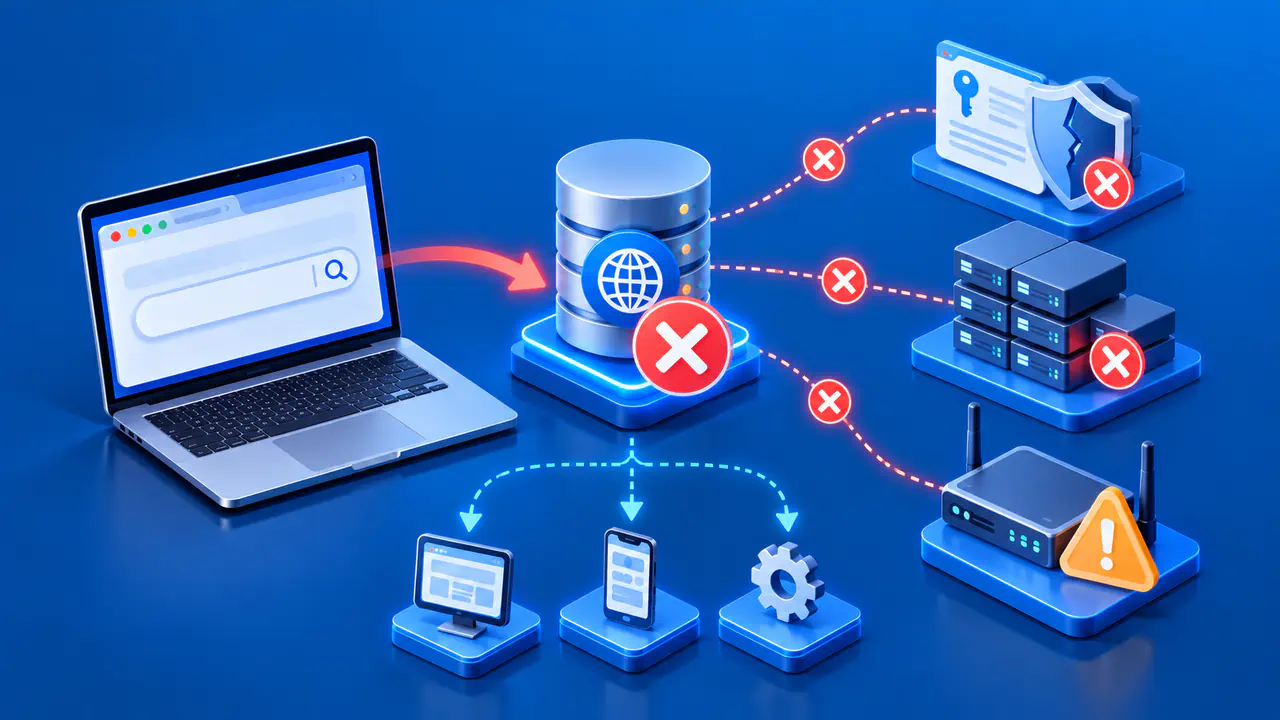
Packet loss occurs when a packet sent toward a destination does not arrive there as expected. Data travels through networks in packets, so a missing packet can interrupt the sequence an application needs. Packet loss tells you that delivery failed, but it does not explain why.
A congested queue may discard traffic, a wireless link may fail to carry a packet, or a device or link on the path may malfunction. The effect depends on the application and its recovery method. A file transfer may slow down while the sender retransmits missing data. In a live call, replacement data may arrive too late for playback.
What Counts as a Lost Packet?
A measurement can count an expected packet as lost when it has not arrived before a set time limit. A packet arriving later than usual is delayed, not automatically lost. A packet that reaches the receiver out of sequence is reordered, not necessarily missing. A packet that arrives after a real-time playback deadline can be unusable to that application even though it was delivered by the network.
For live audio or video carried by Real-time Transport Protocol (RTP), reception reports sent through its companion protocol, RTCP, use sequence numbers and packet counts to estimate loss. The cumulative received count includes late packets, even when the application could no longer play them. A network reception statistic can therefore differ from an application's count of unusable packets. Check what the reported percentage actually counts before interpreting it.
A loss percentage expresses the number of missing packets relative to the number expected during the measurement interval. For example, if a test expects 1,000 distinct packets and 10 do not arrive before the test's time limit, the loss is 1%. One missing packet in a small sample does not show whether the loss is persistent. If packets repeatedly go missing while a call breaks up, check the measurements for that call and time period. A result showing no loss applies only to the destination and period tested; it does not rule out loss on other paths or at other times.
How Packet Loss Affects Applications
A reliable transport protocol such as TCP resends data that appears to be missing so that the application can receive a complete stream. Successful recovery preserves the content but takes time and uses capacity, which can make a page or download pause. A streaming or interactive application may instead skip missing media, fill a brief gap with replacement sound or imagery, or request a replacement if it can arrive before playback.
In a voice call, losses may sound like a missing syllable or brief distortion. Video may freeze or show a distorted frame. A game may appear to stop updating and then jump forward. These symptoms have other possible causes, including uneven packet arrival times, server delays, and slow processing on the local device; the symptoms alone cannot prove packet loss. Where possible, check whether packet loss in the affected application's traffic coincides with the interruption.
Congestion and Full Queues
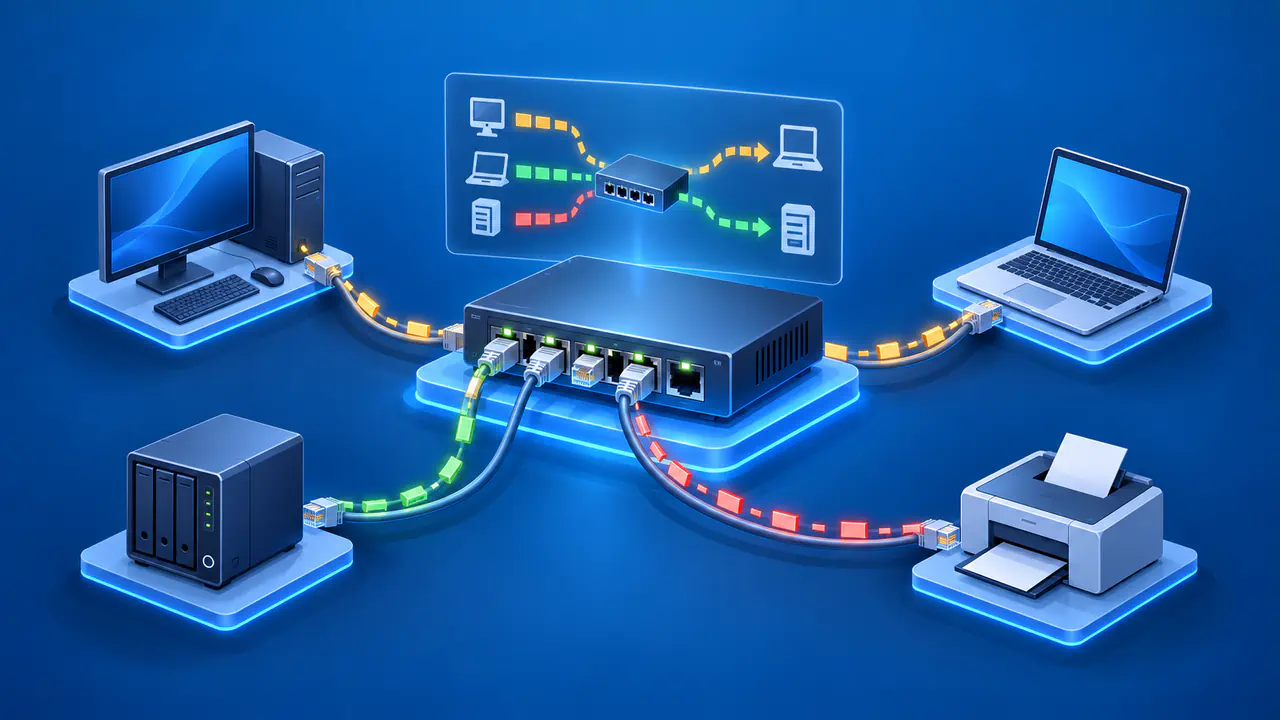
Routers and network interfaces hold packets while an outgoing link is busy. If traffic arrives faster than it can be sent and the available queue fills, some packets must be discarded. Some queue-management systems may drop packets earlier to signal congestion. In either case, packets may be lost during a busy upload or download even when the physical link is working correctly.
The location of the congested link matters. Traffic from a home device may encounter a busy WiFi channel, a full router queue, or a bottleneck elsewhere along the route, including beyond the internet provider's network. A single end-to-end loss measurement cannot identify which queue dropped the packet. Check whether the loss changes when local traffic increases and whether other devices or services have problems at the same time.
Wireless Interference and Local Connection Problems
WiFi and cellular connections share radio capacity with other transmissions and face changing signal conditions. Interference, weak coverage, and a busy channel can make delivery less reliable or delay access to the channel. Wireless equipment sends packets in frames, which are the units transmitted over the local radio link. It may retry an unsuccessful frame transmission before giving up, so a radio problem can add delay even when the packet eventually reaches the receiver.
Where a wired connection is available, compare it with WiFi using the same device, router, destination, and similar traffic conditions. Loss that occurs only over WiFi points toward the wireless connection or its adapter, but does not by itself identify a faulty component. Device power settings, a faulty adapter, and outdated or malfunctioning drivers can also affect connectivity. Check the local connection, adapter, and driver before assuming that packets were lost farther along the route.
Faults, Discards, and Path Changes
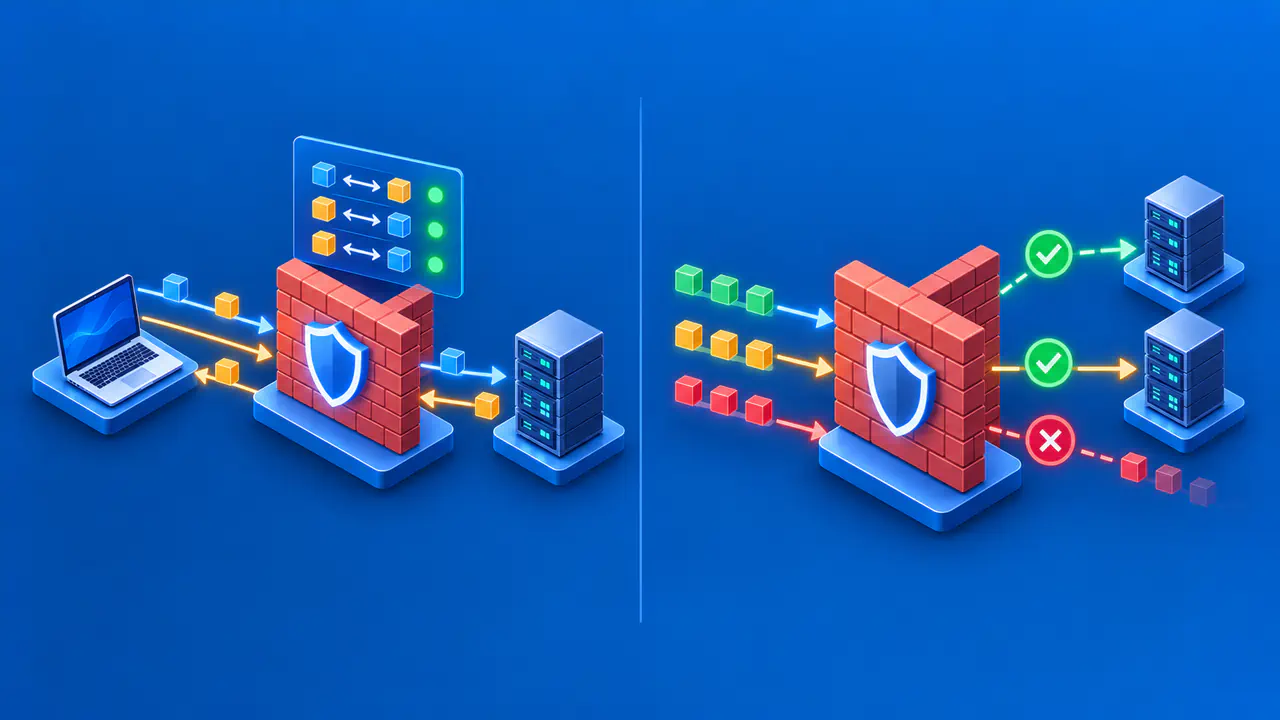
A damaged cable, failing port, overloaded or misconfigured device, or interrupted link can prevent forwarding. A change in the route packets take can briefly interrupt delivery. Packets can also be deliberately discarded by a firewall or policy rule; that is a forwarding decision, not evidence of congestion. Corrupted packets may fail integrity checks and be discarded instead of delivered.
The fix depends on the cause. Replacing a cable does not resolve congestion on a separate upstream link, and increasing bandwidth does not remove a firewall rule that blocks the traffic. Before changing settings or replacing equipment, check whether the problem affects one device, one connection type, one destination, or several paths. Record when it occurs and whether it starts during heavy traffic or after a connection change.
What Packet Loss Tests Can Tell You
A ping timeout means that the sender did not receive the expected ICMP Echo reply within the test's time limit. That missing reply alone does not prove that packets sent by an application are being lost. A router being pinged may ignore requests or limit its replies, and a firewall may block ICMP traffic while allowing the application's traffic. Successful pings also do not guarantee that an application's packets will arrive. What the test tells you depends on its protocol, endpoints, direction, number of probes, and timing.
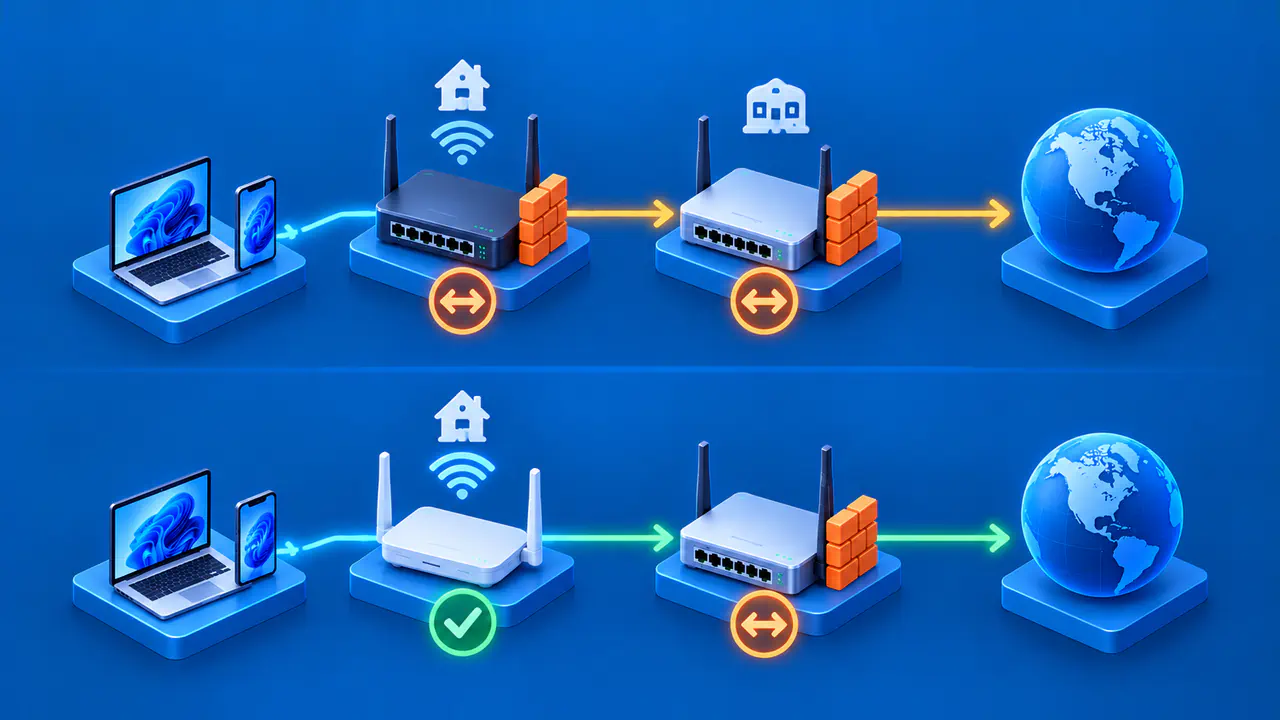
When comparing a remote destination with the local router, use the same device and similar test settings during the period when the problem occurs. Successful pings to the router show that those probes and replies traveled between the device and router. Missing replies from the remote destination can still result from a problem farther along the route, a problem on the return path, or the destination ignoring or limiting test traffic. Compare those results with the affected application's statistics, if available, before attributing the problem to a particular network.