Are Free VPNs Safe?
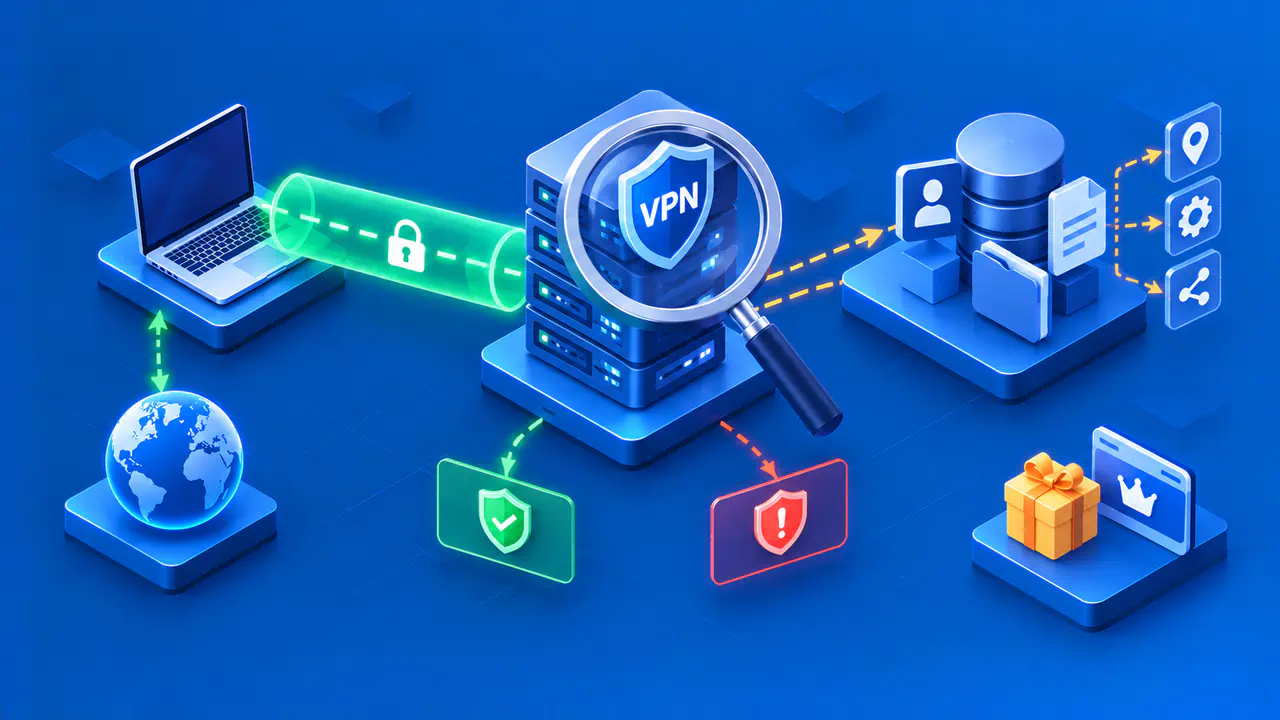
A free VPN can provide useful protection, but its price does not tell you whether the service is trustworthy. Safety depends on the software, the company operating it, and how that company handles your data. A paid subscription does not settle those questions either. Before installing a free VPN, check who runs it, how it is funded, and what access you would be giving the app.
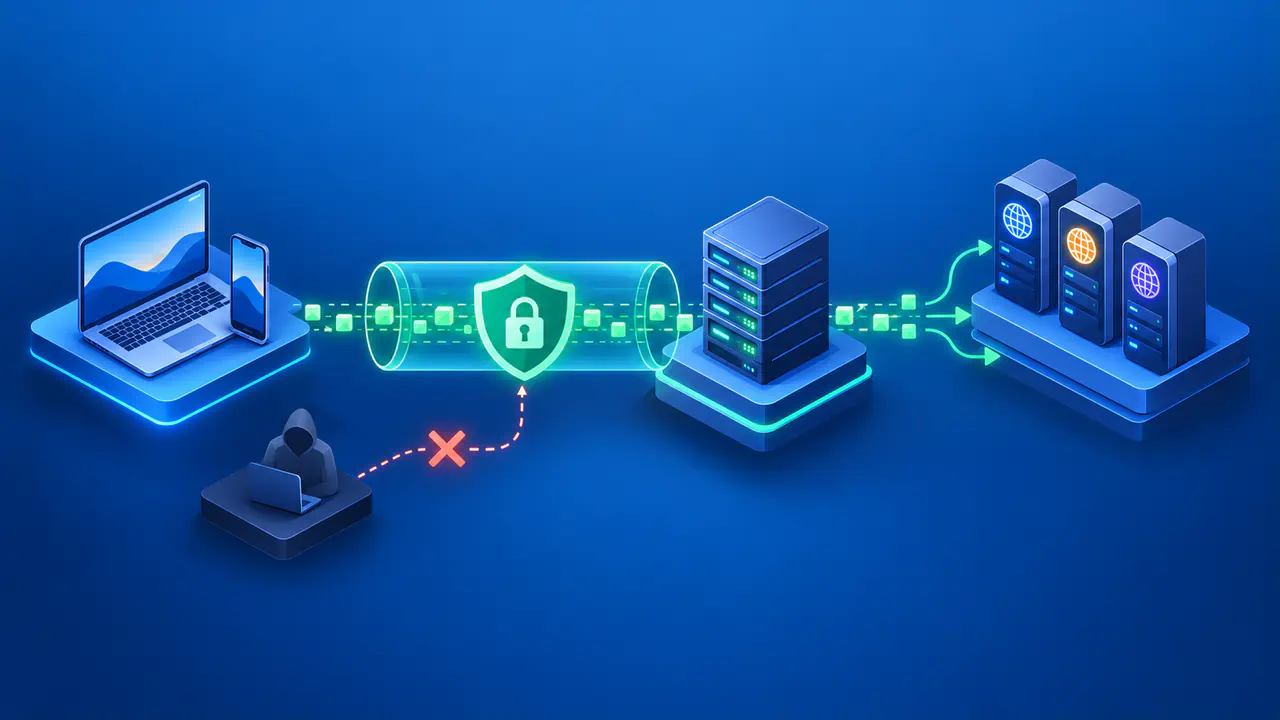
Decide what you need the VPN to do. Encrypting traffic between your device and a VPN server can reduce what a local network operator sees, but the VPN provider then handles that traffic. A VPN does not stop a website from recognizing an account you sign into or information you submit. The aim is to choose a service whose protections and limitations fit your purpose, rather than assume that a VPN makes every online activity private.
How Free Plans Are Funded
Servers, software development, and support cost money even when the app is free to download. Some providers fund a free plan with revenue from paying subscribers, often offering fewer features on the free plan. Others show ads or receive funding from donations or an institution. These models create different incentives, but knowing the funding source does not prove how the service treats each connection.
If a free app uses advertising, check what information reaches the advertising companies. Showing an ad and selling browsing records are different practices, so neither should be assumed from the word free alone. Look for an explanation of any identifiers or app activity shared with partners and whether advertising is optional. If the free and paid plans have different terms, read the terms for the plan you would actually use.
Identify the Operator and Read the Data Policy
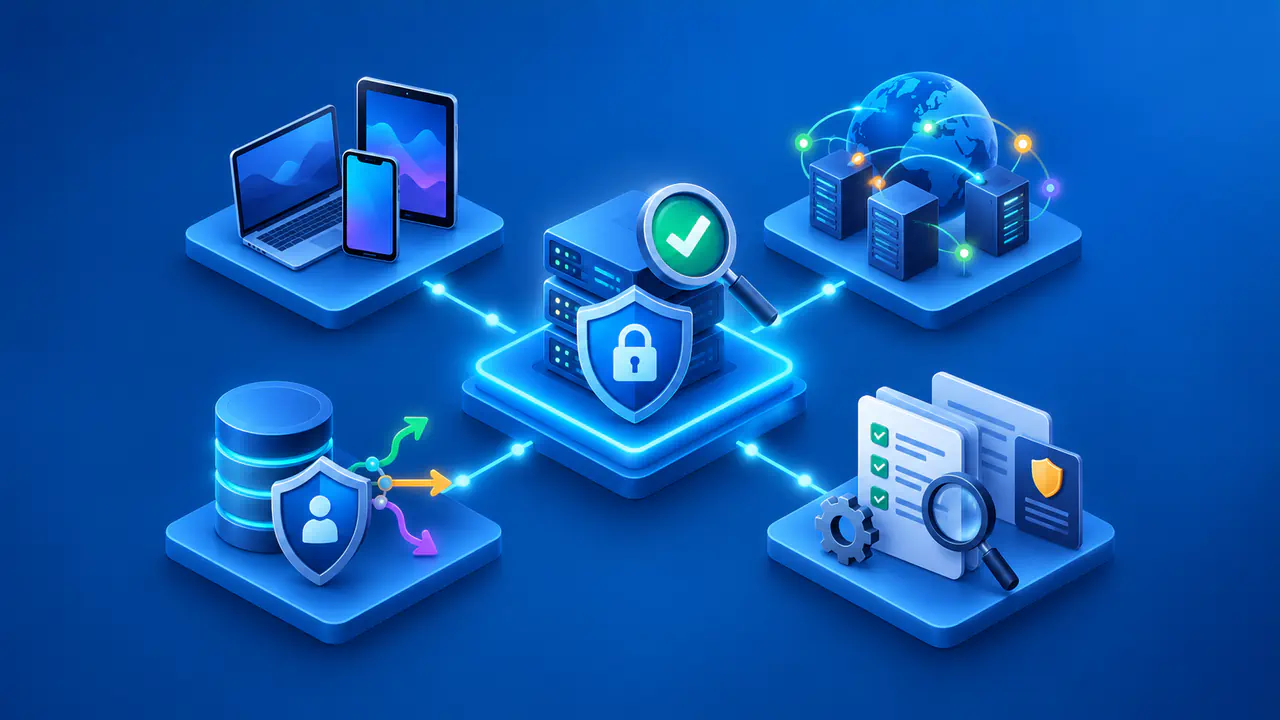
Start with the entity behind the app. Look for a named operator, current contact information, a maintained privacy policy, and a way to report a security problem. App-store listings and reviews can help you investigate, but a high rating is not proof of encryption or careful data handling. Follow the provider's official download instructions and check that the app's publisher matches the expected company.
A no-logs claim needs a clear explanation of which records the provider means. Browsing history, DNS lookups, connection times, and source IP addresses are different from account details, support messages, or crash reports. A provider may say it does not retain traffic logs while still keeping an email address used for an account. Read the policy for the categories of data collected, the purpose of collection, and the stated retention periods.
Check who else receives data and why. A company handling a support request on the provider's behalf has a different role from an advertising partner using information for its own targeting. The policy should make those relationships understandable. If a prominent privacy promise conflicts with the detailed policy, seek a specific explanation before trusting the app with your traffic.
Check Permissions and Security Evidence
A VPN app needs permission to establish a VPN connection and handle the traffic routed through it. That permission does not justify every other request the app makes. Access to contacts, messages, or precise location needs a reason tied to a feature you intend to use. Review optional permissions separately and check them again if an update adds new features or requests.
Read how the provider secures the connection between the device and its VPN server. The documentation should identify supported protocols and encryption, rather than rely on a vague claim of total protection. Websites using HTTPS also encrypt content between your browser and the site, independently of the VPN. A VPN connection is not a reason to ignore a website's certificate warning or send sensitive information over an unencrypted connection.
Published security reviews can help you assess claims that a privacy policy alone cannot demonstrate. Check the report's date, which app or server components were examined, and whether reported problems were fixed. An app review does not automatically cover every server or a later software version. Open source code allows inspection, but the mere availability of code does not mean someone has checked every security claim.
Distinguish Plan Limits from Warning Signs
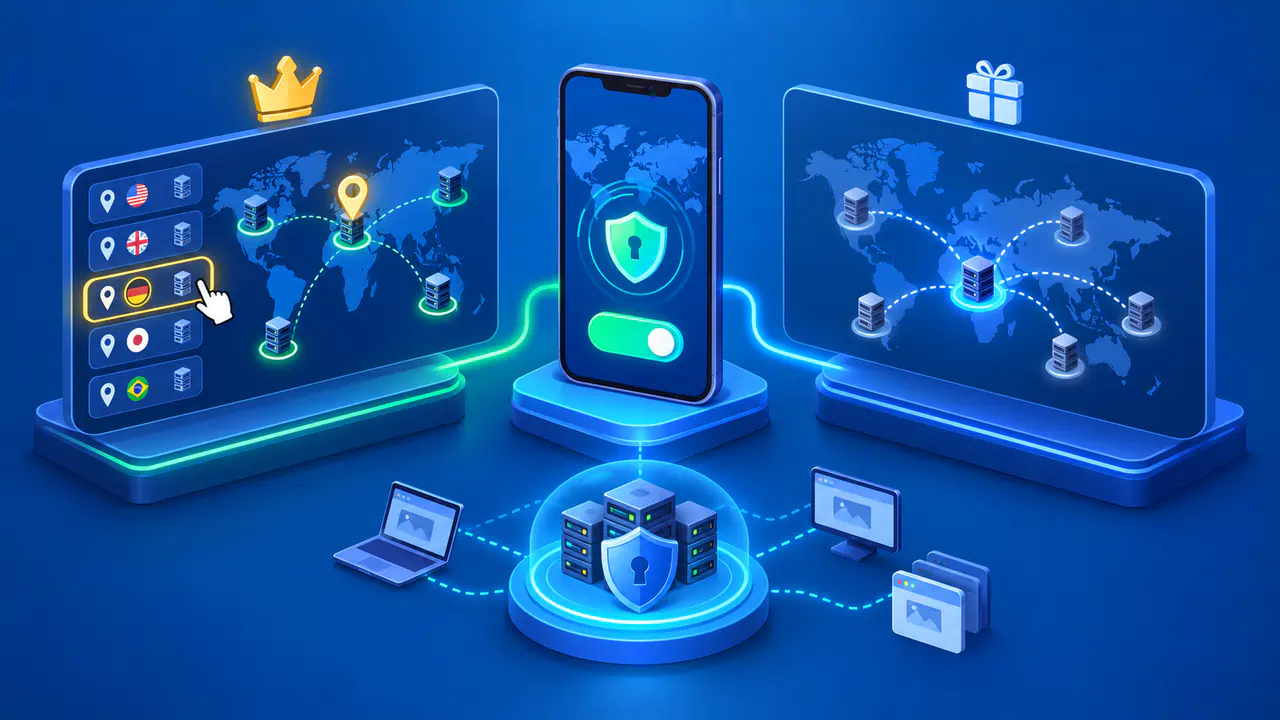
Free tiers often limit server selection, simultaneous devices, speed, or features. A clear, disclosed limit is a product constraint, not evidence of data misuse. Compare the current plan with the task you need to complete, including whether a required feature is available on your operating system. Do not assume that a feature listed for the paid plan is included in the free version.
A slow connection can result from congestion, a distant server, or a stated plan limit. Speed alone cannot show whether data is being sold, and a fast connection does not establish trustworthy data handling. More relevant concerns include unexplained collection, requests for unrelated sensitive access, or instructions that contradict the provider's security claims. Investigate the specific behavior instead of treating every inconvenience as proof of abuse.
Check for terms that allow other customers' traffic to pass through your device or internet connection. Sharing your connection as part of a proxy network is a different arrangement from simply connecting to a VPN server. Understand that arrangement and its possible effects on your bandwidth and public IP address before accepting it. A service should not leave you to discover such a role after installation.
Before and After You Connect
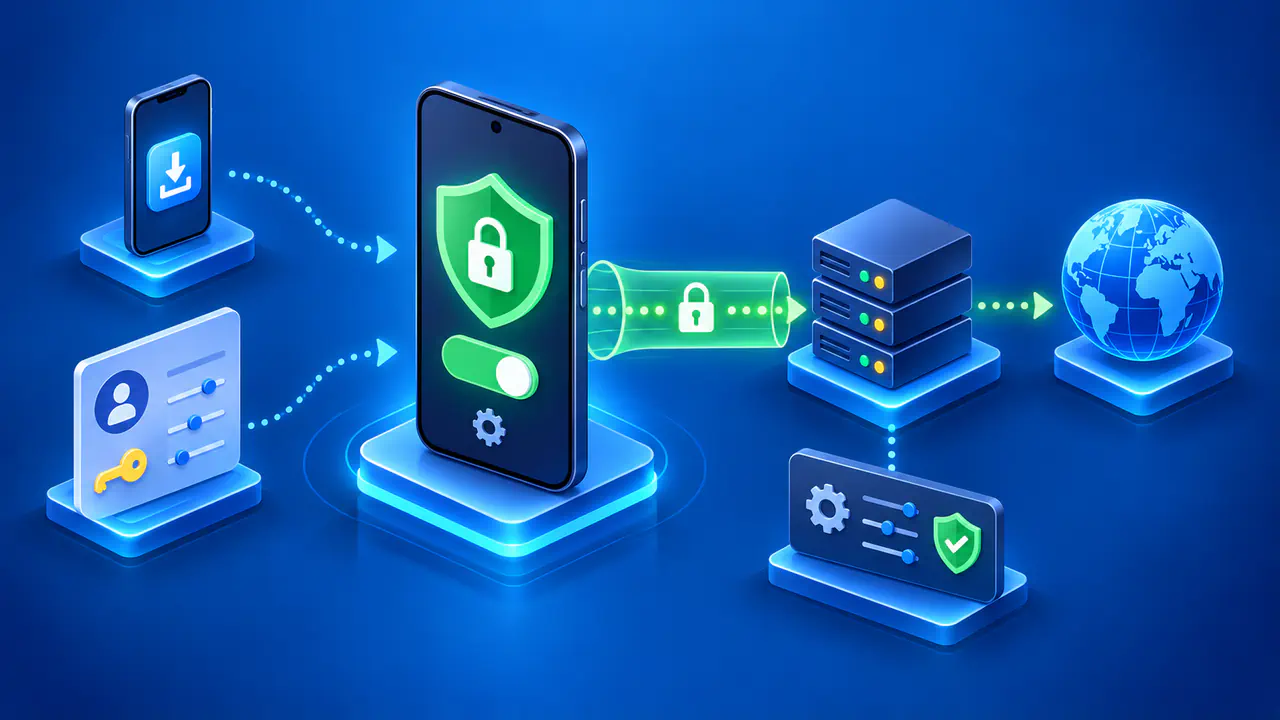
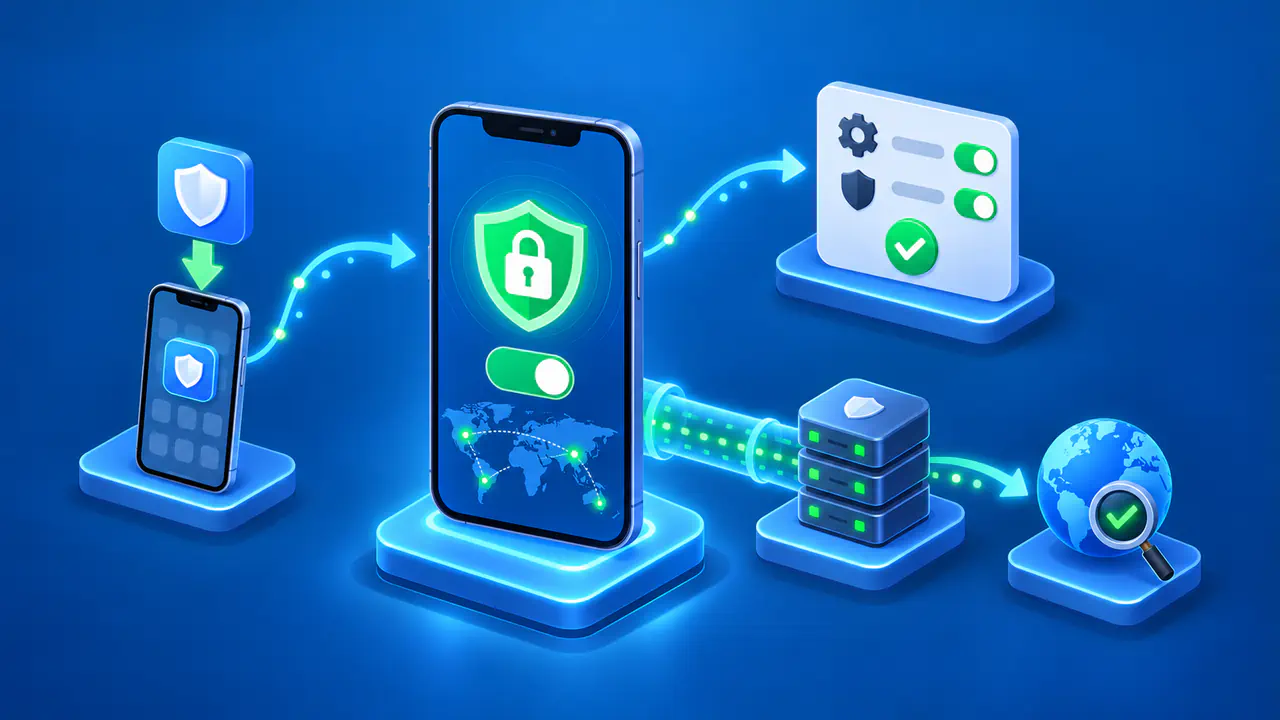
Before installing, make sure you can identify the operator, explain the funding model, and understand the permissions and data policy. Check that the free plan supports your intended use. If an essential detail is missing, ask the provider a concrete question about that detail or choose a service that explains it. A broad reassurance that the app is secure does not answer a question about a particular permission or retained record.
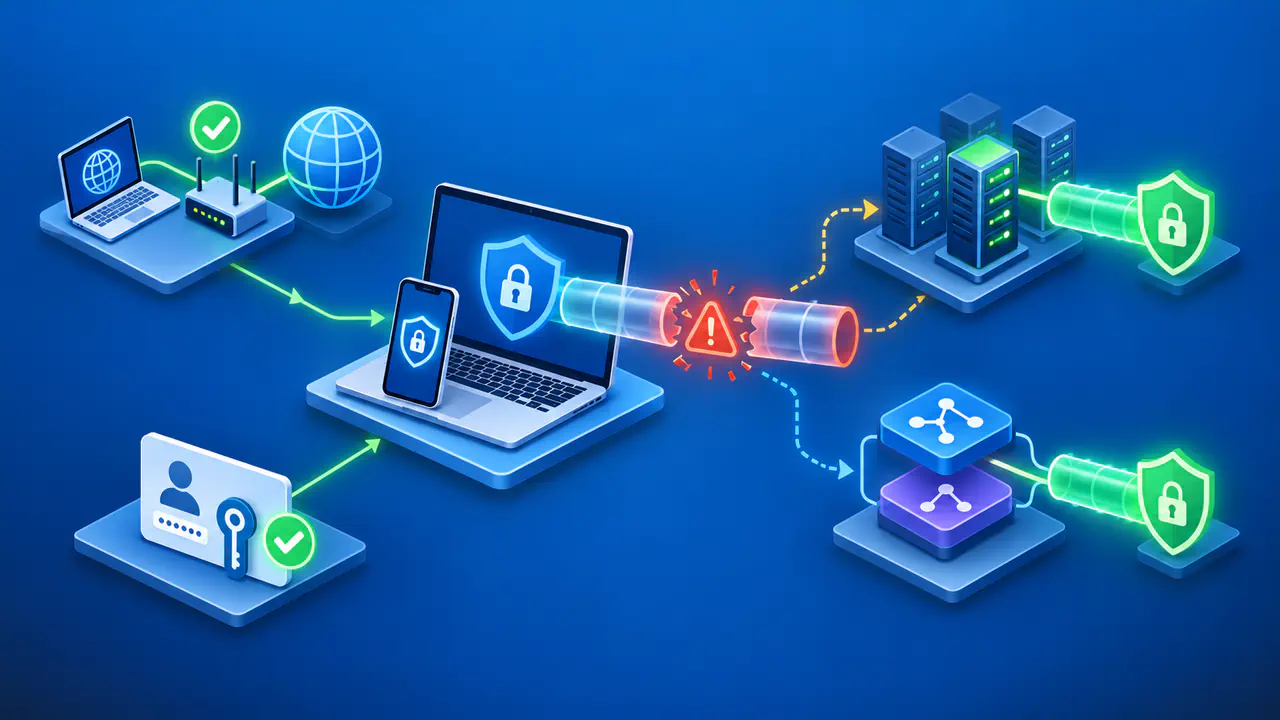
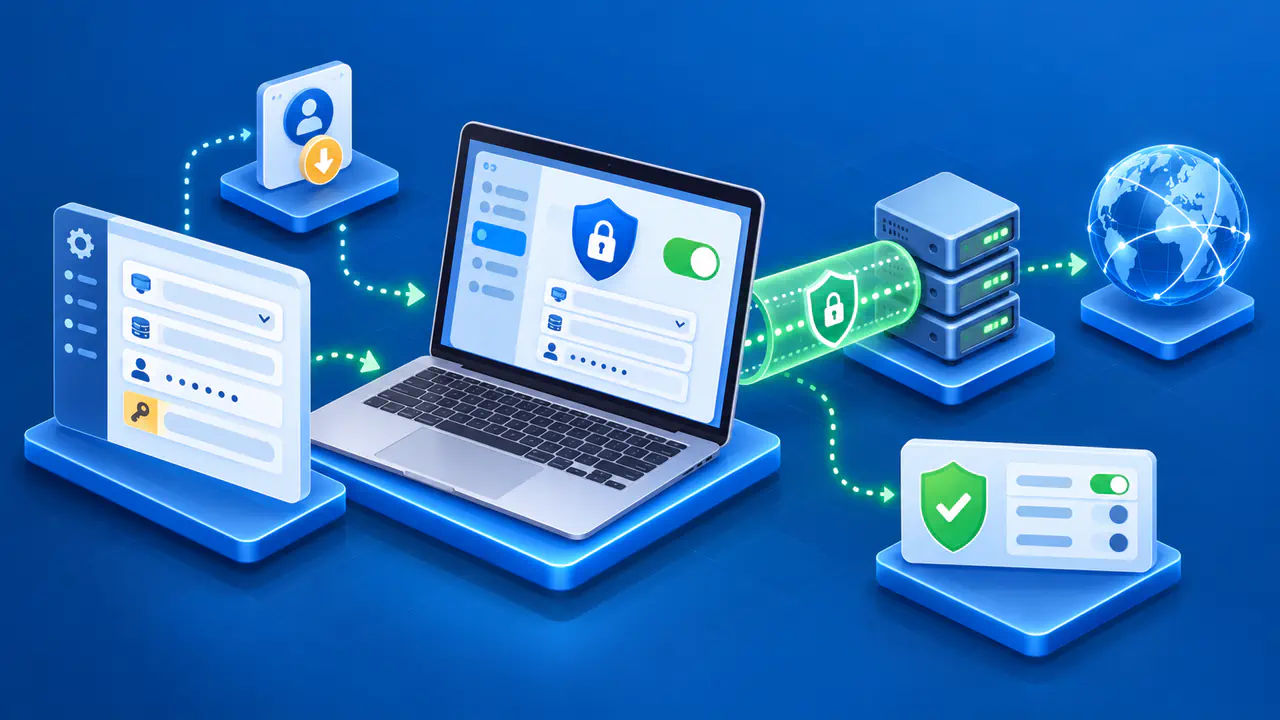
After installation, inspect the permissions actually granted and confirm that the app reports a connected state. A public IP check can show the address used by that browser request, but it cannot reveal the provider's logging practices or verify every app's route. If preventing IP or DNS leaks is part of your purpose, use a separate test that covers the relevant connection and platform. Keep the app version and test date with the result so an old check is not mistaken for evidence about a newer version.
Review the service again when its ownership, policy, permissions, or funding changes. Keep the VPN app updated, and read notices that affect the plan you use. If you decide to stop using the service, disconnect it and remove its app and VPN configuration through your device's supported settings. Check that your internet connection works afterward and that the unwanted VPN configuration is no longer active.