How to Change Your Public IP Address
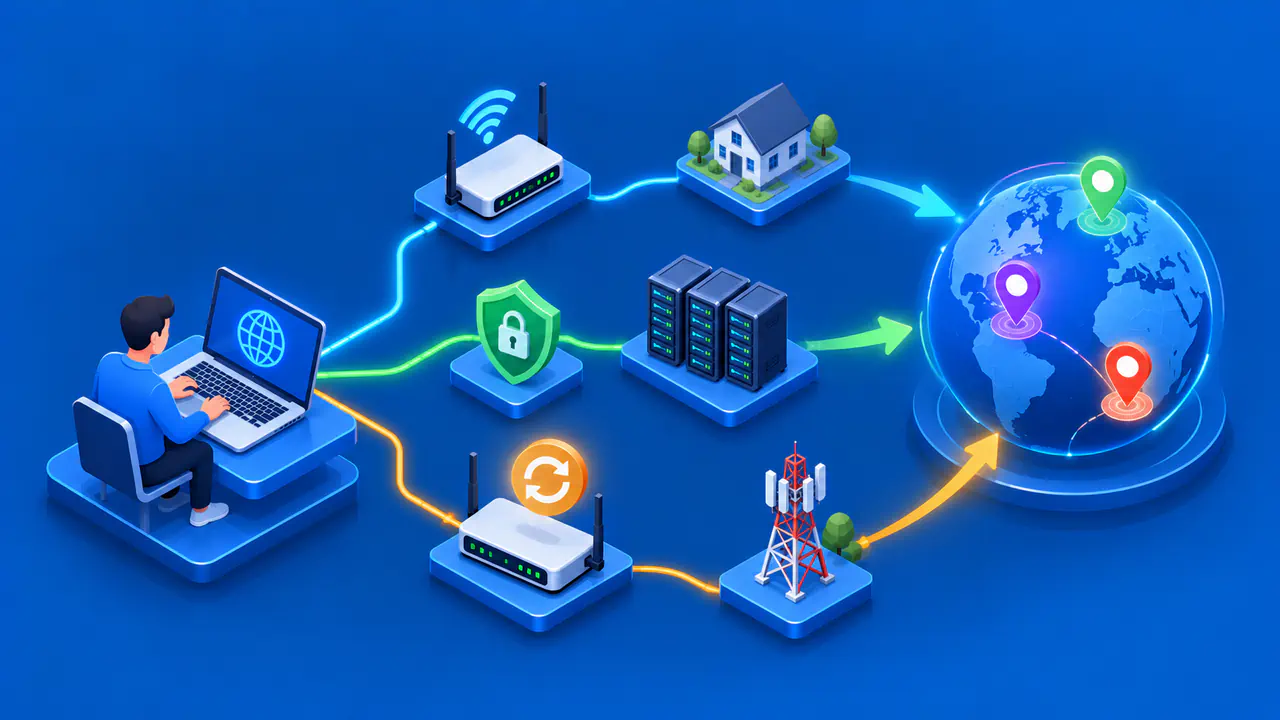
Changing your public IP address means changing the address an external service observes for your connection. The method depends on which network carries your traffic and who assigns its outward address. Moving to another network or using an authorized VPN can change the observed address immediately, while changing an ISP-assigned address depends on the provider's service and policy.
Before making changes, decide what you need: a different address for one browsing session, or a different address assigned to your home connection. Record the address that an external IP-check service shows, the connection you are using, and whether the result is IPv4 or IPv6. Then compare the result after the chosen change using the same address family and the same checking method.
Check Your Current Public IP Address
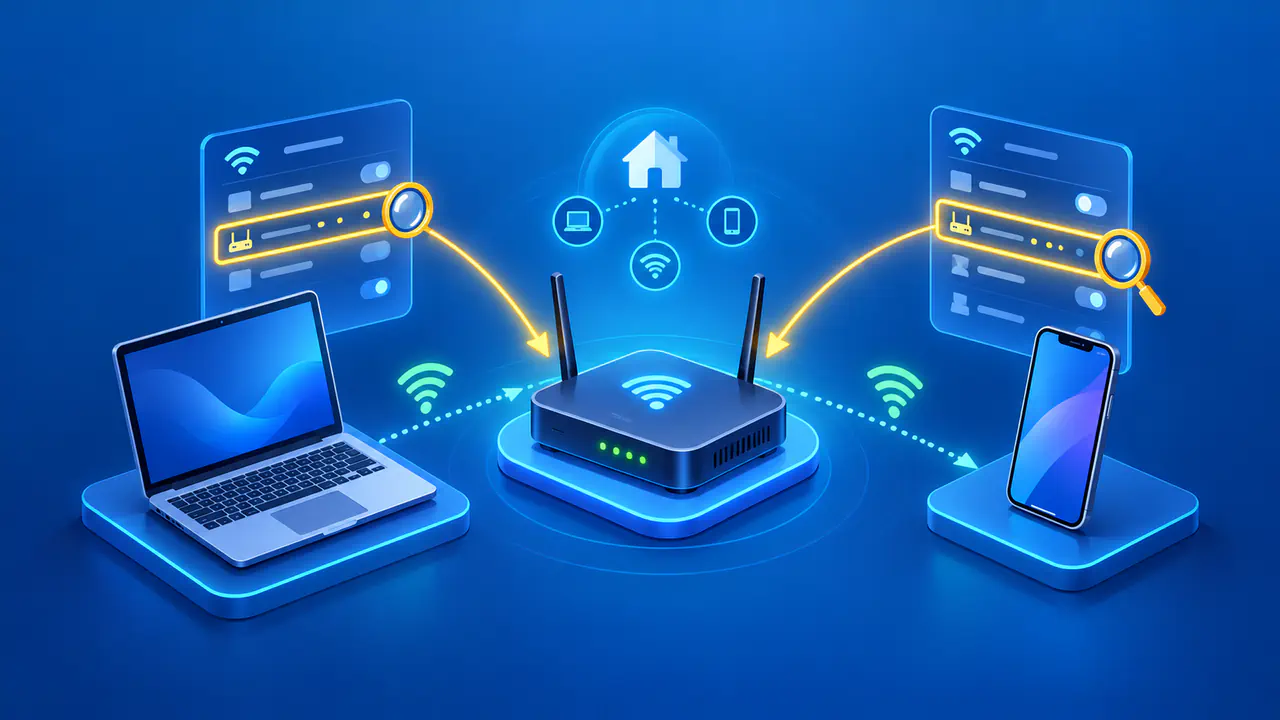
Open an external IP-check page from the connection you intend to change. Note its reported IPv4 and IPv6 addresses separately if both appear. A local address such as 192.168.1.20 belongs to the device's private network and is not necessarily what a website sees. Home routers commonly translate private IPv4 traffic to an outward address, and some providers share an outward IPv4 address among subscribers.
For a fair comparison, use the same device and the same check service before and after. Disable or account for any VPN, proxy, or alternate browser route that is already active. A phone can also switch between Wi-Fi and mobile data without making the change obvious in a browser tab. Note the active route each time so an apparent address change has a clear explanation.
An IP-check page reports its observation at that moment. It does not establish that you own the address or that it will remain assigned. If the page displays only one address family, it cannot tell you whether the other family changed. Check both when the outcome matters.
With IPv6, a website may see a public address configured on your device rather than an address used by your router. Your ISP may assign your home network a prefix, the shared starting part of its IPv6 addresses, from which devices obtain or generate their addresses. Changing one device's IPv6 address is a different task from changing the ISP-assigned prefix.
Compare Network, VPN, and ISP Options
Switching networks or using a VPN can change the route your traffic takes. An ISP address change affects the address assigned to your underlying connection, so choose the method that matches the result you need.
Use Another Network
Disconnect from the current network and connect through another connection you are permitted to use, such as mobile data instead of home Wi-Fi. A site may then observe the second network's outward address. The result is tied to that network and may be shared with other users. Returning to the first network can restore the earlier address; it is not a change to the home ISP assignment.
Use a VPN
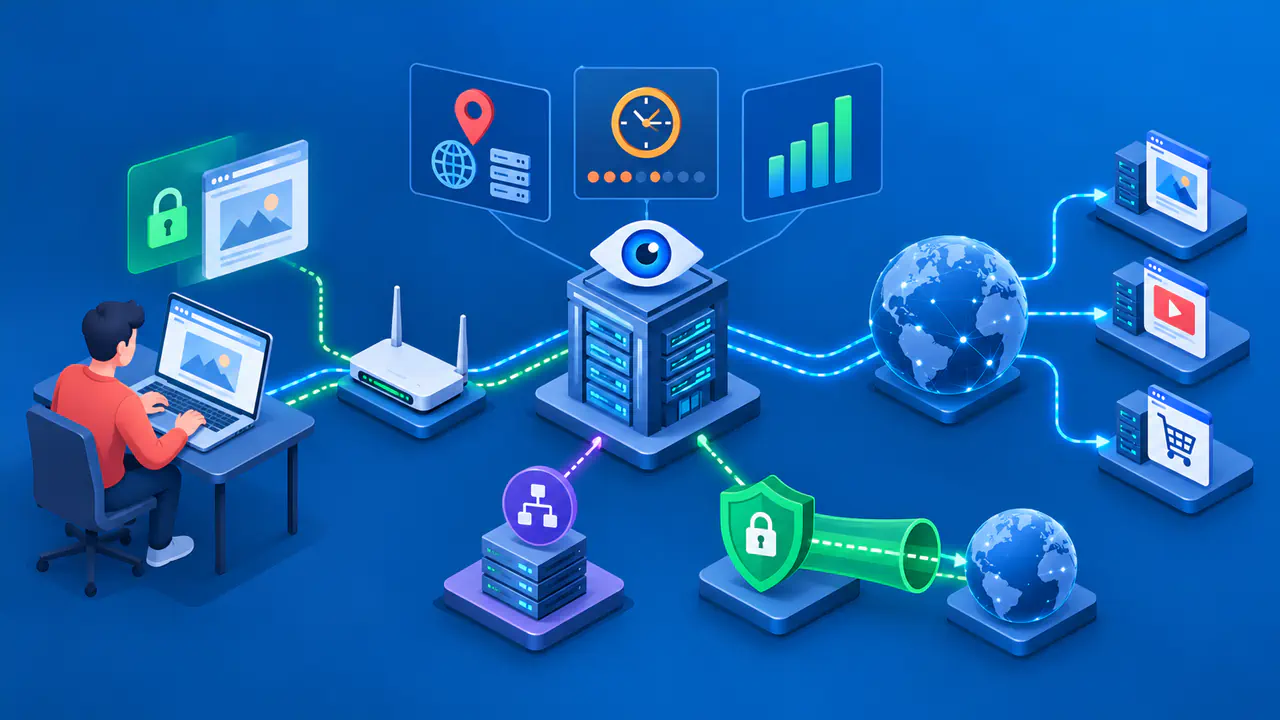
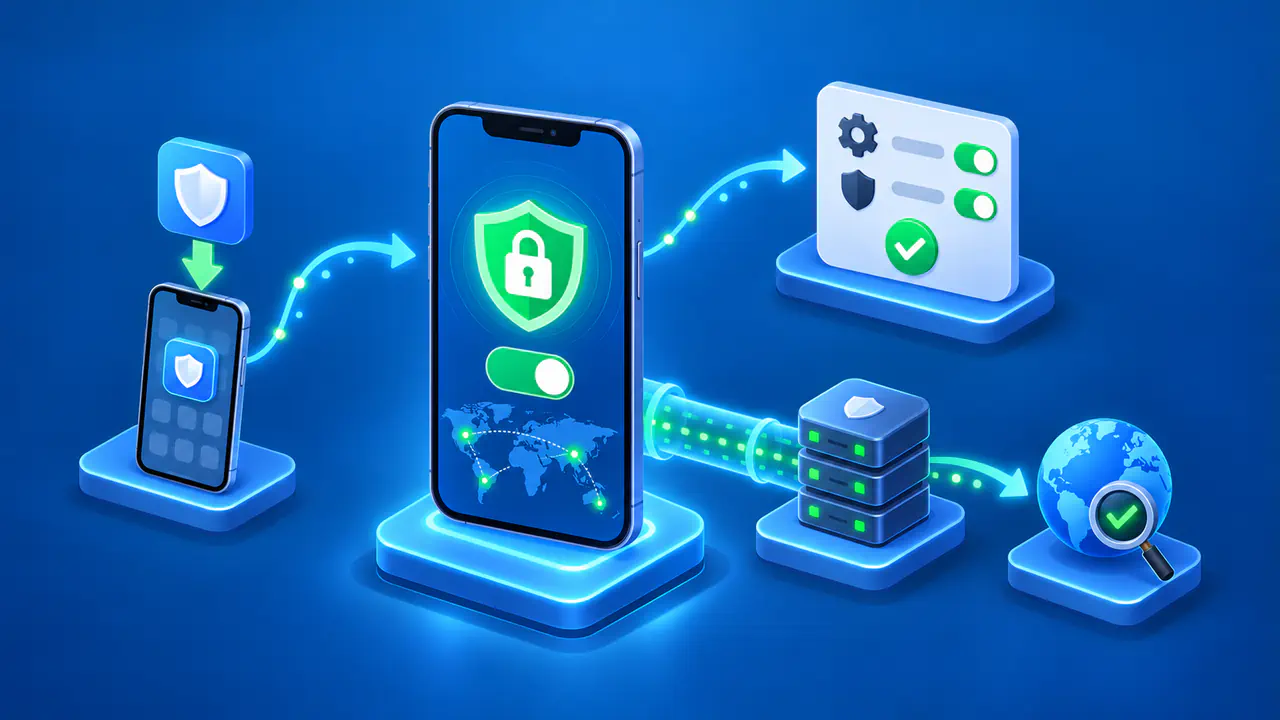
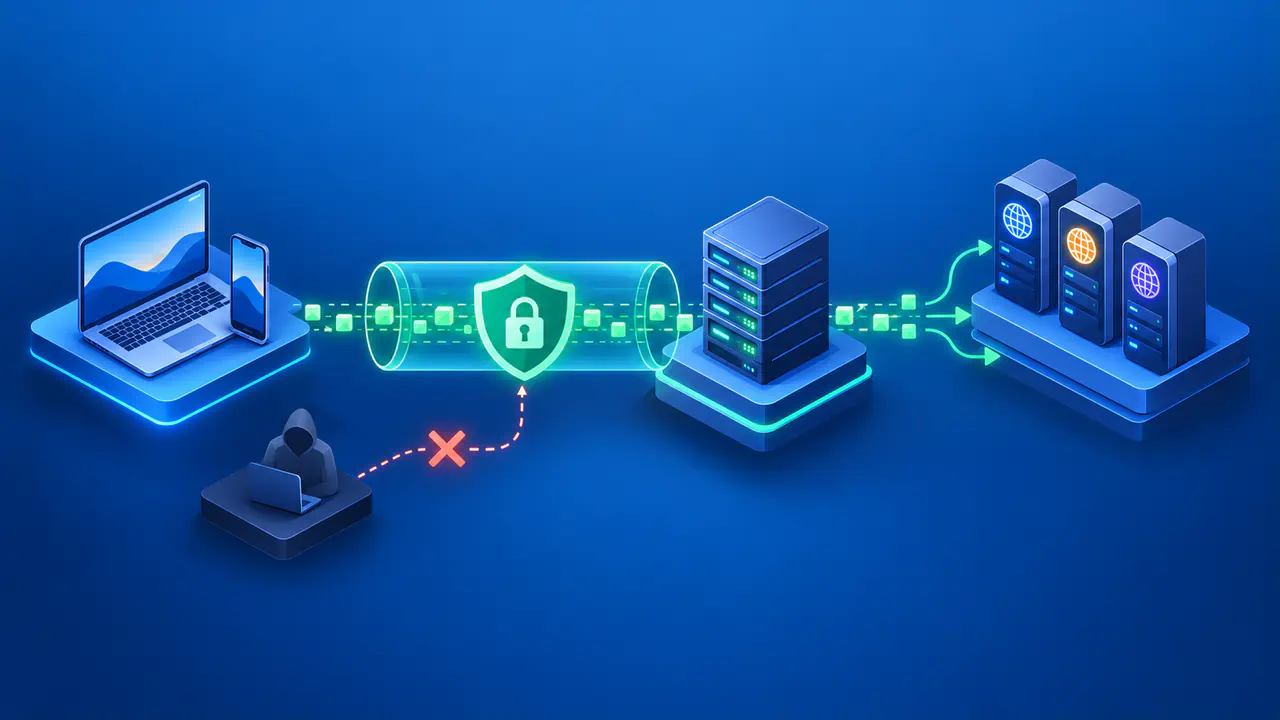
A VPN routes selected traffic through its provider's exit infrastructure. When it is configured and active for the application being checked, a website usually sees the VPN exit address. Confirm the VPN covers the traffic in question and that you are authorized to use it. The exit address is controlled by the provider, may be shared, and can differ by server or address family. Some services classify VPN or hosting addresses differently, so a different IP does not guarantee access to a blocked service.
Ask Your ISP about a New Address
Your ISP controls the addresses it assigns to your internet connection. Some plans offer a static address; others use a dynamic assignment. If you specifically need a new ISP-assigned address, ask whether the provider can change it, what conditions apply, and whether IPv4 and IPv6 are handled separately.
Restarting the router may reconnect it with the same address. If your ISP uses DHCP, renewing the router's WAN lease may simply extend the lease for the same address. DHCP also permits reuse of an existing address after a restart, so neither action guarantees a new public IP.
If your ISP uses carrier-grade NAT, changing the address assigned to your router may leave the shared public IPv4 address unchanged. Ask the ISP whether your connection has its own public IPv4 address before requesting a replacement.
Setting a private IPv4 address on a laptop changes its local network configuration. It does not instruct the ISP to assign a different public IPv4 address. Incorrect local settings can also interrupt connectivity. Do not set a different private IPv4 address merely to change the public IP that an external website sees.
Verify the Observed Address Changed
After switching networks, activating the VPN, or receiving confirmation from the ISP, reopen the external IP-check page. Compare its new IPv4 value with the old IPv4 value, and its new IPv6 value with the old IPv6 value. Record the date, the active network or VPN, and whether the check was performed in the same browser and service.
If the values appear unchanged, first confirm that traffic actually uses the intended network. A VPN may route only selected applications, or the device may still be using Wi-Fi when mobile data was expected. If an ISP change was requested, ask which address family and which equipment interface the provider changed. Recheck after reconnecting, but do not keep restarting equipment on the assumption that each restart forces a new address.
If IPv4 changes but IPv6 does not, a site using IPv6 may still see the old IPv6 address. The reverse can also happen. The useful outcome is the address observed by the service and protocol you care about, not just one number displayed in your device settings.
Effects on Website Sessions and Location
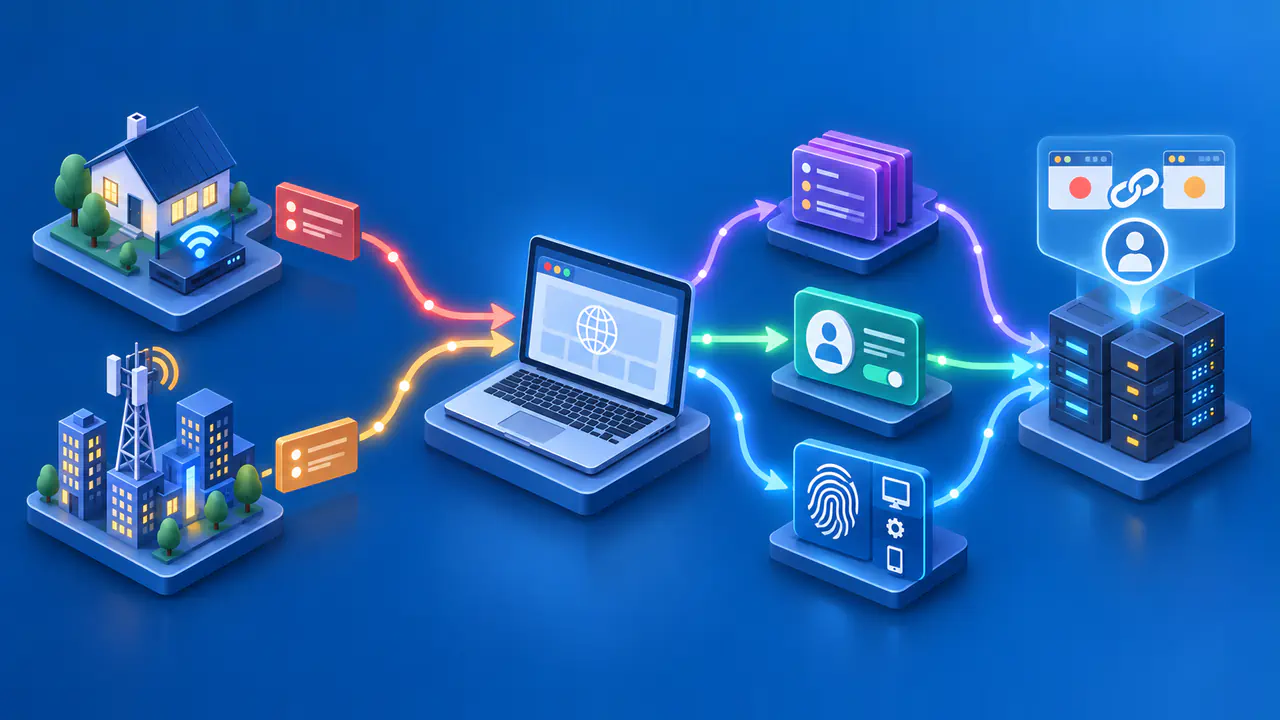
A different public IP address does not erase browser cookies, account sign-ins, stored session identifiers, or information voluntarily supplied to a service. A website can recognize a signed-in account after a network switch. Existing connections may also end or need to reconnect when the route changes, and access rules may treat a VPN exit address differently from a residential one.
An address change may affect approximate location estimates and rate limits, but it is not a promise of anonymity or a particular geographic result.