How to Find a Lost iPhone
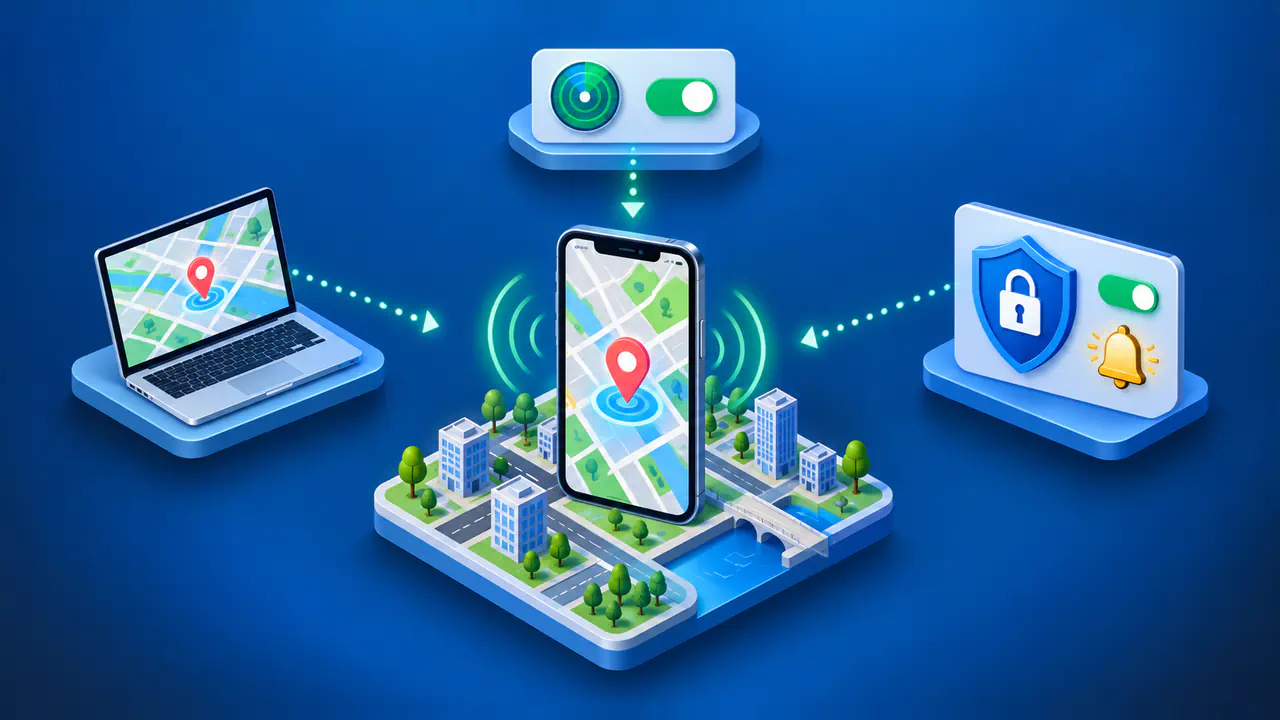
To find a lost iPhone, open Find My on another Apple device or sign in to iCloud Find Devices in a browser. Select your iPhone to check its location and play a sound if you think it is nearby. If you cannot recover the phone promptly, mark it as lost to protect your data.
Find My must have been turned on before the iPhone went missing. You also need access to the Apple Account used on the phone, or help through an existing Family Sharing group. If Find My was never enabled, you cannot add the missing phone remotely; focus on protecting your account and mobile line.
Open Find My and Select Your iPhone
On another iPhone or iPad signed in to your Apple Account, open Find My, choose Devices, and select the missing iPhone. Check the device name carefully if your account contains several phones. A family member can also help locate your iPhone when you have Find My enabled and share your location with that Family Sharing group.
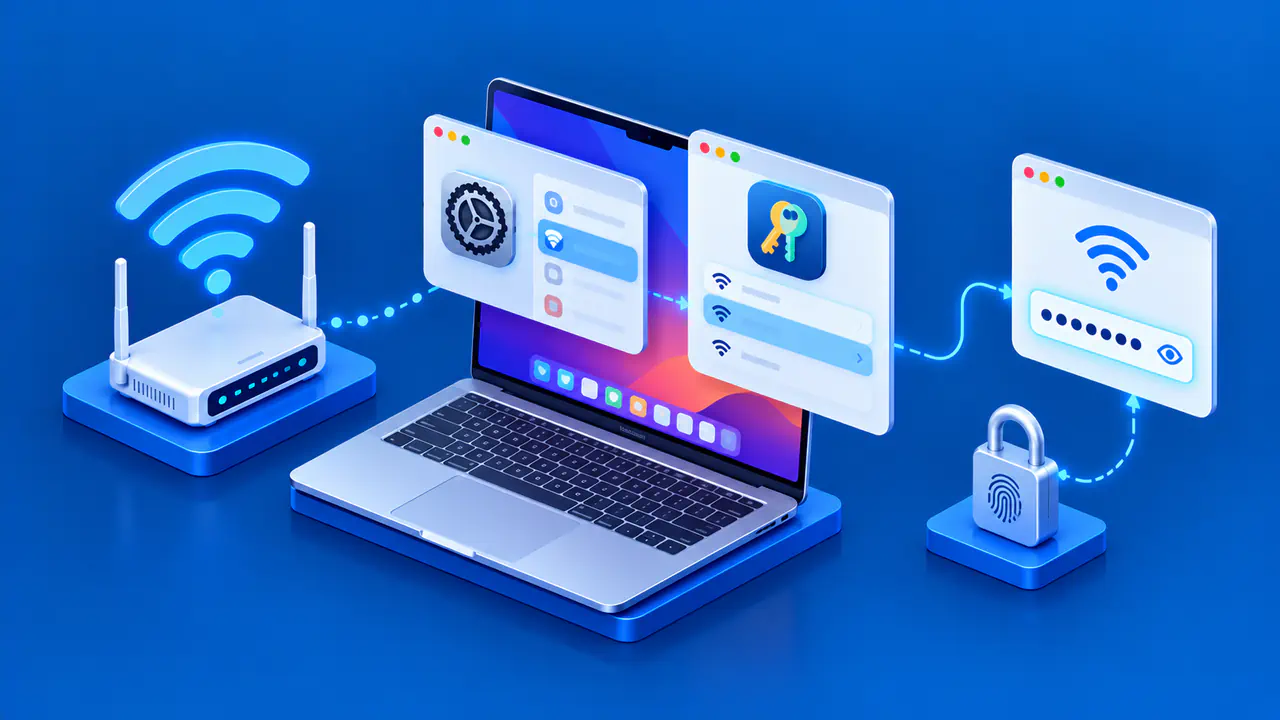
Without another Apple device, open icloud.com/find in a browser and sign in to the account used on your missing phone. Select the iPhone from All Devices. Find Devices does not require a verification code from the lost phone; if the general iCloud sign-in screen asks for a code, choose Find Devices at the bottom of the window.
If you borrowed a device, use the browser to sign in to your own account. Your phone cannot be added to a friend's Find My account simply because you need help finding it. Sign out of the browser session when you finish, especially on a shared computer.
When the phone appears to be somewhere nearby and safe, choose Play Sound from its device controls. Listen while checking places where a phone can slip out of sight, such as under a seat or between cushions. If the map points to a shop or other public venue you visited, contact the staff about lost property.
Read the Location and Offline Status
Check the time shown with the location before following the map. A recent report is more useful for a search than a point recorded hours earlier, and either location may be approximate. A last known location tells you where the phone was reported then, not where it must be now.
An offline iPhone may have no internet connection, be switched off, or have run out of power. If the Find My network was enabled beforehand, nearby participating Apple devices may help report its approximate location over Bluetooth. An offline location report does not mean the phone can immediately receive a command such as Play Sound or Lost Mode.
The Find My app can retain a last known location for up to seven days. Find Devices on the web can show a last known location for up to 24 hours, so the app and website may not offer the same information. These periods describe how long a report can remain available; neither means the location is continuously updated throughout that time.
No location found means there is no location available to display. A phone shown as online but not sharing its location may still have a location-related problem, such as Location Services being unavailable. If your iPhone is missing from the device list altogether, check that you signed in to the correct account; an absent device is different from a listed device with no current position.
Enable Notify When Found in the app, or Notify me when found on the web, when that option is available. A later report may give you a new place to check. If you suspect theft or the phone appears at an unfamiliar private address, give the information to local law enforcement instead of attempting to retrieve it yourself.
Turn On Lost Mode
Mark the iPhone as lost as soon as you cannot find it, particularly if theft is possible. In Find My on another iPhone or iPad, select the missing device, tap More, choose Lost iPhone, then Lost Mode, and follow the prompts to activate it. You can also select the phone and choose Lost Mode in Find Devices on the web.
Lost Mode locks the iPhone with its passcode and suspends the cards and passes used with Apple Pay. If no passcode was set, the setup prompts you to create one. When the phone is offline, the lock and any message you enter take effect after the iPhone connects to Wi-Fi or a cellular network.
For a misplaced phone, you can leave a short message and a number where a finder can reach you. Use a number you can actually answer while your iPhone is missing. If you believe the phone was stolen, leave contact details out of the message because a thief could use them to target you with scams.
Protect Your Account and Consider Remote Erase
On another trusted Apple device, open Settings or System Settings, select your name, and review Sign-In & Security. Check for account details or security changes you do not recognize, and change your Apple Account password if you find them. If Find My was not enabled before the loss, change the account password promptly because Find My cannot secure the missing phone for you.
Contact your mobile carrier to report the loss and ask about suspending the line. This helps prevent someone from using your mobile service while you arrange a replacement SIM or eSIM. Keep any police or insurance report details with your purchase records so you can supply them when requested.
Be wary of messages claiming that Apple has found your iPhone. Apple does not contact you with that claim, and a link in such a message may lead to a fake sign-in page. Open Find My or type the iCloud address yourself; never give a sender your device passcode, account password, or verification code.
If you believe recovery is no longer likely, consider erasing the phone remotely to protect its contents. In Find Devices, select the iPhone, choose Erase This Device, and follow the confirmation steps. An offline phone is erased when it next connects to the internet; once the erase takes place, the data removal cannot be undone.
Keep the missing iPhone in Find My after erasing it. Removing the device from Find My also removes Activation Lock, which otherwise requires your Apple Account credentials to reactivate the phone. Leaving the device listed preserves that protection while the phone remains out of your possession.