iCloud Private Relay vs VPN
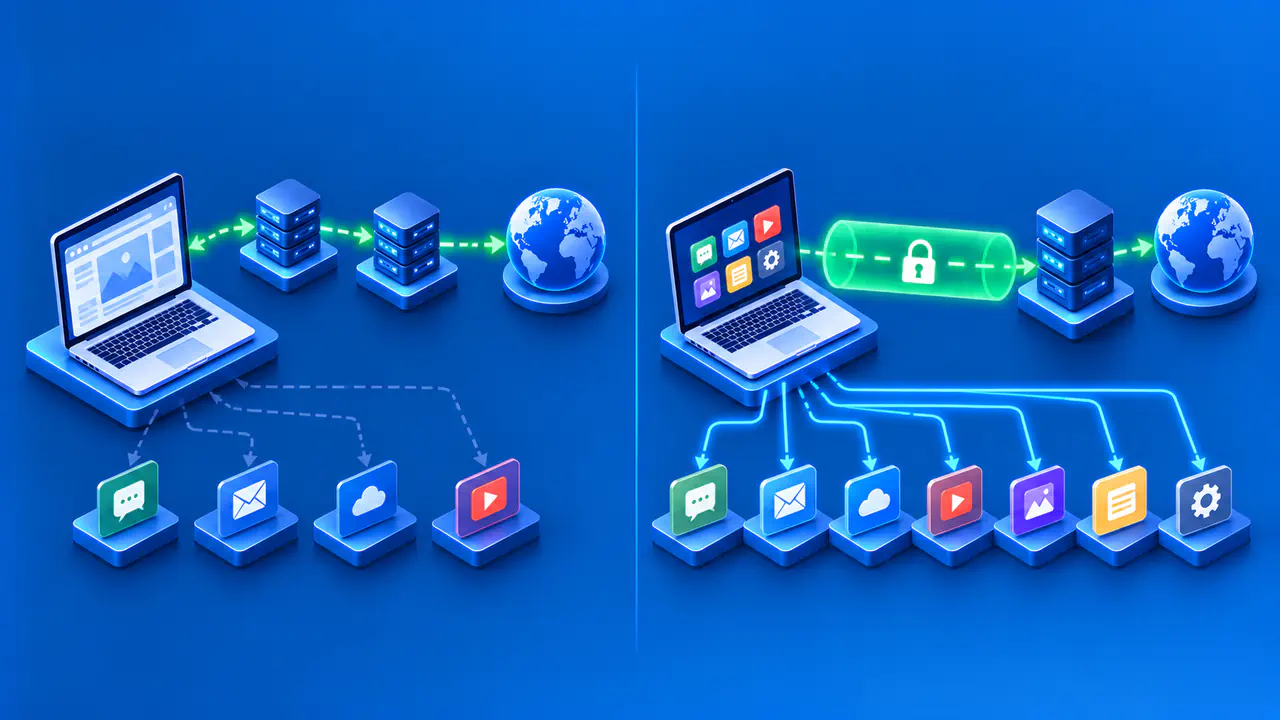
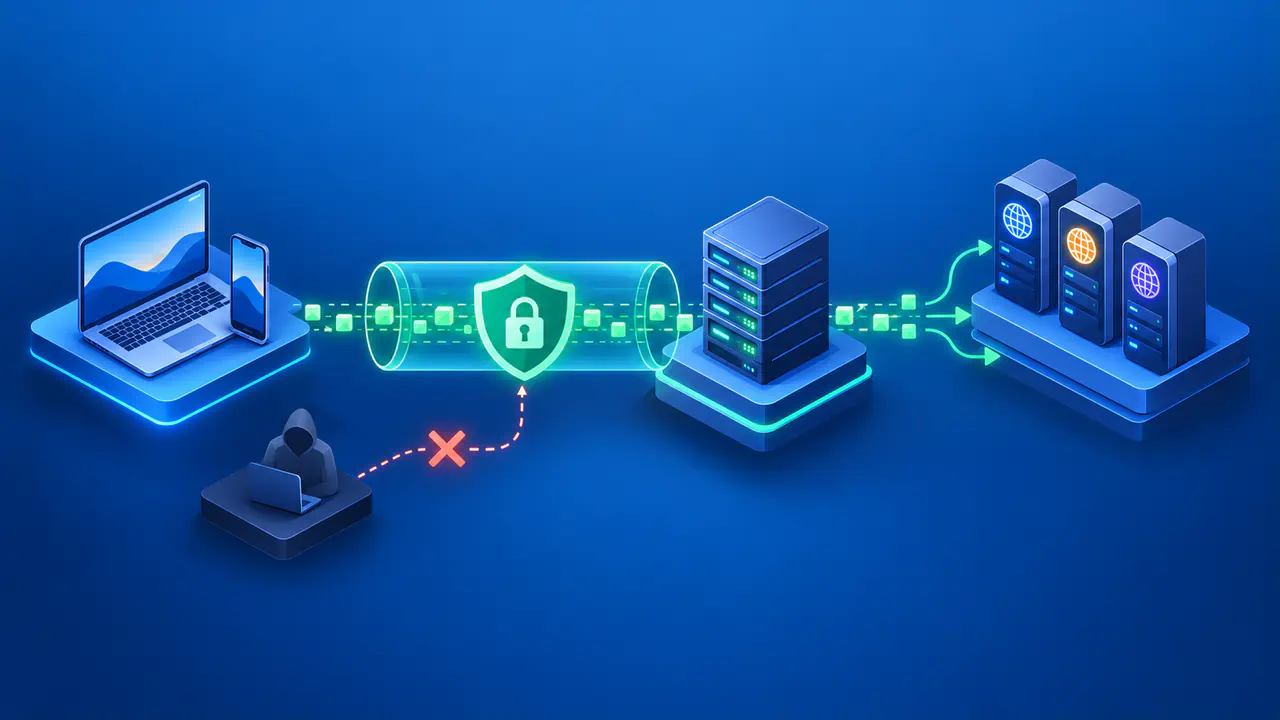
iCloud Private Relay and a VPN can both change the IP address a website sees, but they cover different connections and handle your traffic differently. Private Relay is an iCloud+ feature for Safari browsing, DNS lookups, and certain unencrypted app traffic. A device VPN can cover more apps, depending on the operating system and the VPN's routing settings. The choice depends on which connections you want to protect and who you trust to handle them.
Neither feature makes an account anonymous. A website can still connect activity to a sign-in or information you submit. For example, changing your public IP address does not hide a purchase from the shopping account used to place it. Compare the network protection each service provides separately from the information you give a website.
Which Traffic Each Service Covers
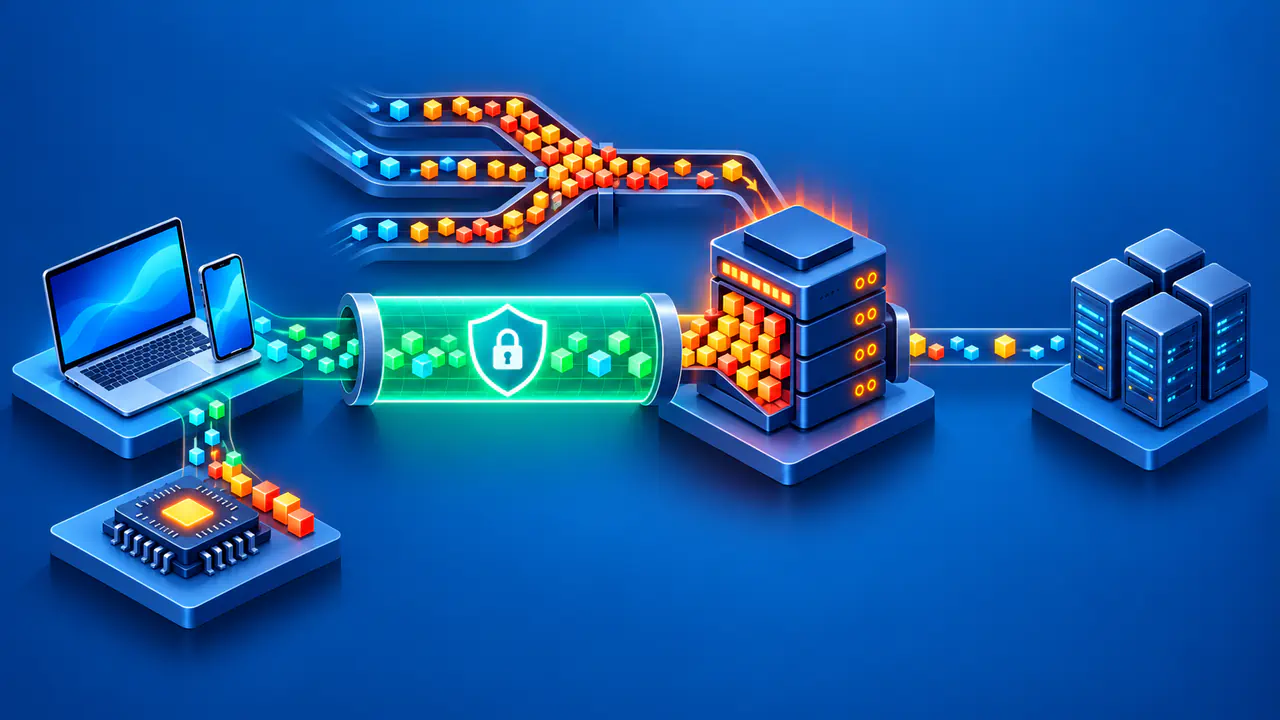
Private Relay covers Safari web browsing, DNS resolution queries, and unencrypted HTTP traffic from apps. That scope extends beyond Safari pages, but it does not include every connection from every app. Connections to local servers and private domain names are excluded, as is traffic already handled by a VPN or a separate proxy. An app being open on a device with Private Relay enabled does not establish that the app's connections use the relays.
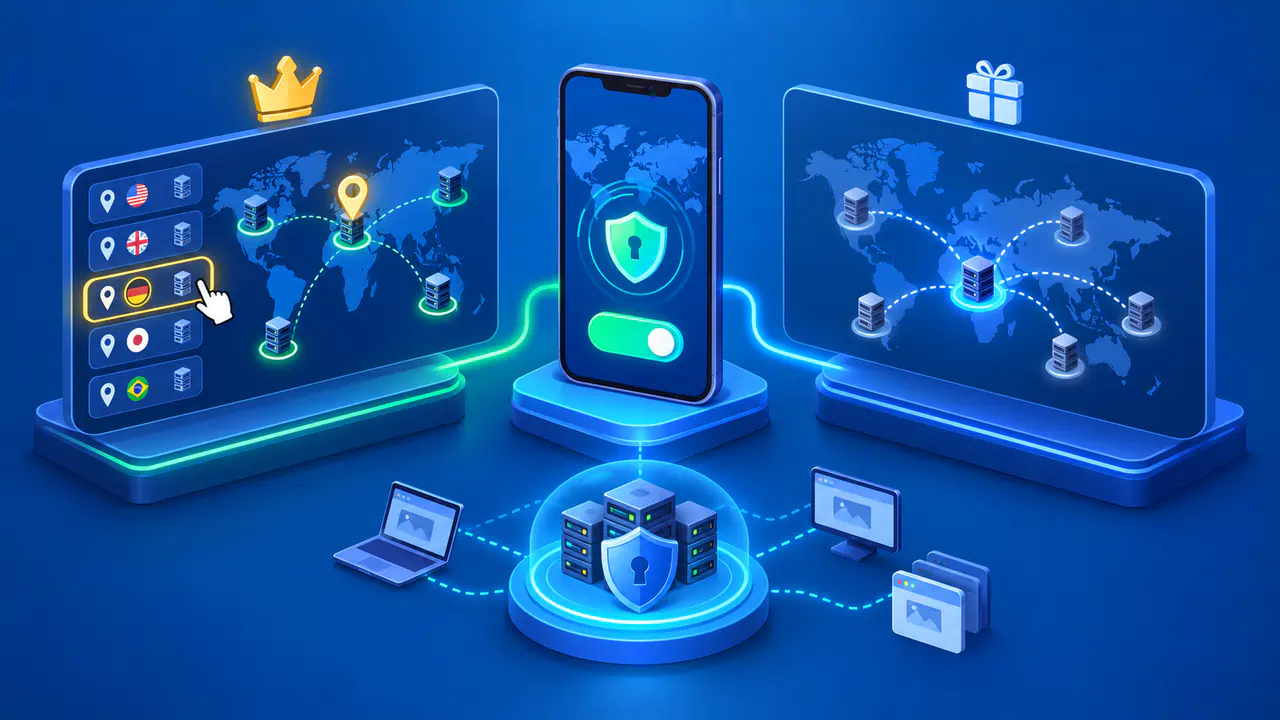
For a Safari request sent through Private Relay, the website receives a relay IP address instead of your original public address. The replacement address keeps an approximate location so the site can still offer local content. You can choose a broader location based on your country and time zone, but you cannot select an arbitrary exit country. A VPN may offer a choice of server locations, depending on the service and plan.
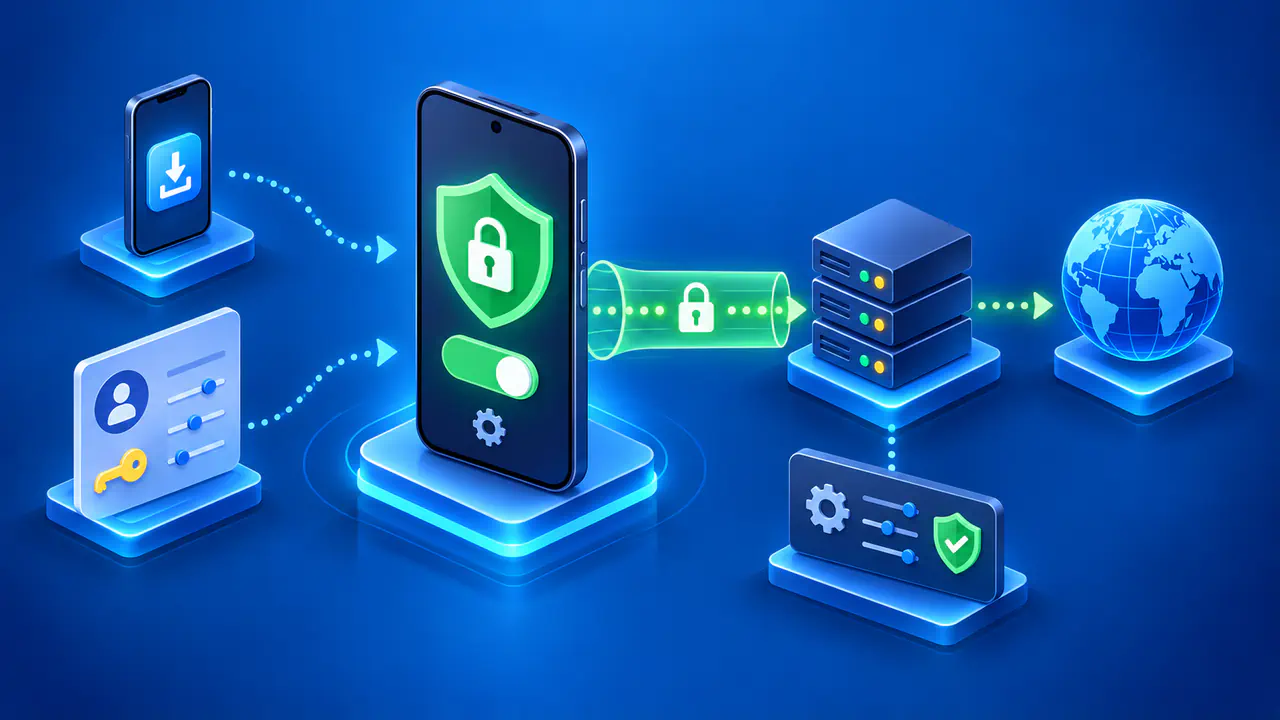
A device VPN creates an encrypted connection to a VPN server for the traffic selected by its configuration. Split tunneling sends some connections through the VPN and others directly to the network. A VPN can also be restricted to particular apps, while a standalone browser extension may cover only that browser. Check the device app's routing options before assuming that a connected VPN includes every application.
How the Two Relays Separate Information
Private Relay divides the connection between two operators. Apple's first relay receives your original IP address, while the requested website's name is encrypted so that relay cannot read it. A second relay, run by another provider, receives the website name and connects to the site without receiving your original IP address. The website sees the request arriving from the second relay.
The design keeps either relay from receiving both your original IP address and the requested website name. Your internet provider still carries an encrypted connection to the first relay, and the destination still receives the information you send to it. The separation concerns information available to each relay; it does not stop a website from recording activity within an account.
A conventional VPN places the tunnel endpoint with one operator. That operator can receive your source IP address and observe information needed to send traffic onward. HTTPS still protects the content exchanged between your browser and an HTTPS website after the VPN tunnel ends. Private Relay also does not turn an HTTP-only website into an HTTPS site, so neither service removes the need for encryption between your browser and the destination.
When a VPN May Be More Suitable
If Safari browsing is your main concern and you already use iCloud+, Private Relay may cover the connections you need without a separate VPN subscription. For a game, another browser, or a work app, check whether the required connections fall within Private Relay's coverage. A device VPN with suitable routing can cover traffic that Private Relay leaves outside its relays. The VPN's documentation needs to describe that support for your operating system, not just list a feature available on another platform.
Access to a private workplace network is a separate requirement. Private Relay does not provide the connection your employer may require to reach internal resources. Use the organization's approved VPN or remote-access service for that purpose. For personal internet traffic, choosing a VPN also means trusting the provider's operation and data practices; broader app coverage does not by itself establish a better privacy policy.
Requirements and Compatibility
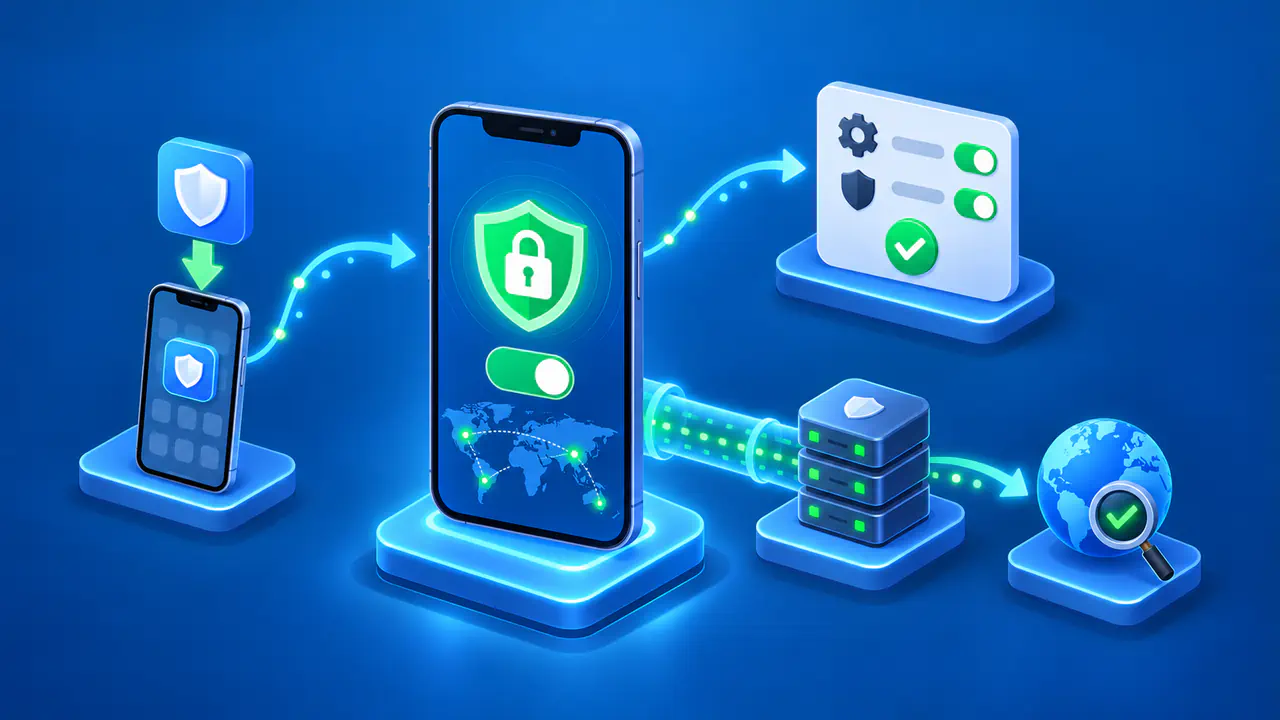
Private Relay requires iCloud+ and a compatible Apple device, including supported iPhone, iPad, Mac, and Apple Vision Pro models. The feature must be enabled on each device where you want to use it. Availability varies by country or region, and the feature can become unavailable when you travel. Check its current status on the device rather than relying on a setting you enabled before the trip.
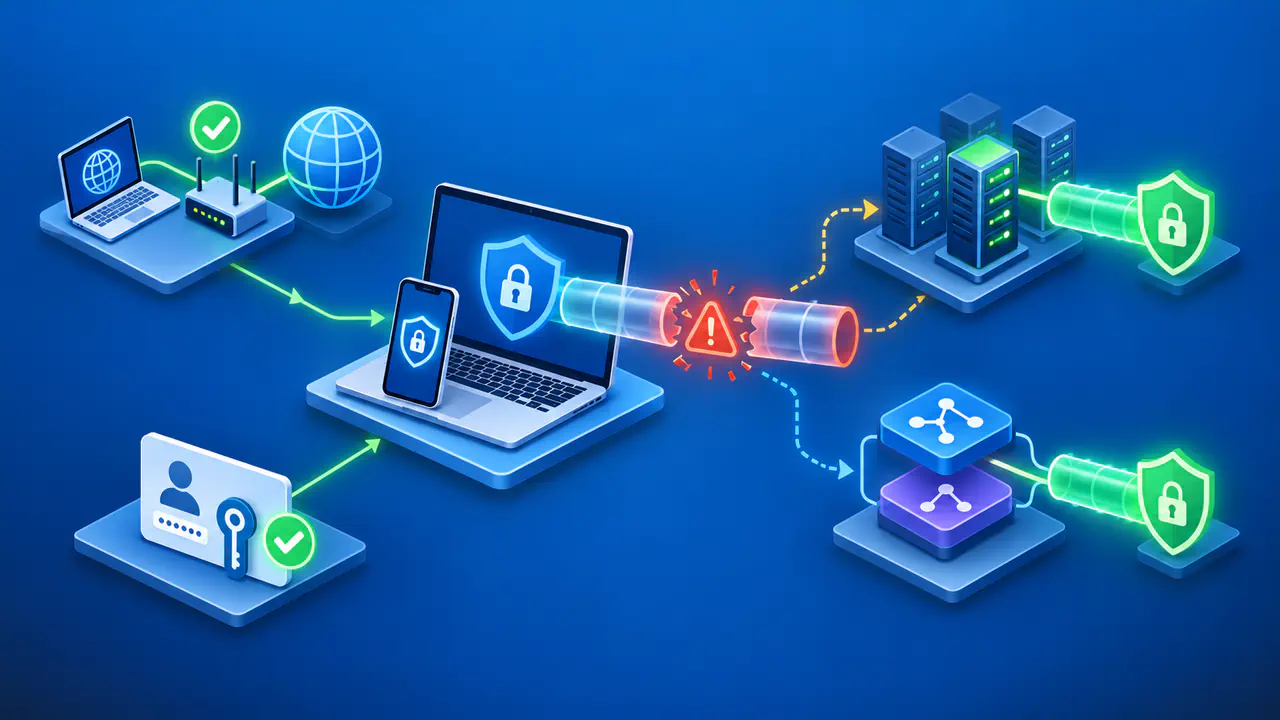
Running Private Relay and a VPN together does not necessarily send each connection through both services. Traffic handled by a VPN can take precedence over Private Relay, and some VPN or filtering software can install incompatible settings on a Mac. Check the compatibility guidance for the software you actually use. On a managed device, ask the administrator about the intended configuration before changing required network settings.
Some websites request extra verification when they cannot see your original IP address. Networks that need to inspect traffic may also restrict Private Relay. A site or network exception changes which connections receive relay protection, so check the scope before allowing an exception. For an affected website, the site may then receive your original public IP address.
Check the Connection You Intend to Use
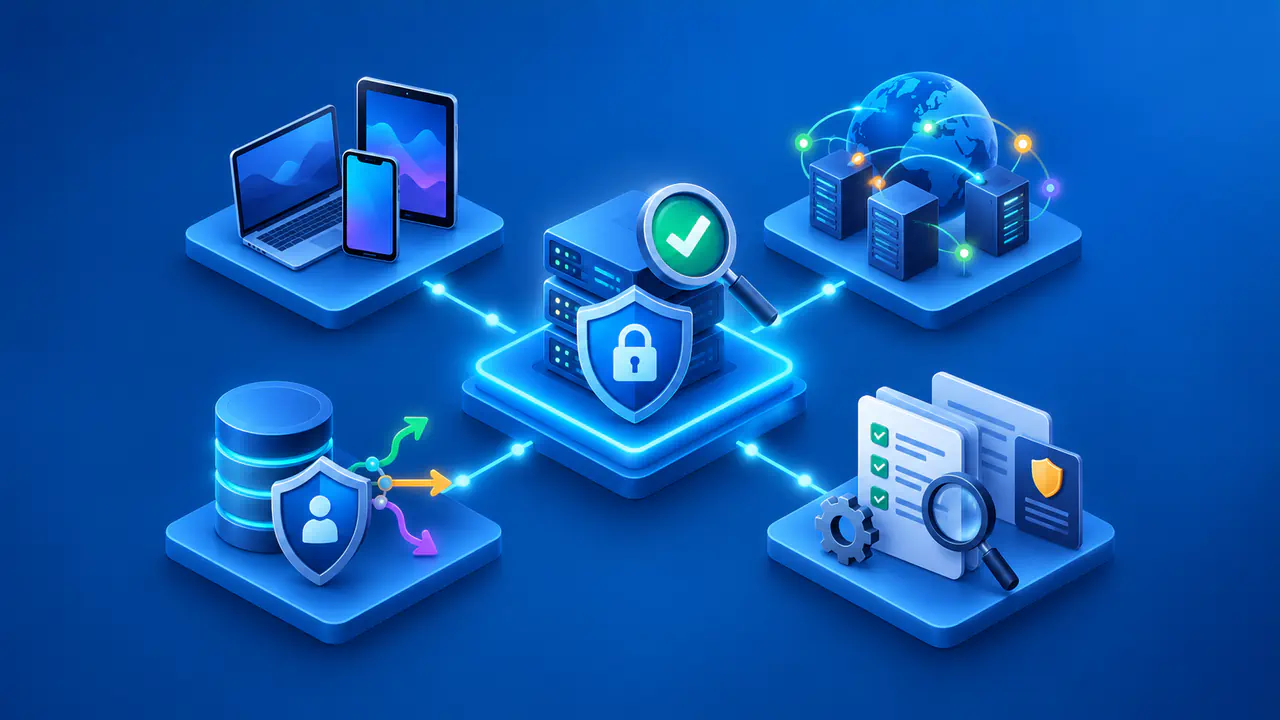
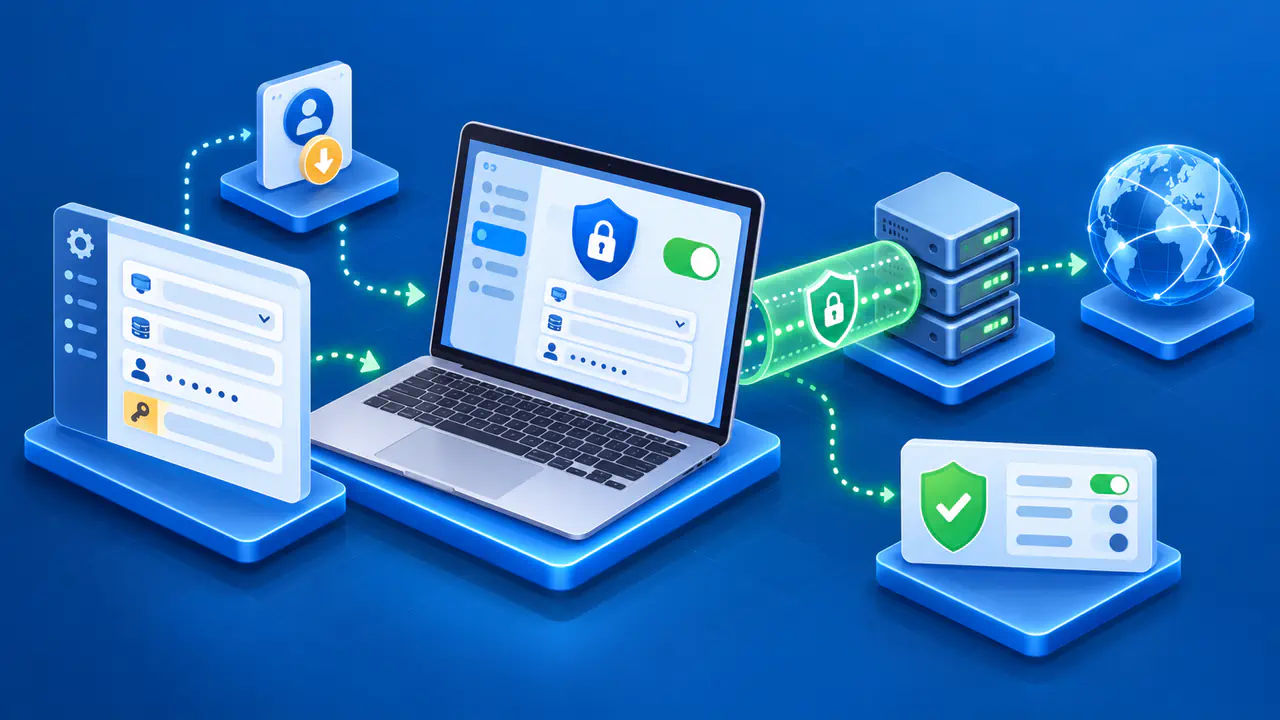
Confirm that Private Relay is active before checking a Safari request, and assess other apps separately. For a VPN, confirm the connected state and review included apps, excluded apps, and split-tunneling rules. A public IP check reports the address used for that particular request. It cannot establish that every request from the device takes the same route or verify what an operator logs.
If an app behaves differently after a network change or software update, check its route again. Keep the device, operating-system version, network, and test date with any result you use to assess coverage. A test of one webpage on one version is limited evidence for another app or a later version. Use that evidence alongside the current settings and documented exceptions when deciding whether the connection has the protection you need.