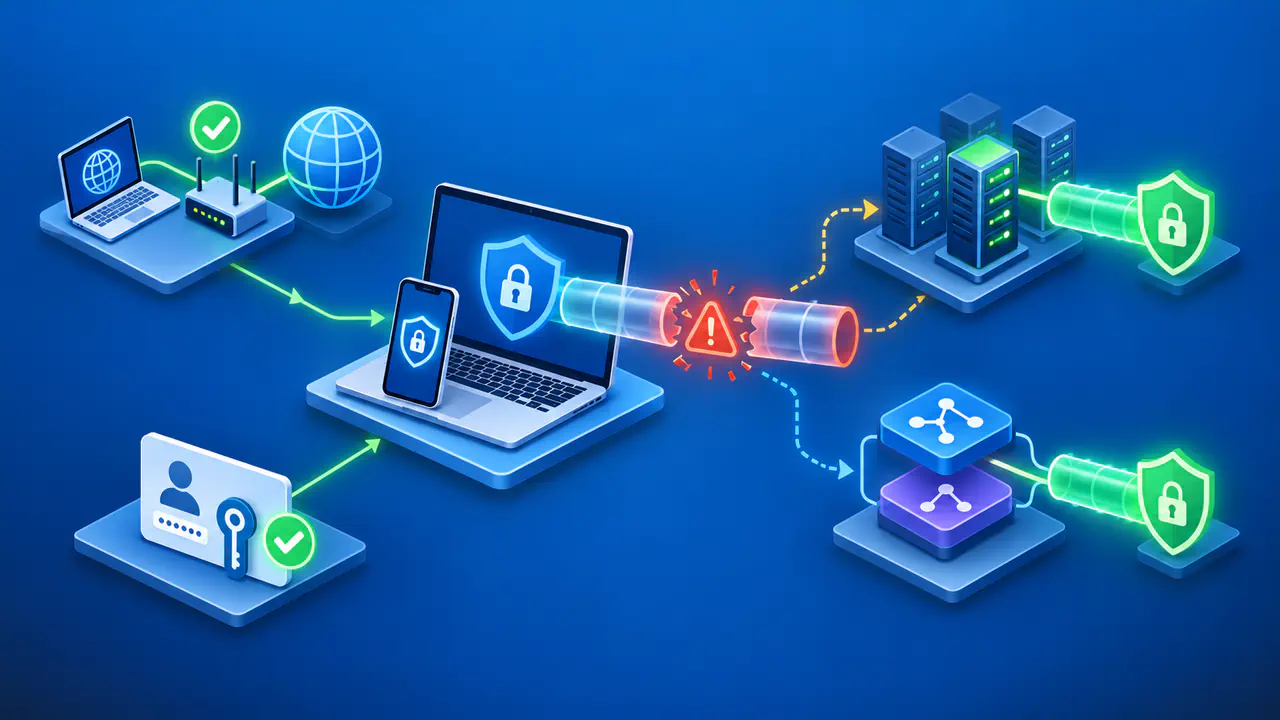
Smart DNS vs VPN: What Is the Difference?
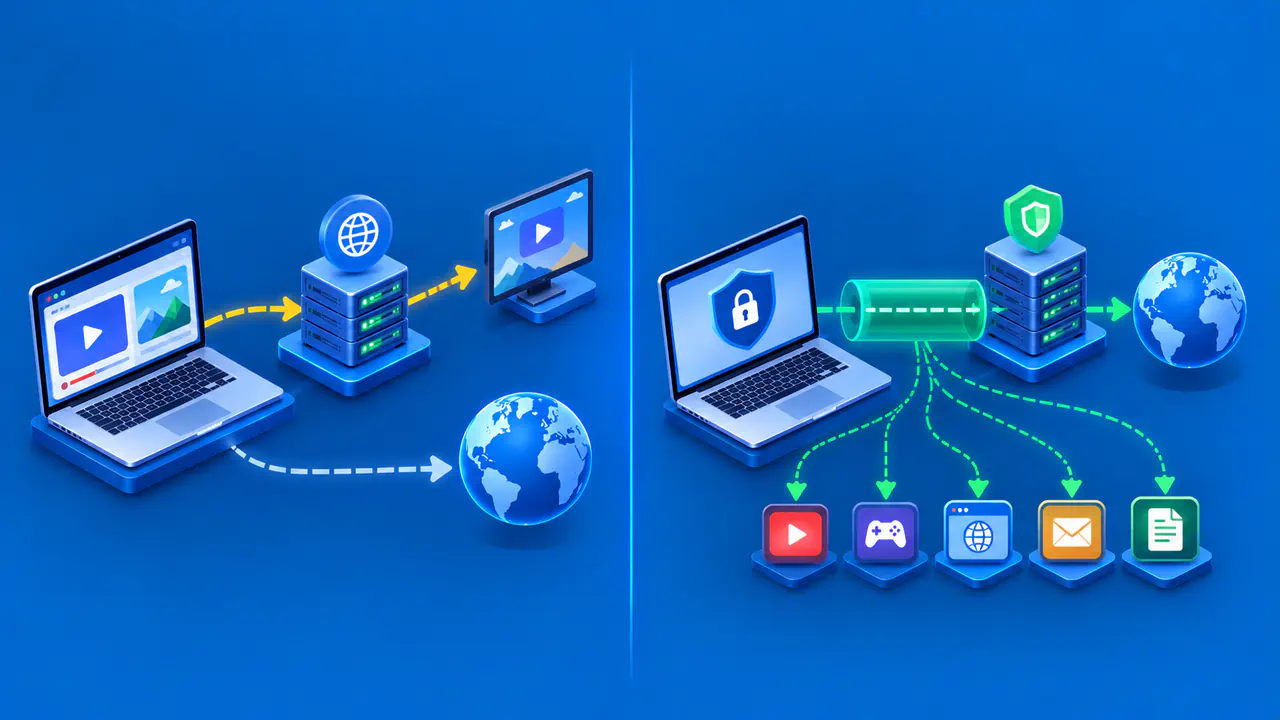
Smart DNS uses a specialized DNS service to change how your device reaches selected online services. A VPN creates an encrypted tunnel to a VPN server and carries the traffic assigned to that tunnel. Changing DNS settings alone does not provide the same protection as a VPN connection. The main differences are where encryption starts and ends, which connections are affected, and which IP address a website sees.
The distinction matters even when one subscription includes both features. A provider may offer standalone Smart DNS for a television and combine DNS features with a VPN in its desktop app. Those are different connection methods. Check which feature is active on the device you are using before assuming that the subscription protects every connection.
How Smart DNS Directs Connections
DNS normally gives an application the IP addresses associated with a domain name. A Smart DNS service can return different answers for supported domains, directing selected connections through a provider's proxy servers. Other domains may receive ordinary DNS answers, allowing the application to connect directly. The DNS server supplies an address; any proxy at that address handles the subsequent connection.
That separation explains why Smart DNS is not simply a VPN without an app. A DNS lookup and a video stream are different exchanges. Selecting a DNS server does not cause every packet from the device to pass through that server. A service's supported domains, proxy arrangements, and device settings determine which requests it can affect.
Smart DNS is often offered for devices where installing a VPN app is difficult or unsupported. The device must still allow the required DNS configuration, and the provider must support the service you want to use. A working DNS setting does not guarantee that every streaming app will work. Support can differ between a provider's standalone DNS feature and its VPN.
What a VPN Encrypts
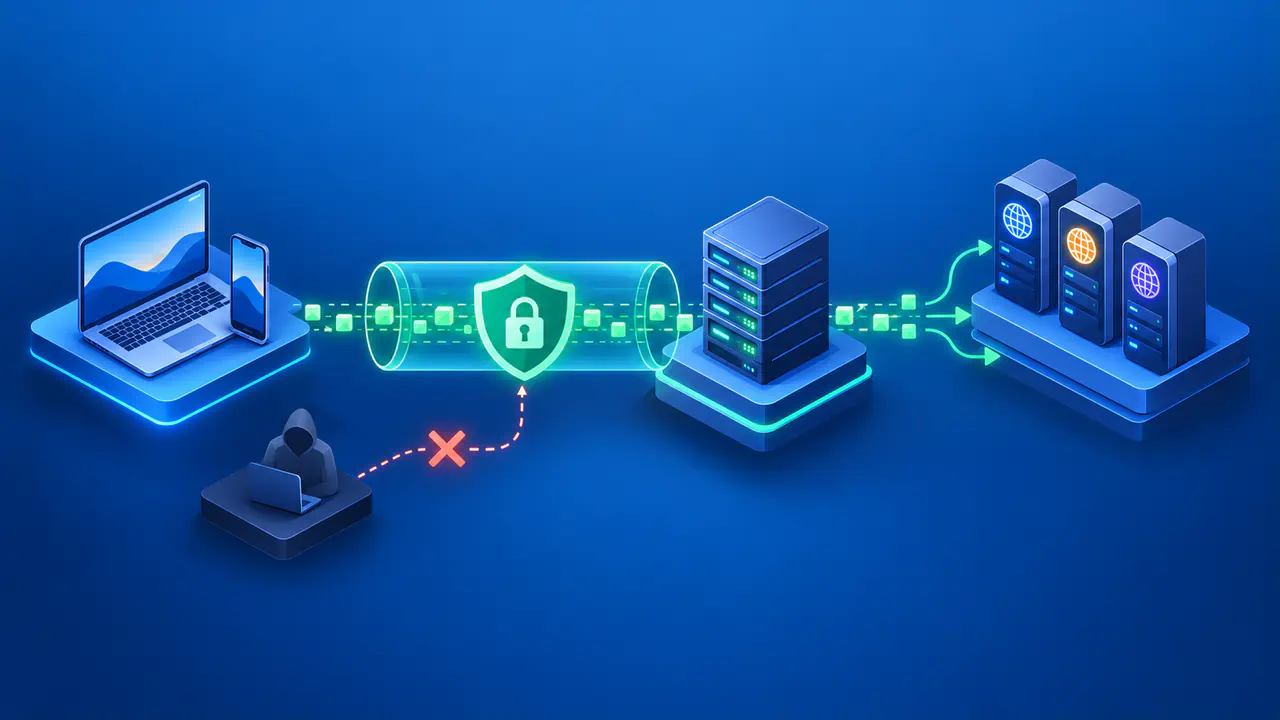
A VPN client encrypts the traffic it sends through the tunnel to the VPN server. The server removes that VPN encryption before forwarding the traffic toward its destination. HTTPS or another application protocol can provide separate encryption beyond the VPN server. A VPN connection does not turn an unencrypted website into an encrypted one.
Standalone Smart DNS does not add this VPN tunnel. Applications can still use HTTPS, and some DNS services support encrypted DNS queries, but these protect different communications. HTTPS protects the connection between the application and the website. Encrypted DNS protects queries between the device and the DNS resolver; it does not encrypt the application's other traffic.
The provider's role also matters. A DNS resolver can see the names submitted to it, while a VPN provider handles the traffic leaving its servers. HTTPS can keep website content encrypted even as that traffic passes through the VPN server. Encryption does not remove the need to understand the provider's logging practices and how the service handles your data.
On a local network, a working VPN tunnel prevents observers from reading the contents of the traffic carried inside that tunnel. They can still observe that your device communicates with a VPN server and measure connection timing or data volume. Smart DNS alone does not add that tunnel protection. Neither service makes every aspect of your activity invisible.
Which Apps and Addresses Are Affected
Smart DNS depends on an application using the intended DNS service. An app that uses a different resolver may receive different answers and make a direct connection. Router DNS settings can influence several devices, while a manual setting on one television affects that device. Neither arrangement proves that every app uses the same resolver or follows the same route.
A VPN can carry traffic from many applications, but the client configuration determines which traffic enters the tunnel. Split tunneling can deliberately exclude certain apps or destinations. A browser proxy extension may affect only the browser. Check the actual software and settings instead of treating every product with VPN in its name as a connection for the whole device.
For an internet request sent through a VPN server, the destination normally sees the VPN exit address. A direct request normally exposes the public address of your internet connection. With DNS-based proxying, selected destinations may see a proxy address while unrelated websites still see your usual address. Changing DNS is therefore not a general replacement for your public IP address.
Account information remains separate from these network changes. If you sign in, share a location, or provide payment details, the service can associate that information with your session. Cookies and other identifiers may also link visits. A different exit address does not erase information you supply to a website.
SmartDNS and SmartPlay Are Different Features
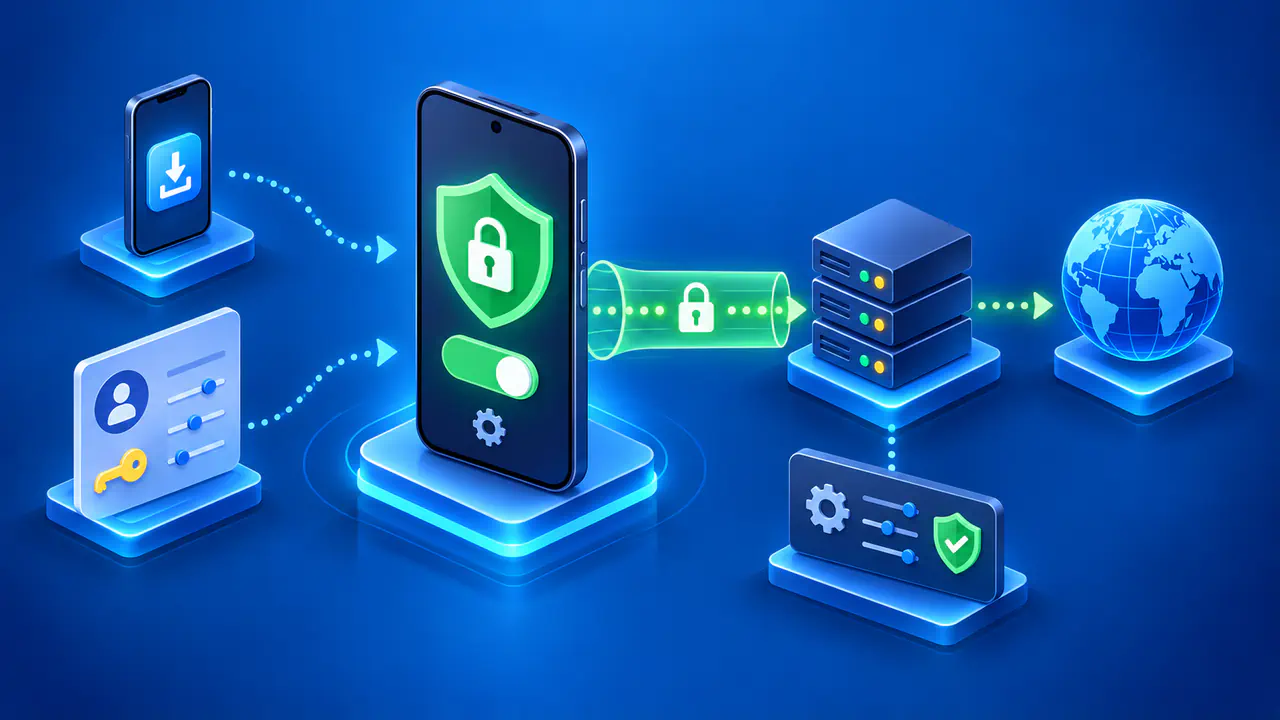
NordVPN's standalone SmartDNS feature changes DNS behavior without establishing a VPN connection on the device. SmartPlay combines DNS features with an active NordVPN connection, so the included traffic also uses the VPN tunnel and exit address. The similar names do not make the two modes interchangeable.
Other providers use different names and combinations of features. Check whether the instructions configure DNS addresses, install a VPN client, or enable a browser extension. Then check which applications and destinations the feature supports. A feature included in a VPN subscription may still operate separately from the VPN.
Compare the Settings on Your Device
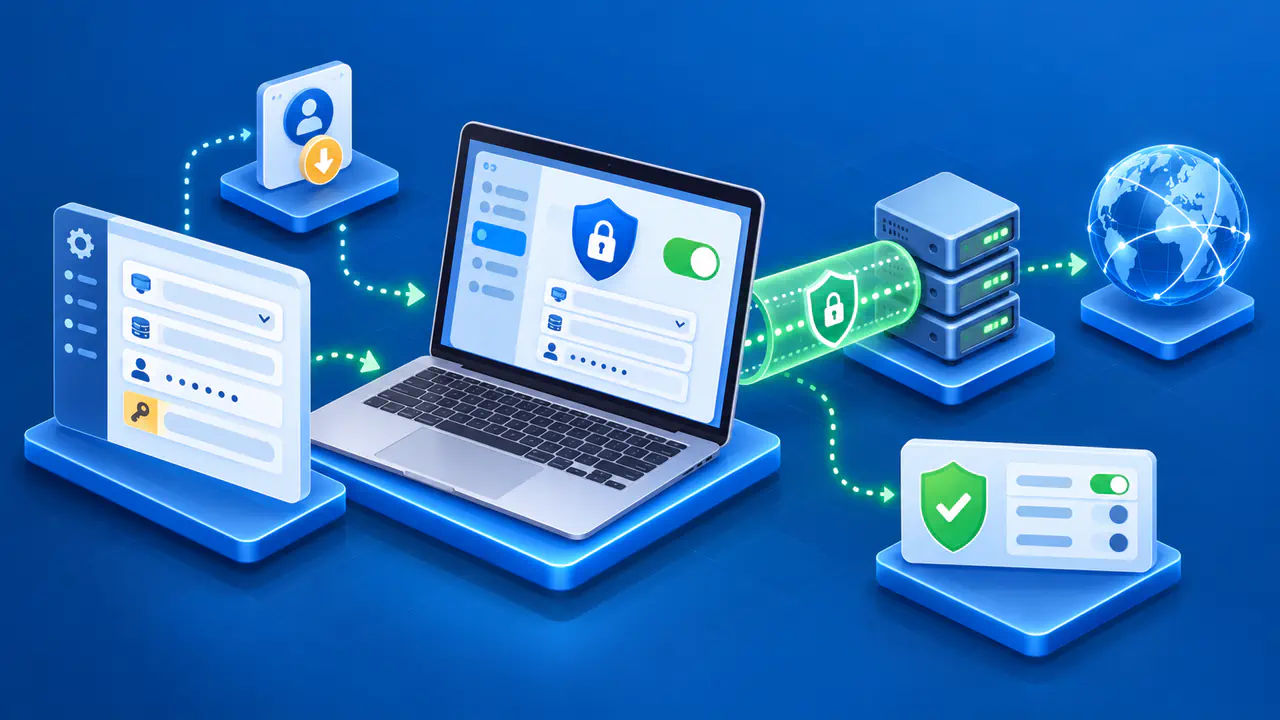
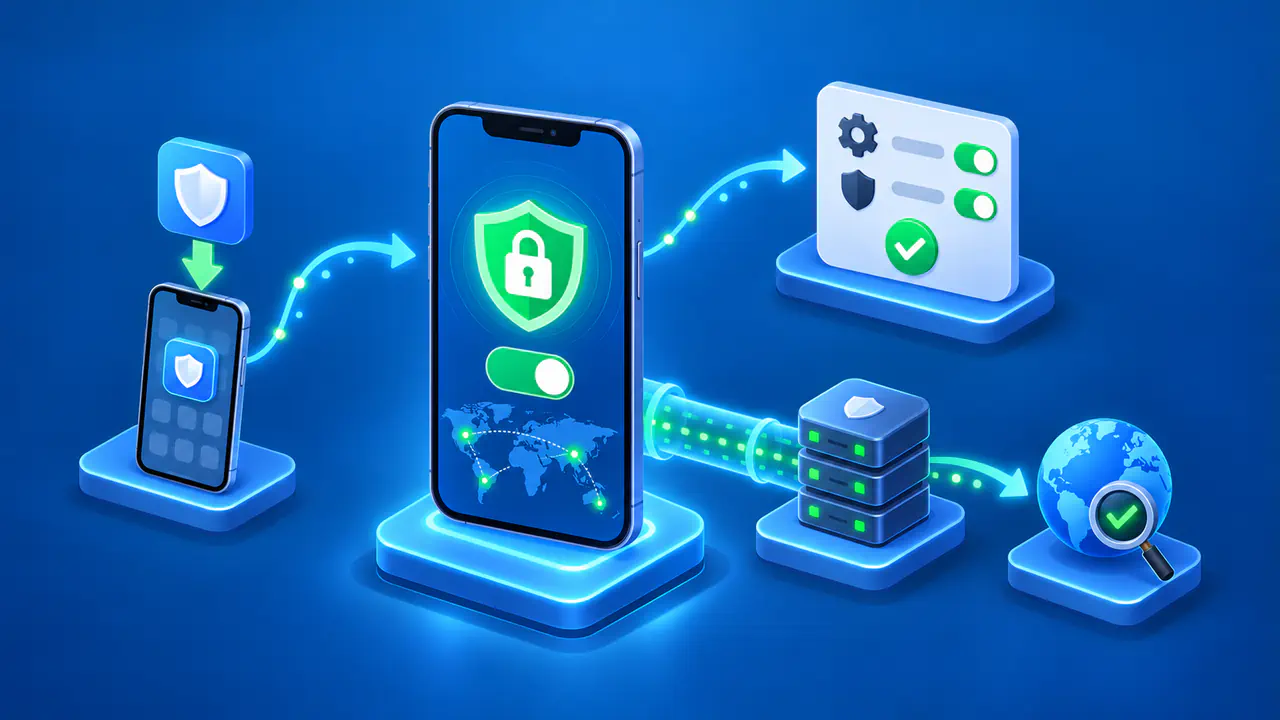
Start with the result you need: support for a particular service on a compatible device, or an encrypted tunnel for the applications you use. Check the provider's current device and service requirements before changing settings. On a managed device, confirm the permitted configuration with the administrator. Record the existing settings so you can restore them if the change causes a problem.
If you compare connections, use a device and account you are authorized to use. Note the application, active DNS or VPN mode, and expected behavior, then compare the observed result under the same network conditions. A public IP check in a browser describes that browser's request. It cannot confirm every television app's connection or prove that traffic is encrypted.
Use the VPN client's connection information to check its active server and routing choices, and examine the DNS configuration on the device using Smart DNS. If the observations disagree with the expected behavior, investigate that specific app and setting before changing the rest of the network. A service's access rules still apply regardless of the connection method.