What Does a VPN Hide and What Does It Not Hide?
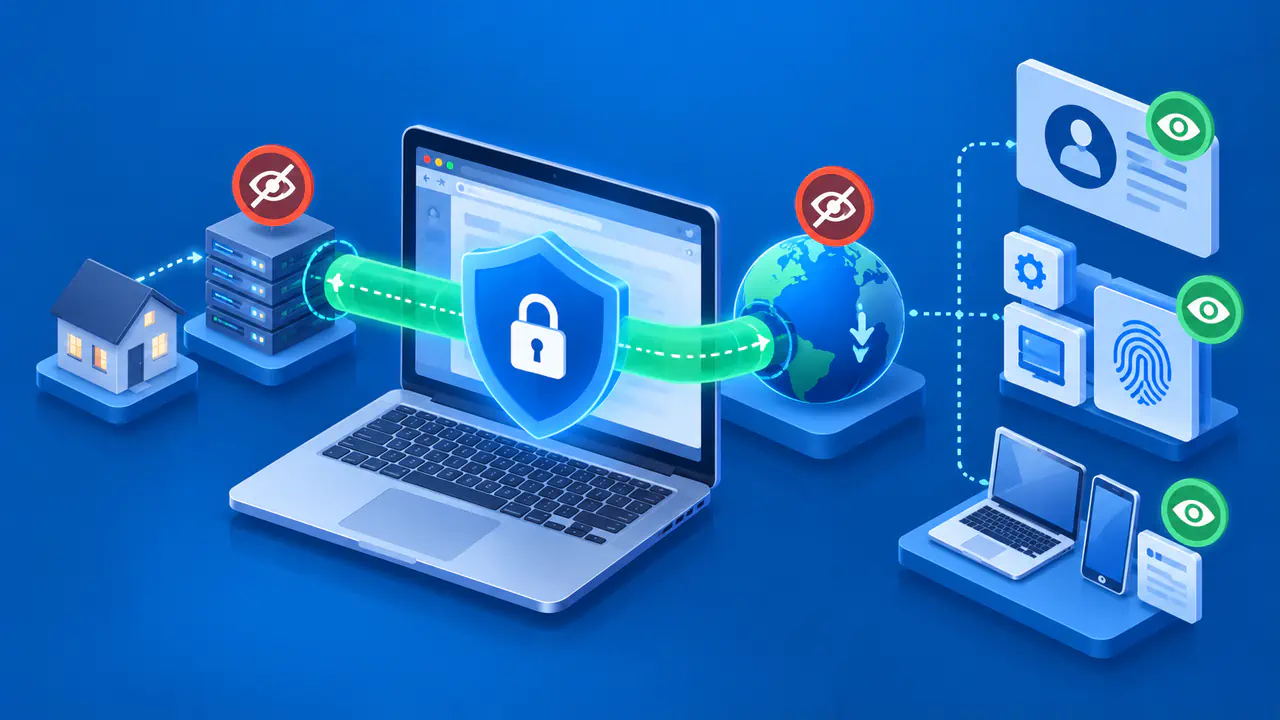
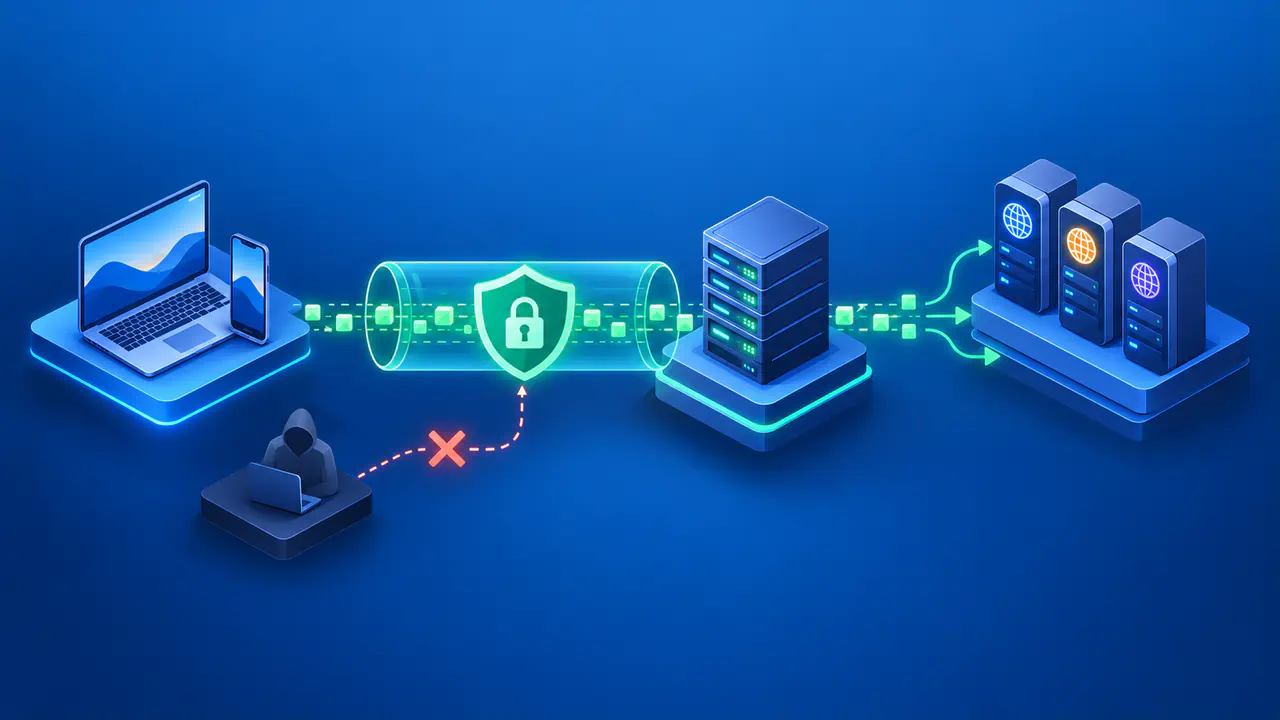
A VPN can hide the destinations of your internet traffic from the local network and your internet service provider, provided that traffic goes through the VPN tunnel. Your device sends the traffic through an encrypted connection to a VPN server, which forwards it to the website or service you want to reach. The destination normally sees the VPN server's public IP address instead of the public IP of your home or mobile connection.
The VPN does not make your activity invisible to everyone. Your internet provider can still see the connection to the VPN server, the VPN operator handles traffic leaving the tunnel, and a website receives the requests you send to it. Signing into an account can identify you to that site regardless of which IP address the site sees.
How a VPN Changes the Network Route
Without a VPN, your device reaches websites through a local network and an internet service provider, or ISP. Network operators can see destination IP addresses and some other connection details. HTTPS already protects the contents of a secure web connection, so using a direct connection does not mean that every page, password, or message is exposed.
When the traffic goes through a VPN, the encrypted tunnel extends from your device to the VPN server. Your ISP and the local WiFi operator can see that connection's timing and the amount of data transferred. They cannot simply read the destination addresses carried inside the encrypted tunnel. The VPN connection itself remains visible, even when the information inside it is protected.
The VPN operator has a different view. The server receiving your connection sees the source IP used to reach it, and the server forwarding traffic to websites sees destination IP addresses. In a typical personal VPN, the same provider operates both functions. Separating those functions across several servers can change which server sees which information, but it does not remove the need to trust whoever operates the service.
Which IP Address Websites See
For a request sent through the VPN, a website normally sees the public IP used by the VPN server that sends the request onward. That server is often called the VPN exit. An IP location lookup may therefore place the visit near the exit rather than near your home. The estimate can also be wrong: location databases may disagree about the same IP address.
A different public IP does not move your device or change every source of location information. A website may retain a country setting on your account, and a browser or app may share device location when you grant permission. If your account says one country while the VPN IP is associated with another, both pieces of information can remain available to the service.
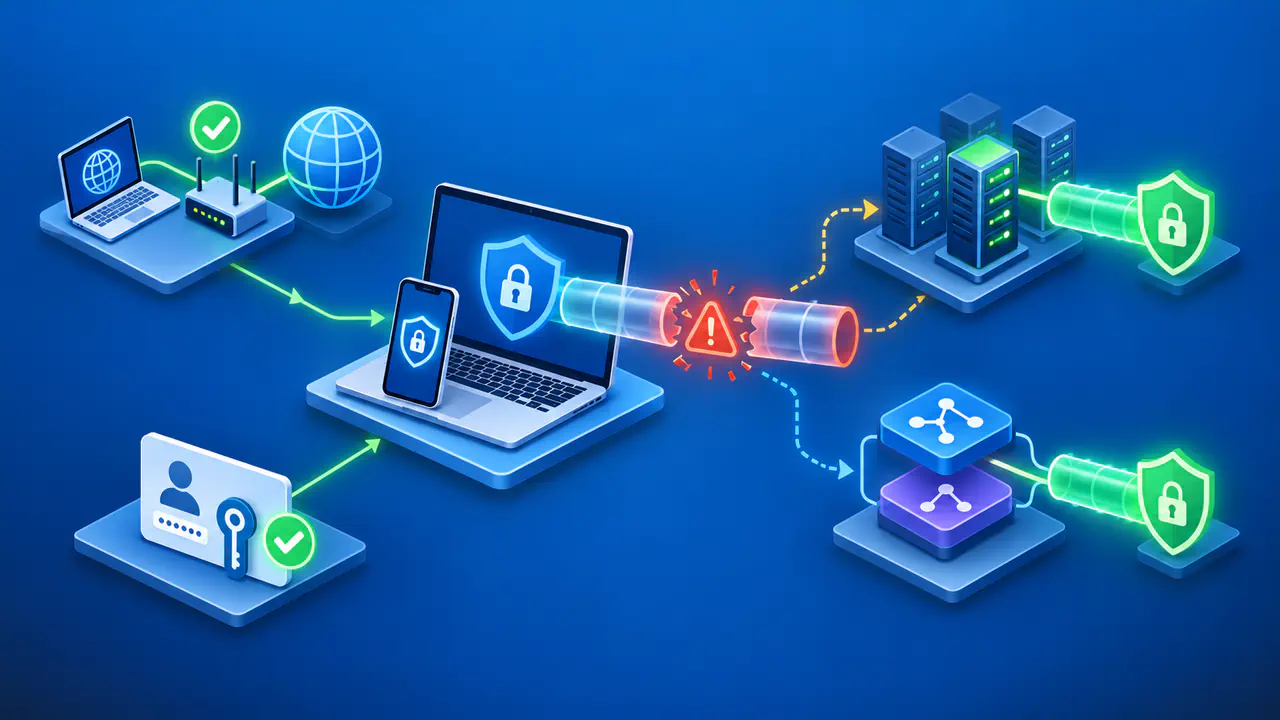
The IP change applies only to traffic using that route. Split tunneling can send selected apps outside the VPN, while a browser-only product may leave other applications unaffected. A disconnected VPN can also allow a direct connection, depending on the app's settings. The presence of a VPN icon does not establish that every request from the device follows the same path.
How Accounts and Devices Can Identify You
A website does not need your home IP address to recognize an account you sign into. A store can associate a purchase with your customer profile, and a social network can attach a post to your username. The VPN changes how the connection reaches those services; the services still process the information you provide.
Sites can also recognize visitors without a fresh login. Cookies and other browser storage may contain identifiers from previous visits. A combination of browser and device characteristics, known as a fingerprint, can help a service link visits as well. Changing the public IP does not automatically clear stored identifiers or change the details the browser reports.
Private browsing and VPN routing address different parts of this problem. A private window can limit which cookies and site data persist after the session, but signing into an account still tells the service which account you are using. A site may also share information with its analytics or authentication providers. The VPN tunnel does not control what the destination does with information after receiving it.
Why HTTPS Still Matters with a VPN
HTTPS and a VPN can encrypt the same traffic at different layers. HTTPS uses TLS to protect communication between your browser or app and the destination service. The VPN adds an encrypted tunnel between your device and the VPN server. For an ordinary HTTPS connection through a personal VPN, removing the VPN encryption at the server leaves the HTTPS protection in place.
The VPN provider therefore cannot normally read a password or message sent through a valid HTTPS connection merely because it operates the tunnel. The destination service can read the information addressed to it. If you visit an unencrypted HTTP site, the VPN protects the traffic only as far as the VPN server. The onward connection to the website remains unencrypted.
Traffic visibility and data retention are separate questions. A VPN provider may have access to connection details without storing them, or it may retain records. Encryption alone does not prove a claim that a service keeps no logs. A corporate VPN can also have a different purpose and setup from a personal service, including inspection controlled by the organization.
For example, using a personal VPN to visit an online store over HTTPS can conceal the store's destination IP from your local network while replacing the IP the store sees. The store still receives your order, and the VPN operator still carries the connection. Understanding those separate roles helps you judge the privacy the VPN provides without assuming that the tunnel makes you anonymous.