What Happens When Your IP Address Changes?
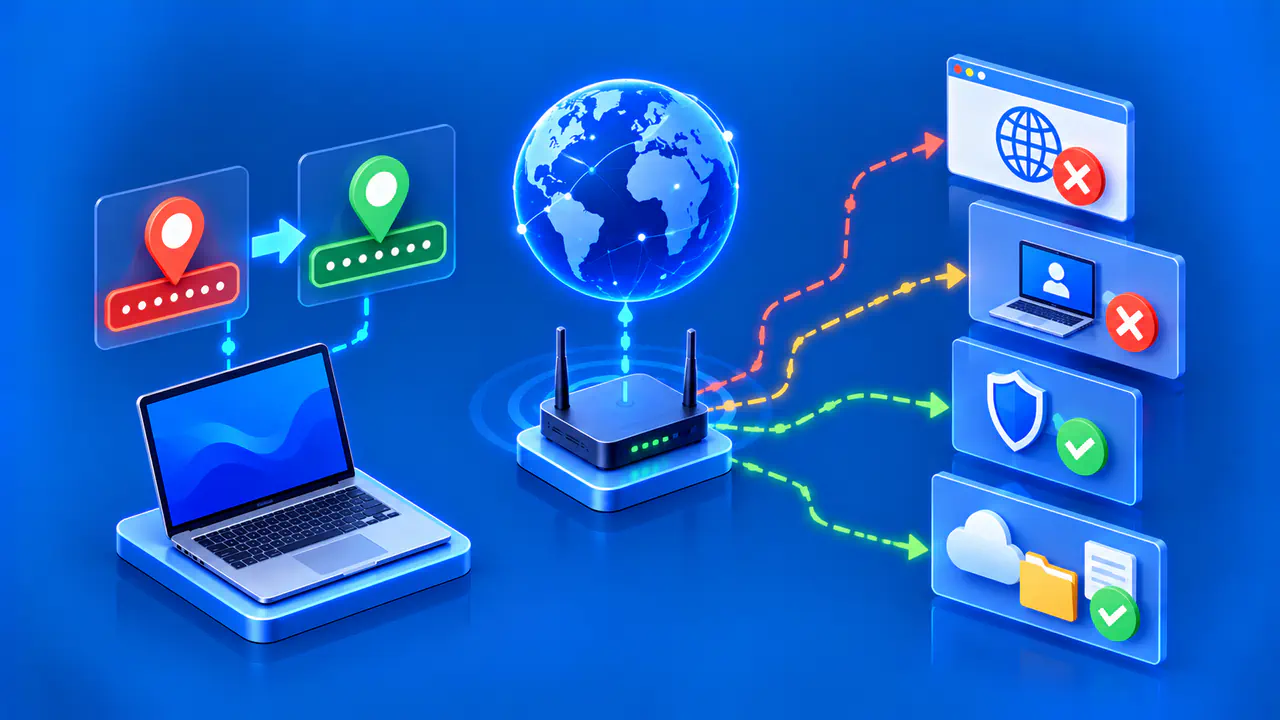
An IP address change can interrupt an active connection, stop a saved remote address from working, or cause an access rule to reject your next request. Some apps reconnect automatically, while others need your attention. The effect depends on which address changed, whether the old address still works, and how each app handles the change.
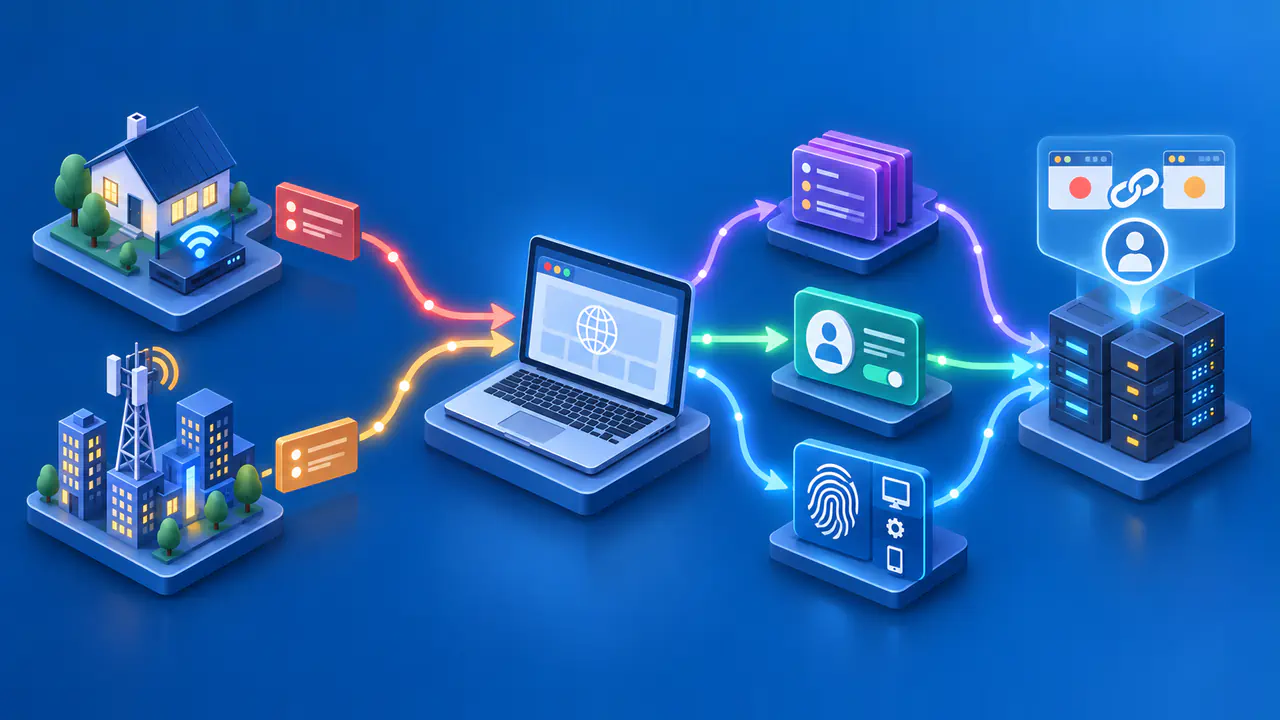
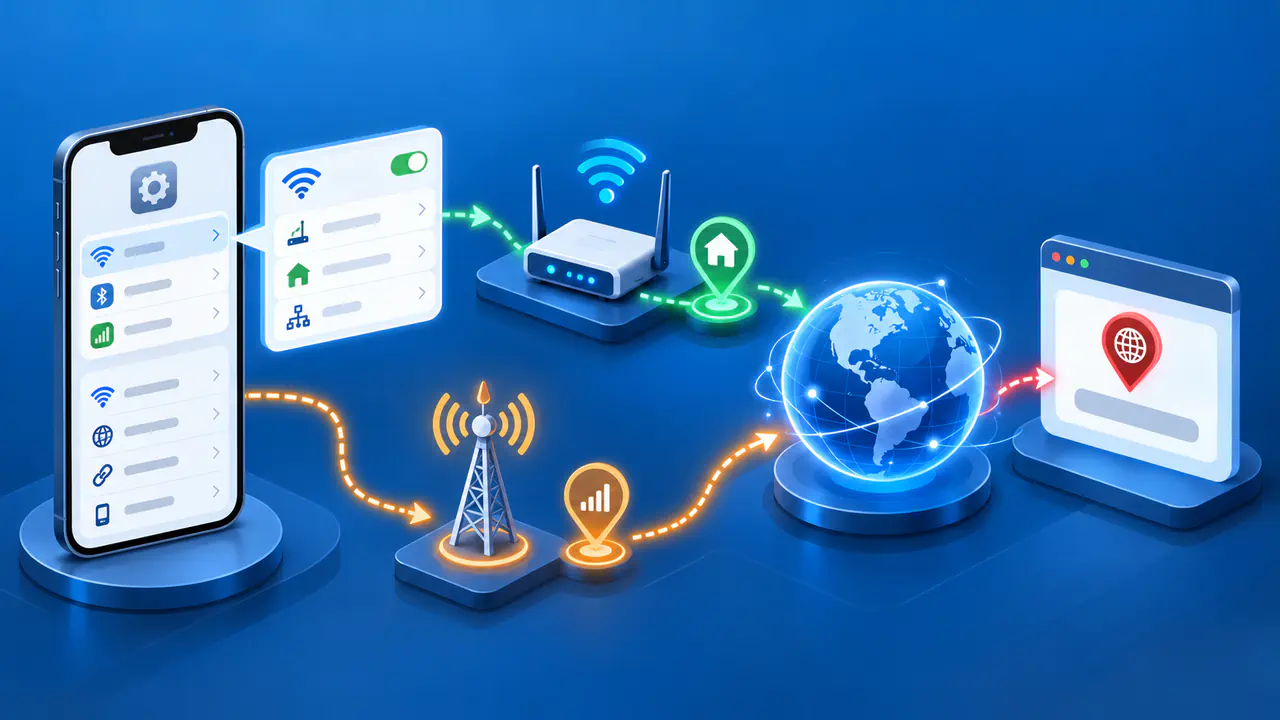
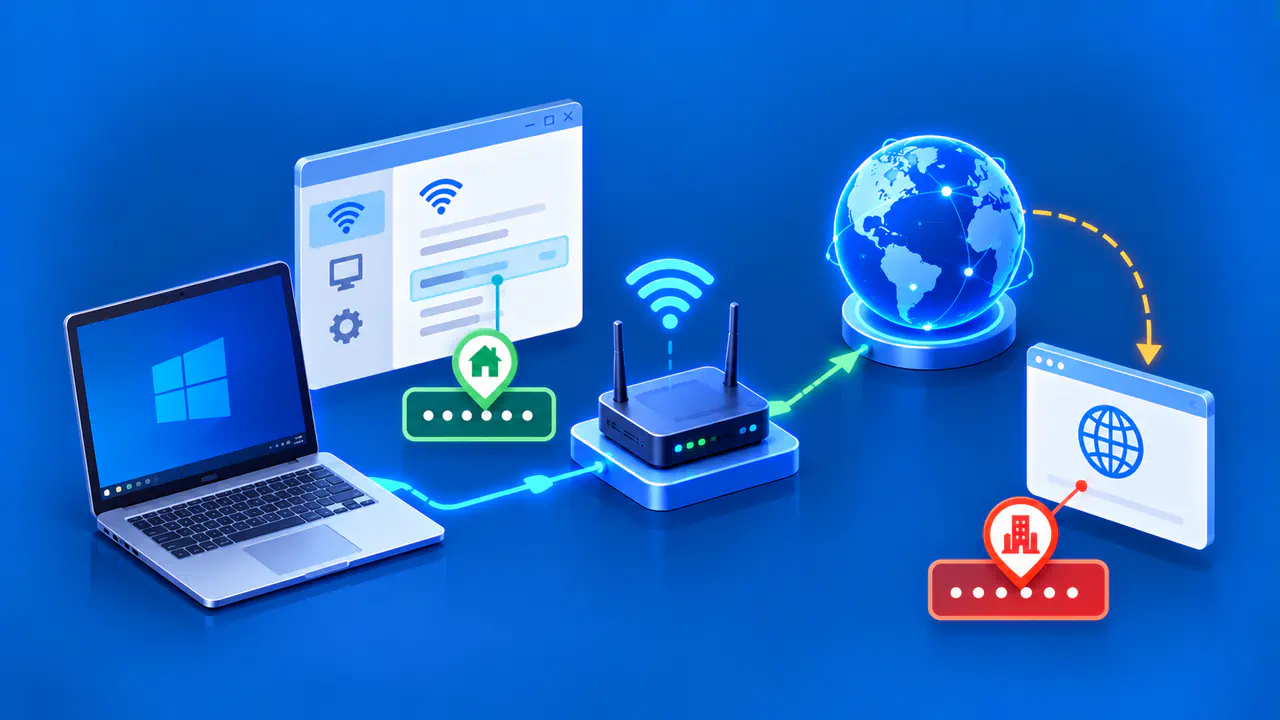
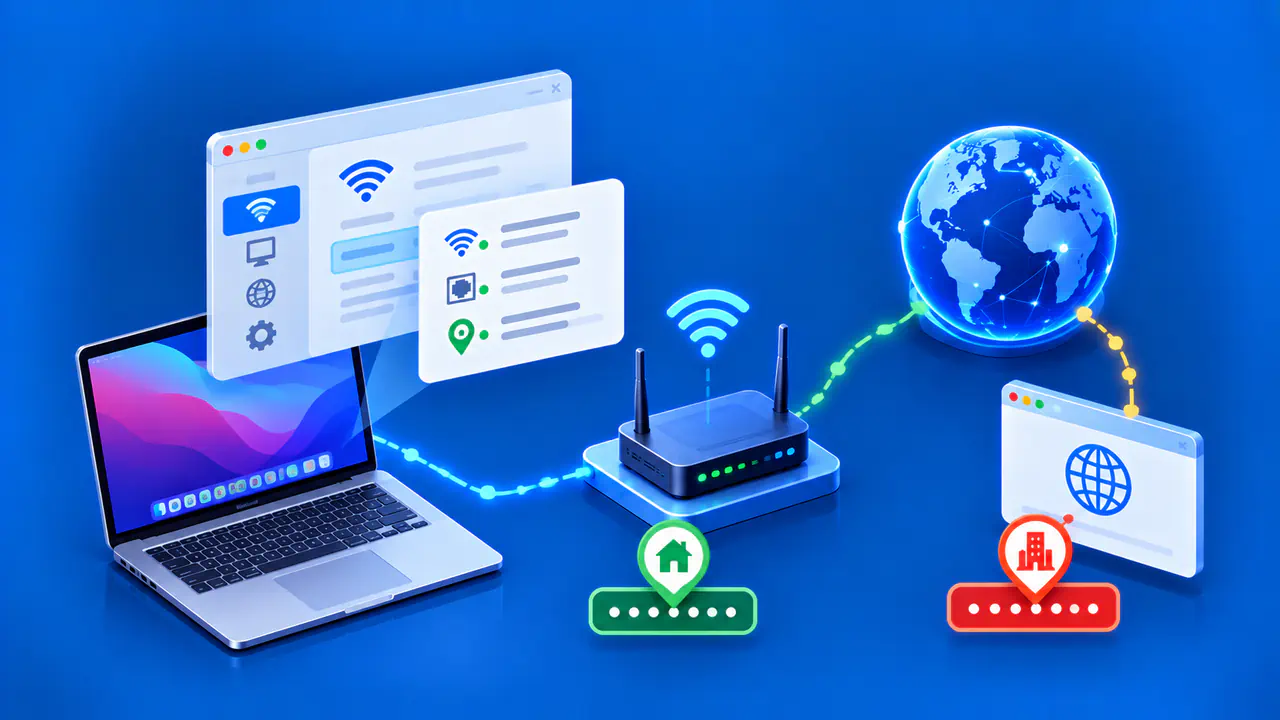
A public address is visible to internet services, while a private address identifies a device within a local network. If your laptop gets a new private IPv4 address but your router keeps the same public address, websites may see no public-IP change. If the public address changes, services reached through that address see a different source for new requests. Neither change automatically deletes your account, browser profile, or saved files.
Active Connections and App Sign-Ins
An ordinary TCP connection uses a particular pair of endpoint addresses. If one of those addresses becomes unusable, the connection cannot simply continue with a replacement address; the app generally needs to open another connection. A video call may freeze briefly, a game may reconnect, or a file transfer may stop. The app's recovery features determine how much of the interruption you notice.
Losing a network connection is different from being signed out. A browser can keep a valid sign-in cookie and send that cookie when the connection is restored. A service may ask you to sign in again if the new address triggers a security check, but the address change does not itself clear the cookie. Check the service's message before assuming your account session has ended.
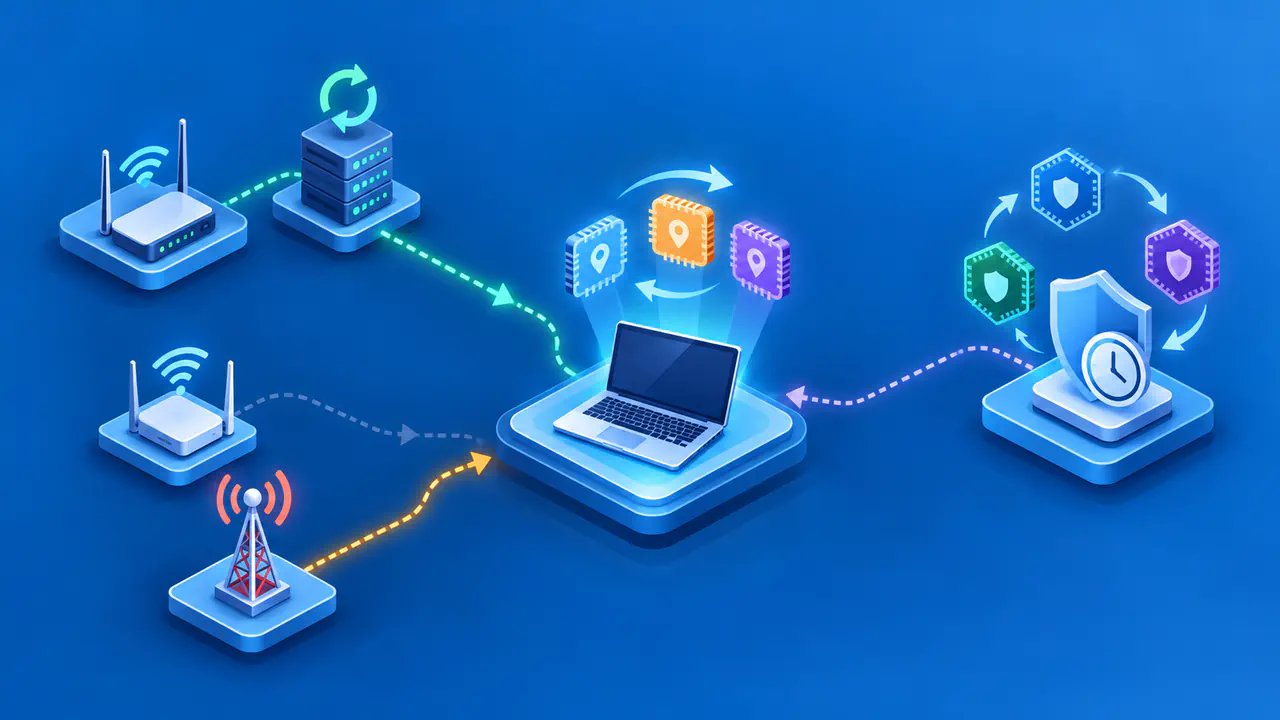
Old and new addresses can coexist during a planned IPv6 network change. An administrator can introduce the new addresses while keeping the old ones usable long enough for existing connections to finish. That overlap is a deliberate part of the network setup, so you should not expect the same result whenever a home router reconnects with a different public IPv4 address.
If only one app stops working while other sites load, check that app's connection message and try reconnecting through its normal controls. If several unrelated services fail, check the device's network status and whether the router has internet access. A sign-in prompt alone does not establish that someone accessed your account. Review any security notice alongside your recent activity.
Saved Addresses and Remote Access
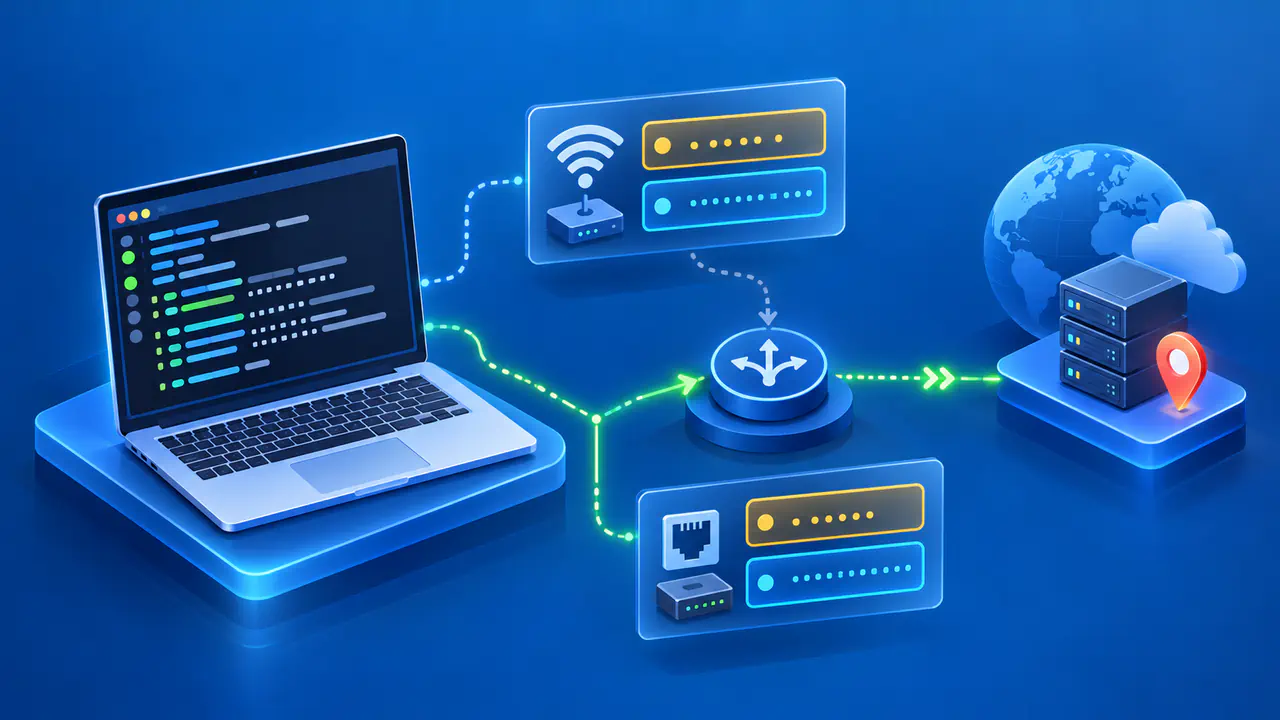
A remote desktop bookmark, game server setting, or camera app may store an IP address directly. After the destination changes address, that saved value may no longer reach the intended device. The connection could fail or reach another device if the old address has been reassigned. Confirm the new address with the service owner before updating the saved setting.
A domain name is easier to keep consistent, but the DNS record must point to the current address. A configured dynamic DNS updater can change the record when your public address changes. Clients may still use a cached answer until its TTL expires, and some apps retain an address after a DNS lookup. Updating the record therefore does not immediately update every client that uses the name.
For a service behind a home router, check both the public address and the address of the device running the service. A port-forwarding rule commonly sends incoming traffic to a specific private IPv4 address. If the device receives a different private address, the rule may need updating even when the public address has stayed the same. If only the public address changes, a bookmark used from outside the home may need updating while the forwarding rule remains correct.
Make changes through the settings for a service you own or administer. Opening extra ports does not correct a bookmark that points to an old address, and disabling a firewall can introduce a separate problem. Keep any existing access restrictions in place while checking the addresses and settings the connection actually uses.
IP-Based Rules and Allowlists
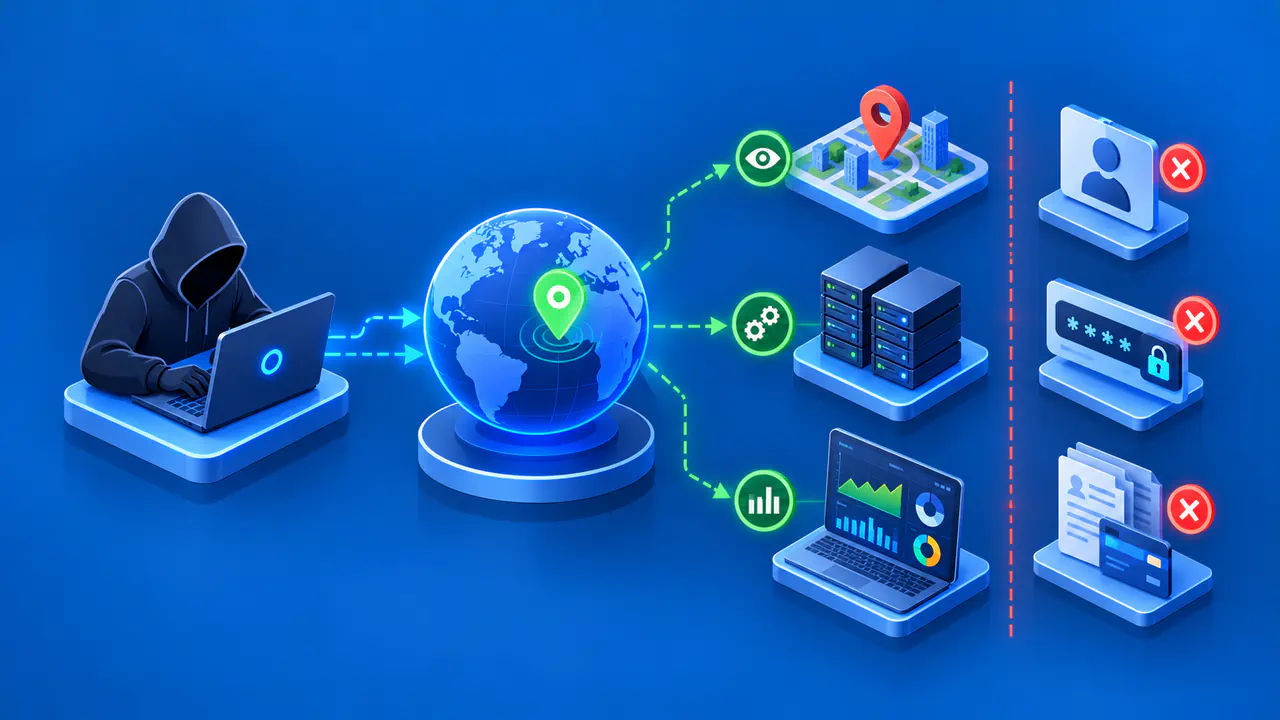
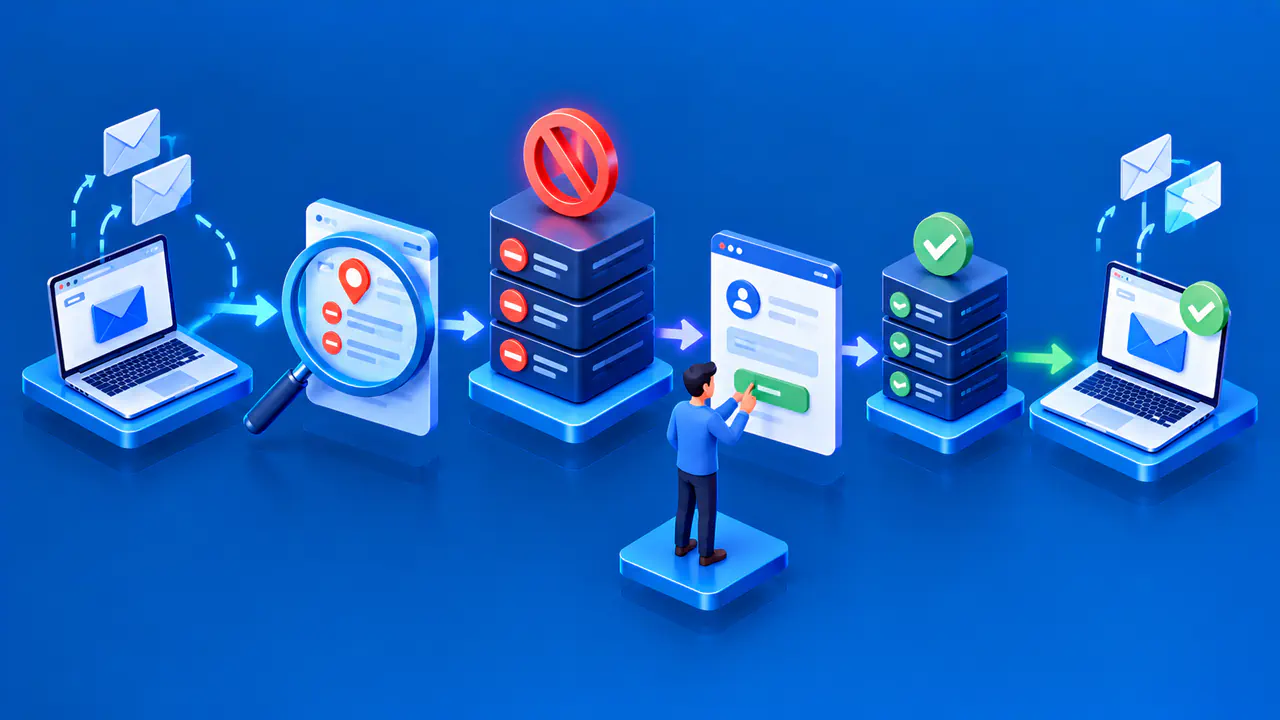
An IP allowlist can restrict a website or remote service to requests from approved source addresses. If the list contains only your old public address, a request using your new address will no longer match that entry. Matching the list is only one access condition: the service may still require a valid account, password, or other permission.
The owner or administrator of the service controls the allowlist. Give that person the new address through the service's approved support process and explain when access stopped. An IP change on your connection does not update a rule maintained by another organization. The administrator needs to check that the requested change is appropriate before changing the rule.
Other configurations can also depend on a specific address. For example, a firewall may permit traffic only from an office's public address, or a VPN connection between two sites may be configured to contact a fixed address. The exact effect depends on how the product is configured. Check the relevant setting instead of assuming that every VPN or firewall uses the old address in the same way.
An access denial does not identify the cause by itself. The new address may be missing from an allowlist, or the service may be enforcing a different account or device rule. Keep the error message, time, and service name so the administrator can investigate. Expanding an allowlist to a large address range just to restore access could also admit connections that the owner did not intend to allow.
Accounts, Files, and Local Devices
Changing an IP address does not reset a password, erase cloud storage, or change a device's serial number. The address describes where a connection comes from or goes to; it is not the account or the stored content. A service can still restrict access under its own rules, so continued ownership of an account does not guarantee that every new connection will be accepted.
Devices within your home may continue communicating normally if only the public address changes. A private address change can have a different effect: a printer saved by its old local address may become unreachable even while internet browsing works. Check the particular connection, saved address, or access rule affected by the change. An interruption in one of those places does not mean that every device or app has lost access.