Looking Up a Public IP Address
Enter one public IP address in the search field and select Look Up IP Address. The results describe that address, whether it belongs to your connection or to another network. The address appears in the result heading so you can check which query you are reading before copying or comparing its details.
Both IPv4 and IPv6 addresses are supported. IPv4 uses four numbers separated by periods, while IPv6 uses groups separated by colons. Enter the address itself, without a website address, port number, or subnet prefix. Private network addresses, loopback addresses, and reserved ranges do not have the same public network and location records.
Reading the Location and Network Fields
The location fields include the country, continent, region, city, and postal code when the data source provides them. Latitude and longitude supply the approximate map position. A field marked Unknown means that the relevant value was not available; it does not mean that the address has no location or that the field can safely be treated as zero.
The time zone field identifies the zone assigned to the estimated IP location. Local time is calculated for that zone when the page is generated. The IP version identifies whether the queried address is IPv4 or IPv6. Reverse DNS, when available, gives a hostname associated with the address. It is not a list of every website that uses the same server.
Network Names and AS Organizations
The network or ISP field comes from the IP information service. An AS number identifies an autonomous system, which is a network or group of networks operated under a common routing policy. The AS organization field comes from a separate registration lookup. These fields describe related parts of the network, but their names do not always match.
A hosting provider, a network operator, and the organization registered for an address block can be different organizations. A network name therefore should not be treated as proof of who is using a particular connection. For address allocation records, IP WHOIS Lookup provides the registered network range and available contacts. ASN Lookup focuses on autonomous system registration and the routing associations it can resolve.
Interpreting the Map Position
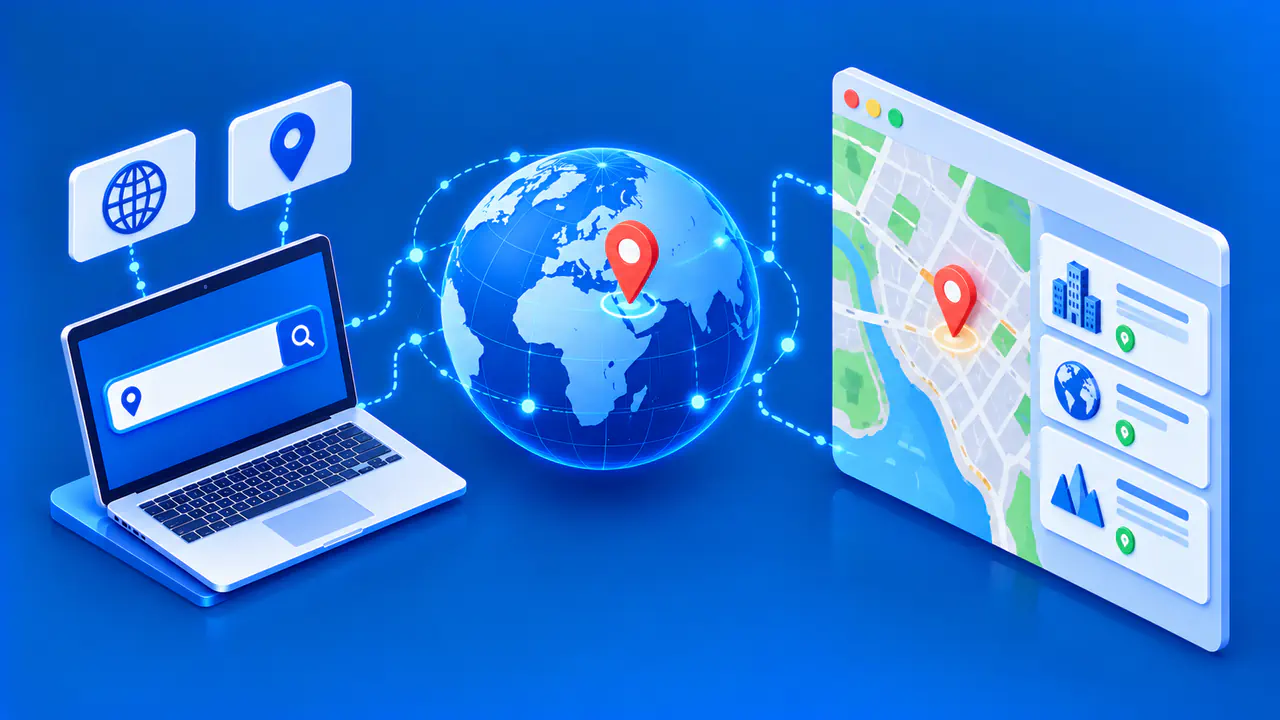
Select View on Map in a lookup result to open the separate IP Geolocation Map page for the same address. The map shows an estimated area associated with the IP address. It does not pinpoint a device, a building, or a street address. A marker in the center of a city should not be read as a measured position at that exact point. Country, region, and city information can also differ in accuracy.
Network infrastructure affects how useful an estimate is. A mobile connection can use an address associated with a broad service area, while a business network may carry traffic through infrastructure far from the device. Treat the map and coordinates as context for the network record, not as evidence of a precise physical location.
Cached Results and Separate Update Times
IP information and AS registration details are retrieved separately and can have different update times. If a refresh fails and a previous successful record is available, the result includes a warning identifying the older data. The retrieval time tells you when that record was obtained, not when the network last changed.
Copying the details includes the displayed field values and any applicable notice about older data. Keep that notice when sharing a result for troubleshooting, because it affects how the information should be interpreted.
When a Lookup Cannot Be Completed
A valid public address can still return an incomplete result if a data source is unavailable or does not supply every field. An unavailable AS organization record does not erase the other IP information that was successfully retrieved. If the entire lookup fails, the page shows an error instead of inventing a location or network name.
Check the address for typing errors before submitting it again. If the page reports too many requests, allow time before retrying. Repeated submissions during that period do not provide a more current record.