
Articles: Page 10
Browse all our articles to find answers to your questions about the internet, networks, browsers, security, privacy, and more. From everyday problems to more technical topics, our articles offer explanations and guidance for readers of all experience levels.

Fixing Firefox Secure Connection Errors
Firefox's Secure Connection Failed error can be resolved by correcting proxy settings, updating security software, or fixing the site's TLS configuration.
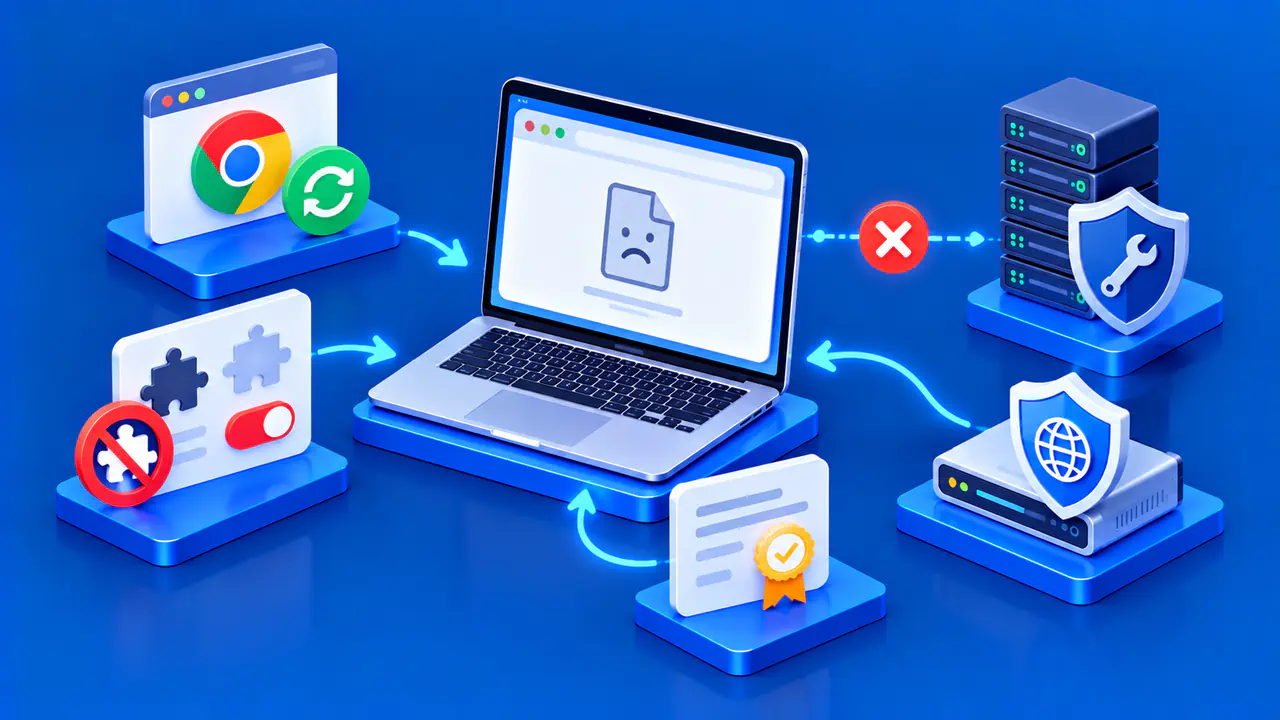
How to Fix ERR_EMPTY_RESPONSE
ERR_EMPTY_RESPONSE can be fixed by updating Chrome, disabling a faulty extension, or repairing the server or proxy that closes connections without data.

Fixing Untrusted Certificate Errors
NET::ERR_CERT_AUTHORITY_INVALID can be fixed by updating Chrome, repairing the site's certificate chain, or correcting trust settings on a managed device.

Fixing SSL Version or Cipher Mismatches
Fixing ERR_SSL_VERSION_OR_CIPHER_MISMATCH may require a browser update or changes to TLS settings, certificate coverage, or software that inspects HTTPS.
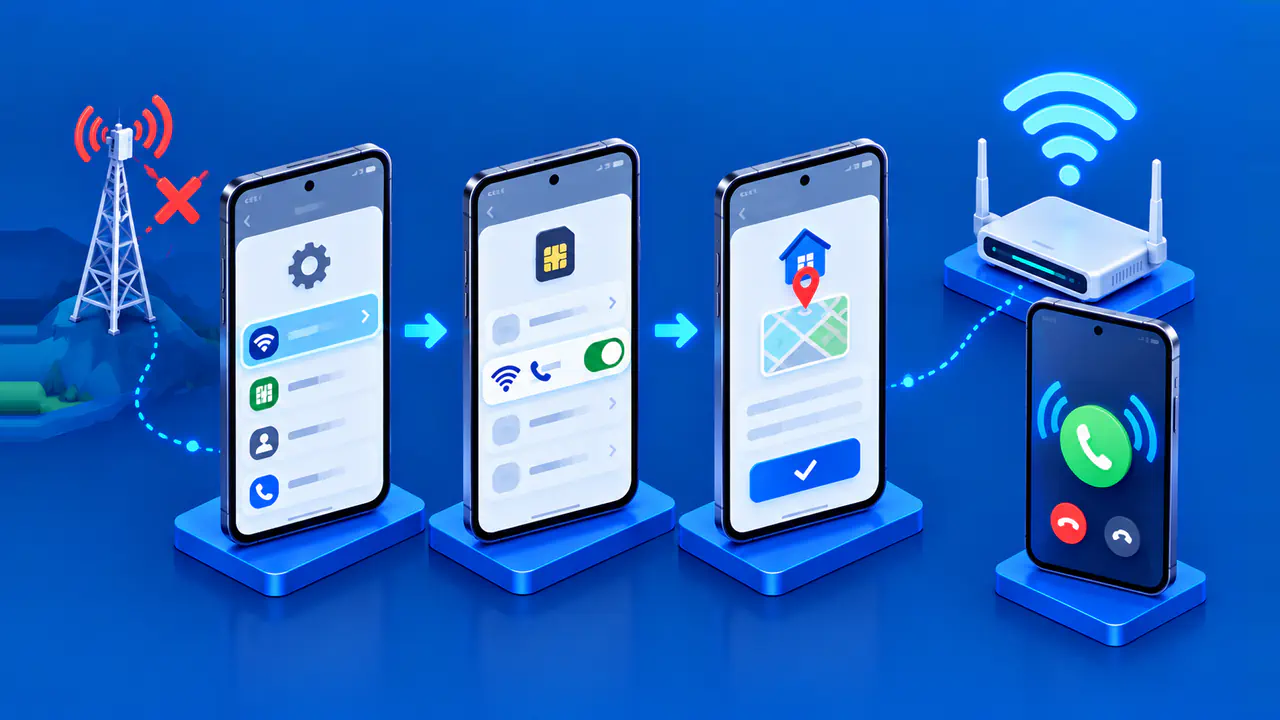
How to Turn On Wi-Fi Calling on Android
Wi-Fi Calling on supported Android phones is enabled in the SIM settings or Connections menu, and some carriers require an emergency address during setup.

How to Check Data Usage on Android
On a Pixel, mobile data totals and per-app usage appear in Settings under Network & internet > SIMs > App data usage for your selected period.

How to Turn Off Data Roaming on Android
Android data roaming is disabled with the Roaming switch in a Pixel's SIM settings or the Data roaming switch in a Galaxy's Mobile networks menu.
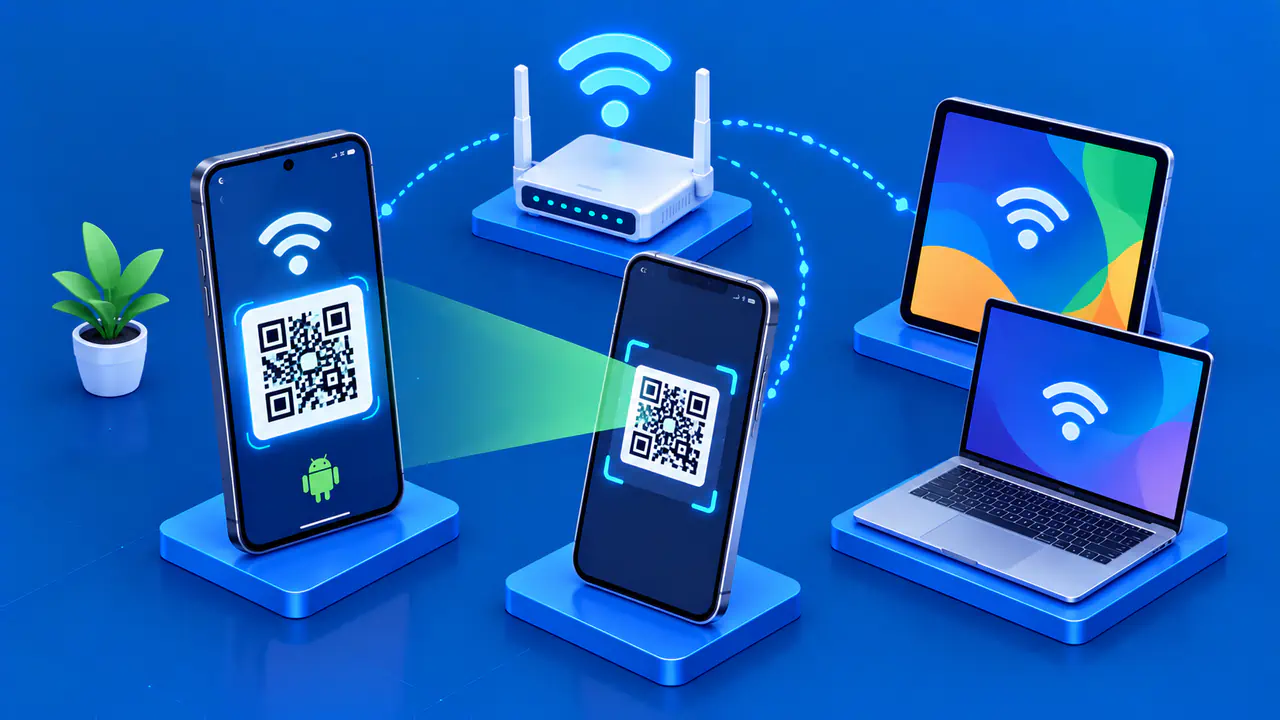
How to Share a Wi-Fi Password on Android
Android phones with Wi-Fi sharing can display a QR code from the connected network's settings, allowing another device to join without typing the password.
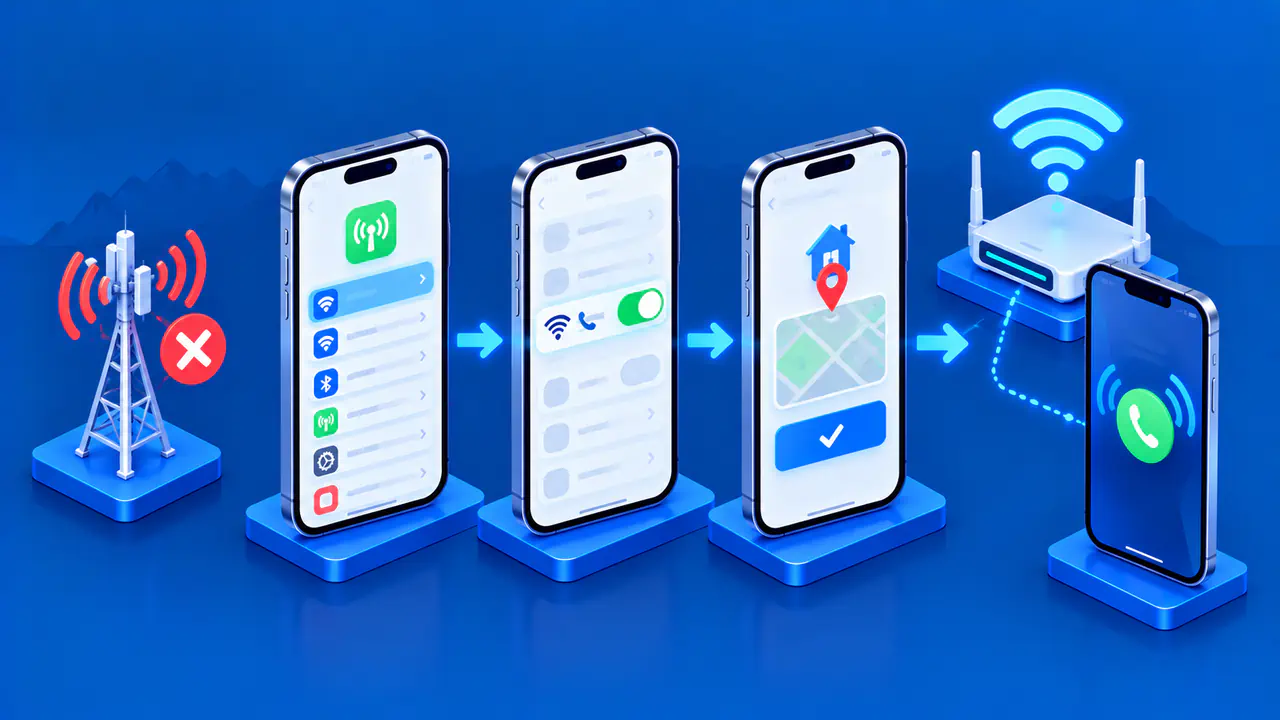
How to Turn On Wi-Fi Calling on an iPhone
Wi-Fi Calling is turned on in an iPhone's Cellular settings for a supported line, with an emergency address confirmed when the carrier requires one.

How to Fix SOS or No Service on an iPhone
An iPhone with SOS or No Service may reconnect after Airplane Mode is turned on and off, but persistent issues need coverage, SIM, or account checks.
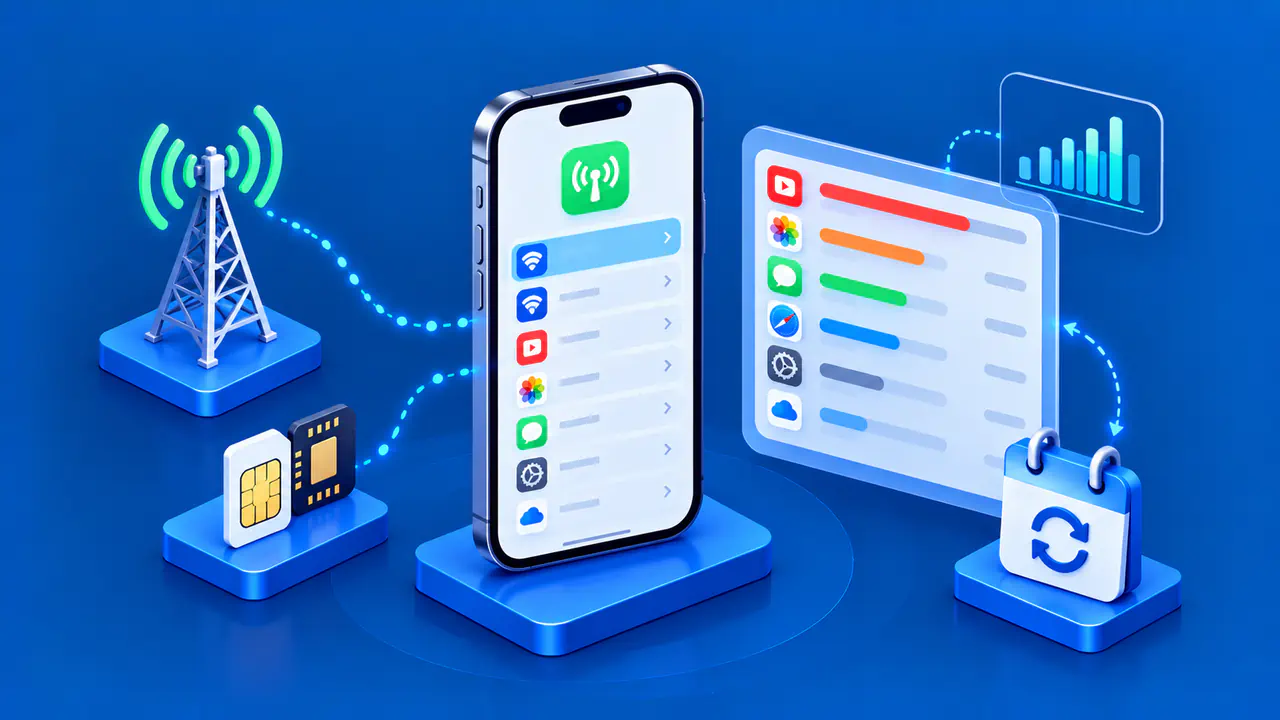
How to Check Data Usage on an iPhone
The iPhone's Cellular settings show data usage for each app and system service, with counters that can be reset for the period you want to track.
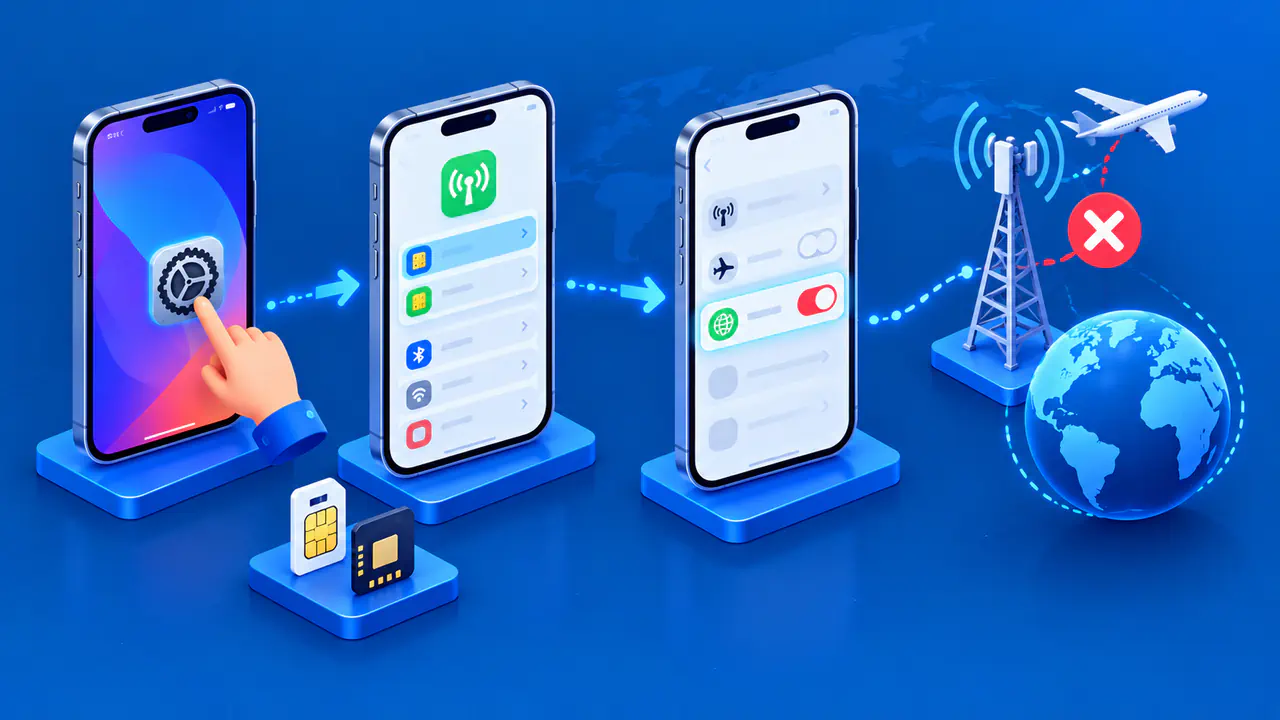
How to Turn Off Data Roaming on an iPhone
Data Roaming is turned off in the iPhone's Cellular Data Options, with the intended SIM or eSIM selected first on a phone that has multiple lines.

How to Share a Wi-Fi Password from an iPhone
An unlocked iPhone connected to Wi-Fi can send its network password to a nearby iPhone, iPad, or Mac when the recipient selects that network.
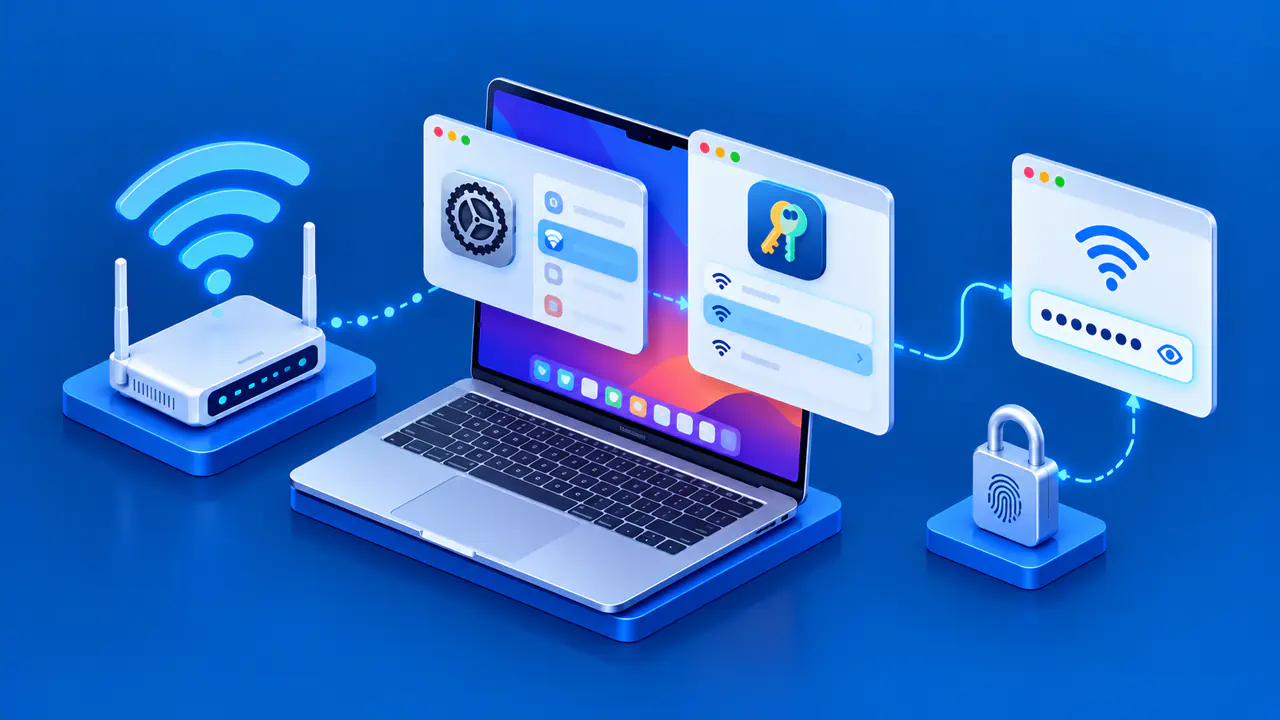
How to Find Your Wi-Fi Password on a Mac
On a Mac, saved Wi-Fi passwords are available in the Passwords app on macOS Sequoia or later and in System Settings on macOS Ventura or later.
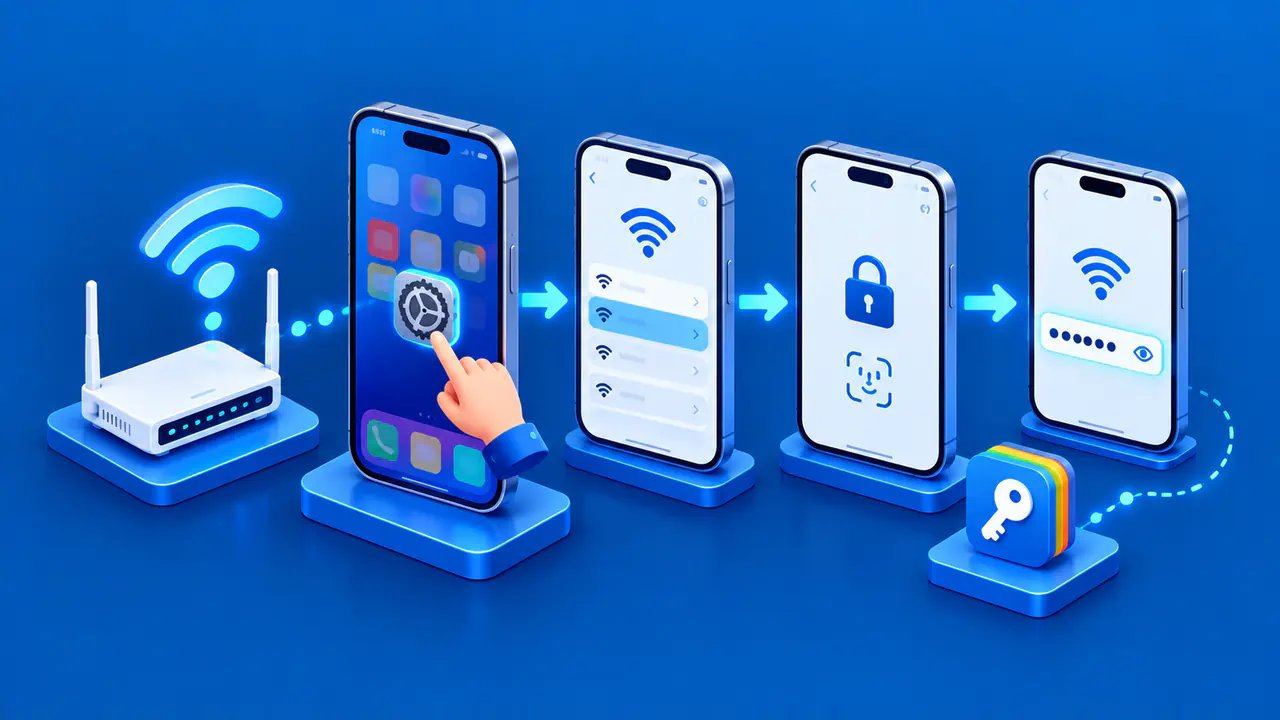
How to Find Your Wi-Fi Password on an iPhone
An iPhone with iOS 16 or later can show saved Wi-Fi passwords in Settings after authentication, while iOS 18 or later also offers the Passwords app.

Internet vs Wi-Fi: What Is the Difference?
Wi-Fi links devices to a local wireless network, while the internet connects networks worldwide and can be reached through Wi-Fi, Ethernet, or cellular data.
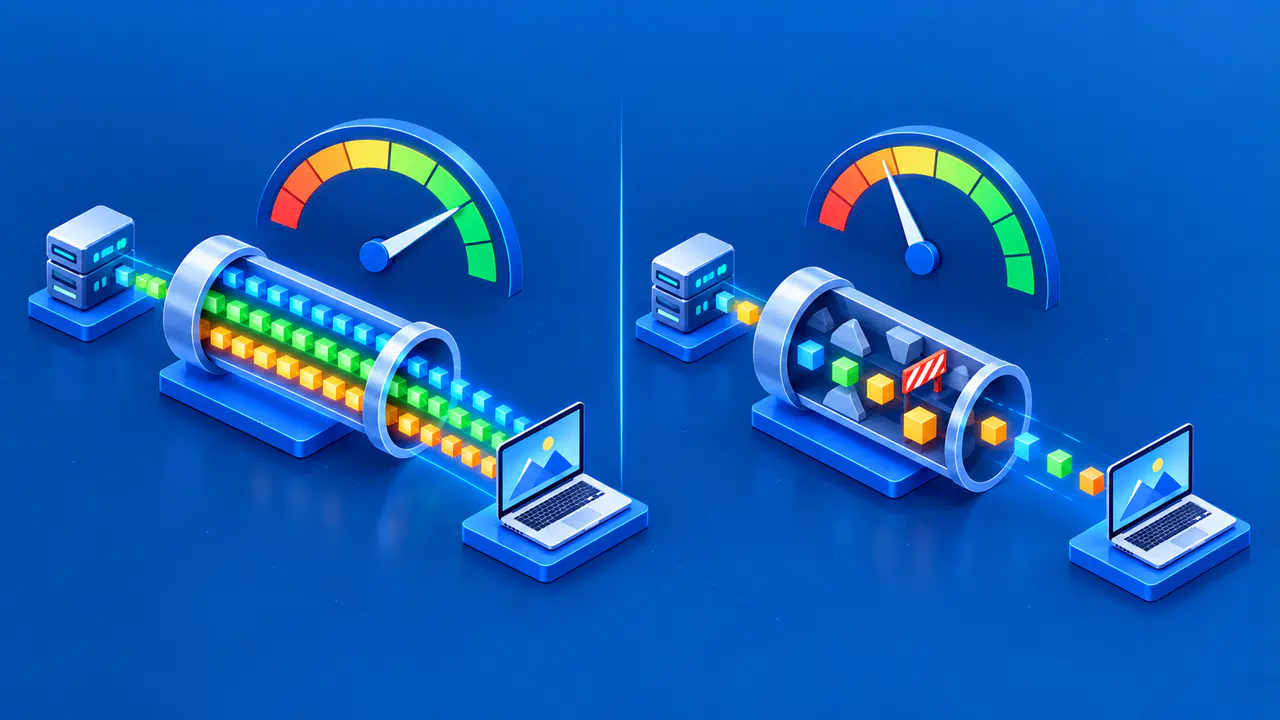
Bandwidth vs Throughput: What Is the Difference?
Bandwidth describes a connection's capacity to carry data, while throughput is the data rate achieved over a measured interval under actual conditions.

How Much Internet Speed Do You Need?
Your household needs enough download and upload speed for its simultaneous activities, plus spare capacity for traffic that varies or starts unexpectedly.

How to Fix Cloudflare Error 522
Cloudflare Error 522 can be fixed by correcting the origin server's address, resolving server overload, or removing a block on Cloudflare traffic.

How to Fix Cloudflare Error 1015
Cloudflare Error 1015 usually clears after excessive requests stop and the block expires, while site owners can correct rules that block legitimate use.
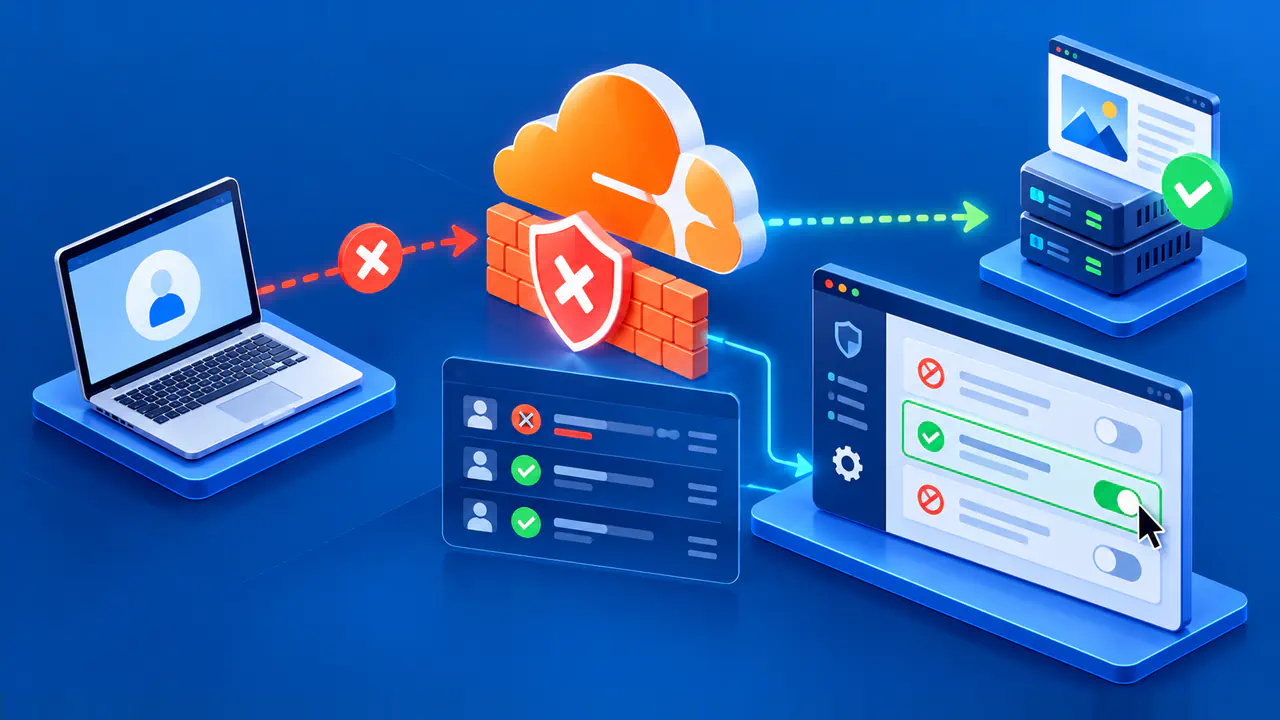
How to Fix Cloudflare Error 1020
Site owners can fix Cloudflare Error 1020 by finding the matching security event and adjusting the rule if it wrongly blocks a legitimate request.

What Is an SSL Certificate?
An SSL certificate binds a public key to a website's identity, allowing a browser to authenticate the server when setting up an encrypted HTTPS connection.

What Is a Domain Name?
A domain name identifies a place in the DNS hierarchy, where records can connect a readable name to the addresses of websites, mail servers, and other services.

How to Fix Cloudflare SSL Errors 525 and 526
Fixing Cloudflare errors 525 and 526 requires correcting the origin's TLS handshake or certificate validation problem, then testing the secure connection.