
Articles: Page 6
Browse all our articles to find answers to your questions about the internet, networks, browsers, security, privacy, and more. From everyday problems to more technical topics, our articles offer explanations and guidance for readers of all experience levels.
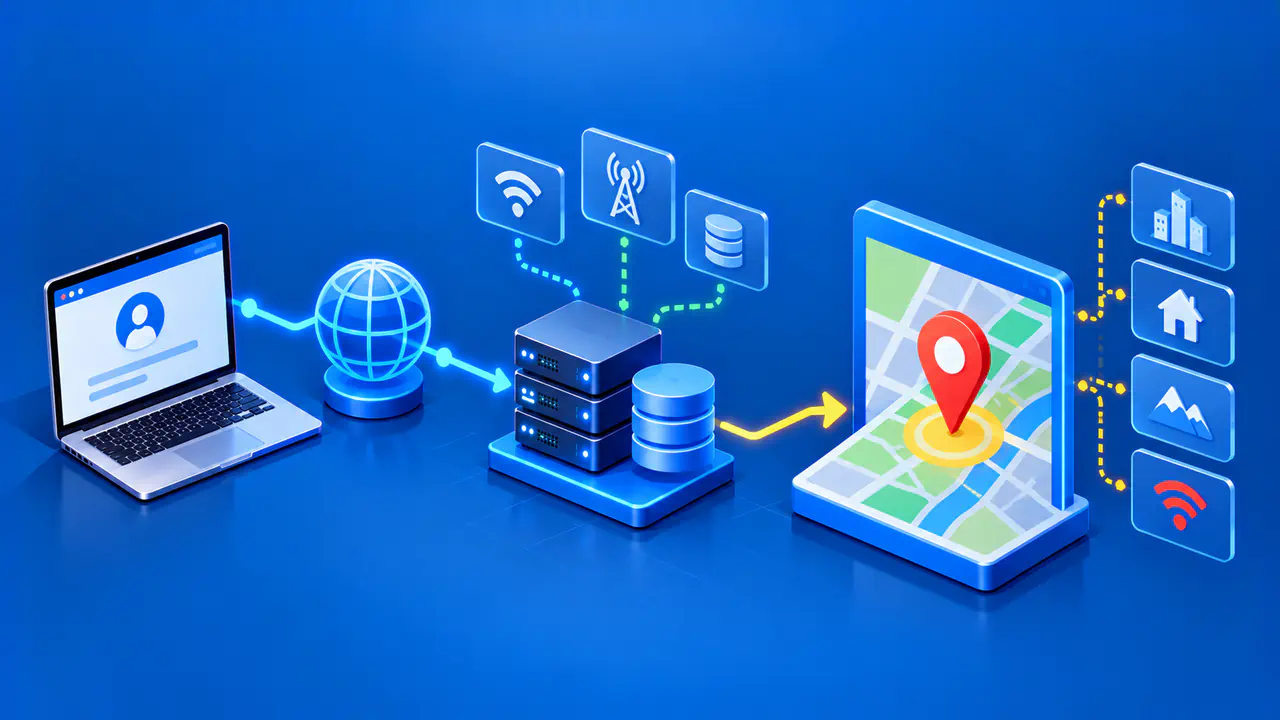
How IP Geolocation Works
IP geolocation estimates the area of a public IP address using provider databases and network evidence, with results that vary by source and connection.

Why Websites Use CAPTCHAs
A CAPTCHA helps websites distinguish visitors from automated programs, using challenges or background checks to reduce spam and other forms of online abuse.

How to Clear Safari's Cache on an iPhone
You can clear Safari's cache on an iPhone by choosing Remove All Website Data in Safari's advanced settings and confirming with the Remove Now button.

What Is an API and How Does It Work?
An API defines how software calls supported operations and receives results, whether through a remote service, a browser feature, or a local library.

How to Recognize Phishing
Phishing uses deceptive messages to steal money or information, often by posing as someone you trust and pressuring you to act on an unexpected request.
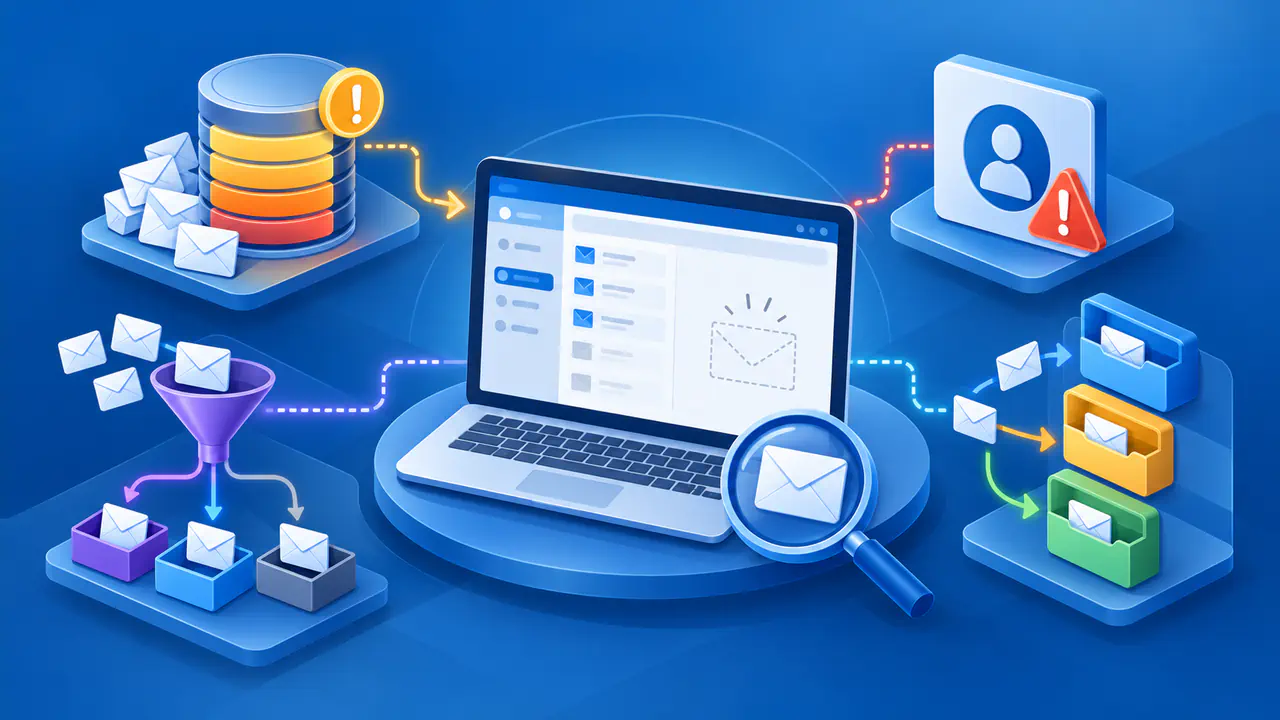
Fixing Missing Emails in Outlook.com
Missing Outlook.com mail can result from full storage or account restrictions, while inbox rules, forwarding, and folder settings affect where it appears.
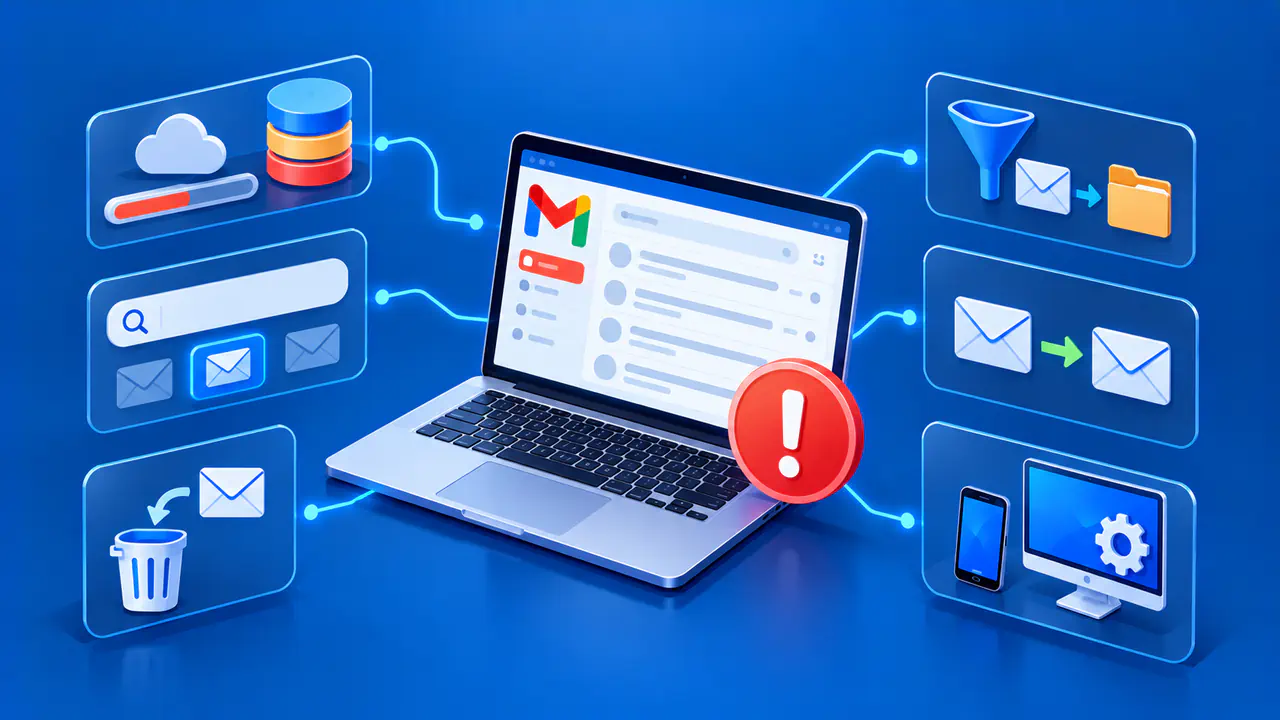
Fixing Missing Emails in Gmail
Finding missing Gmail messages starts with checking account storage and searching all mail, then reviewing filters, forwarding, or mail app settings.
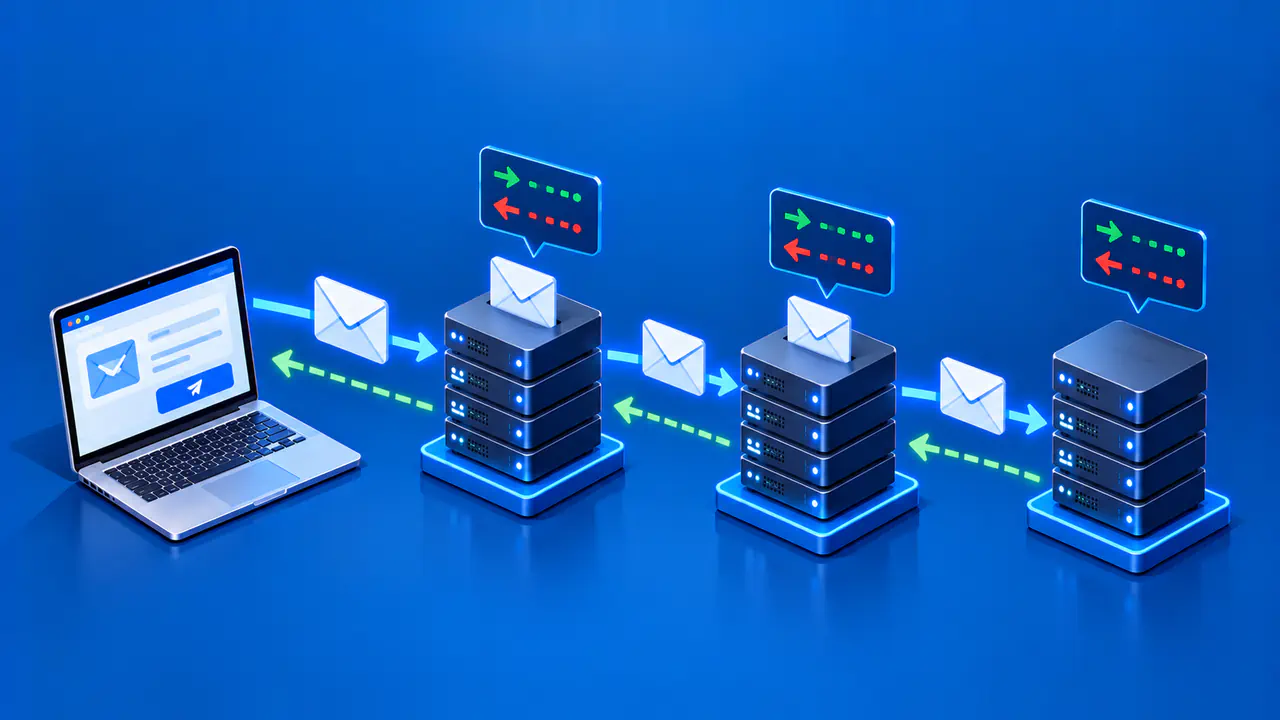
What Is SMTP and How Does It Work?
SMTP moves outgoing email through submission and relay using an envelope, commands, and server replies; acceptance at one hop does not guarantee inbox delivery.
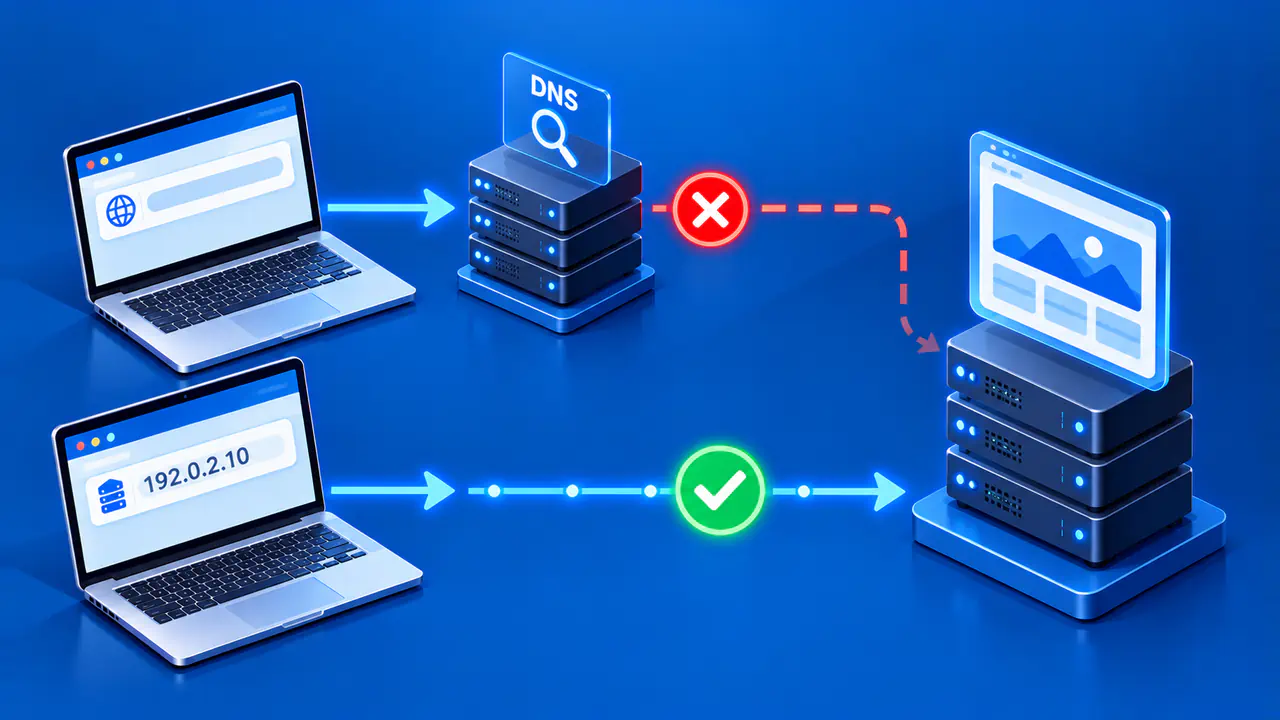
Website Works by IP, Not by Domain
A website may load by IP while its domain fails because DNS cannot find the right address, the server does not match the name, or TLS validation fails.
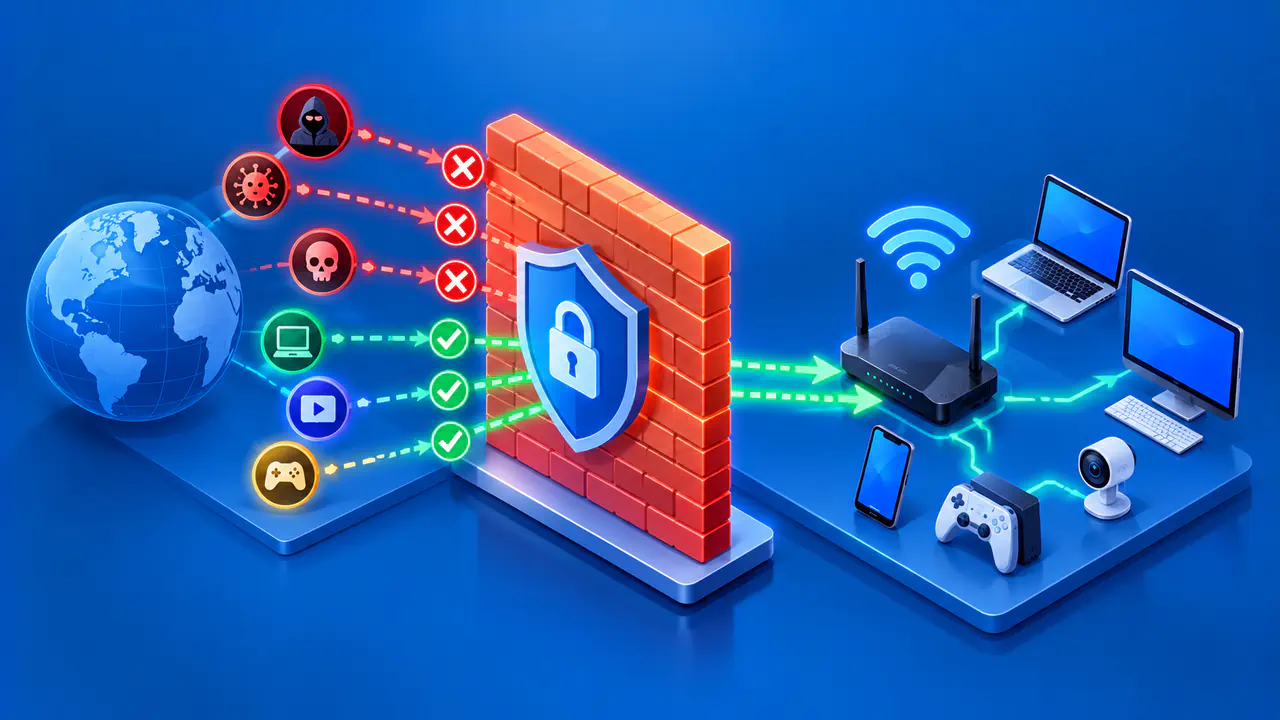
What Is a Firewall and How Does It Work?
A firewall allows or blocks network traffic according to rules, helping protect a device or network from unwanted connections without stopping every threat.
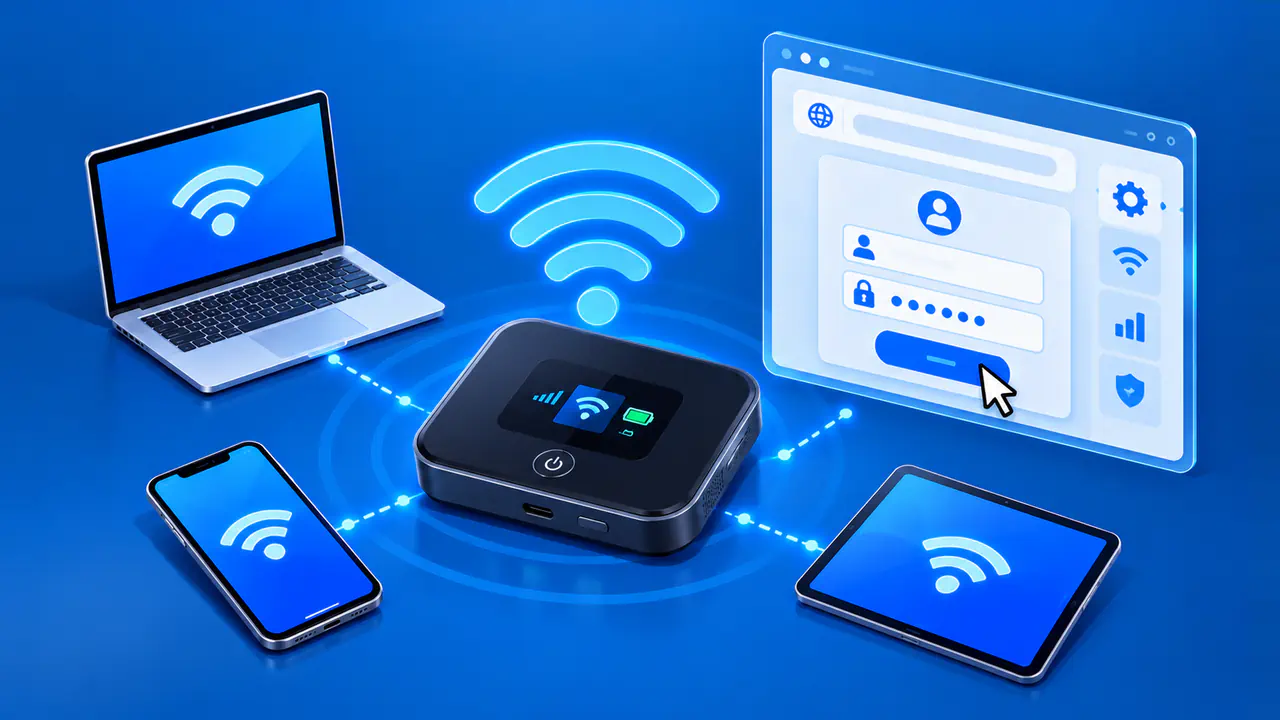
AT&T Nighthawk MR1100 Login
You can open http://attwifimanager while connected to an AT&T Nighthawk MR1100, then sign in with the hotspot's current administrator password.
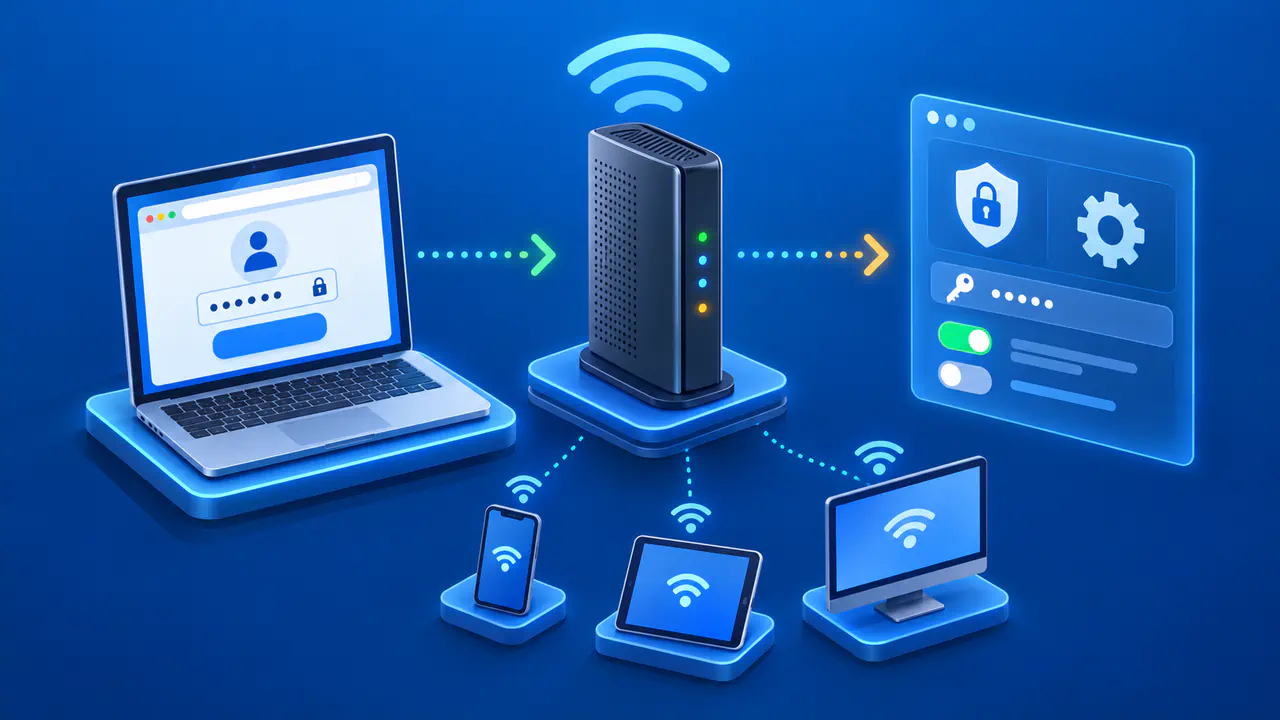
How to Log In to a Verizon CR1000 Router
You can open a Verizon CR1000 router's settings at mynetworksettings.com on your home network and sign in with the current administrator password.
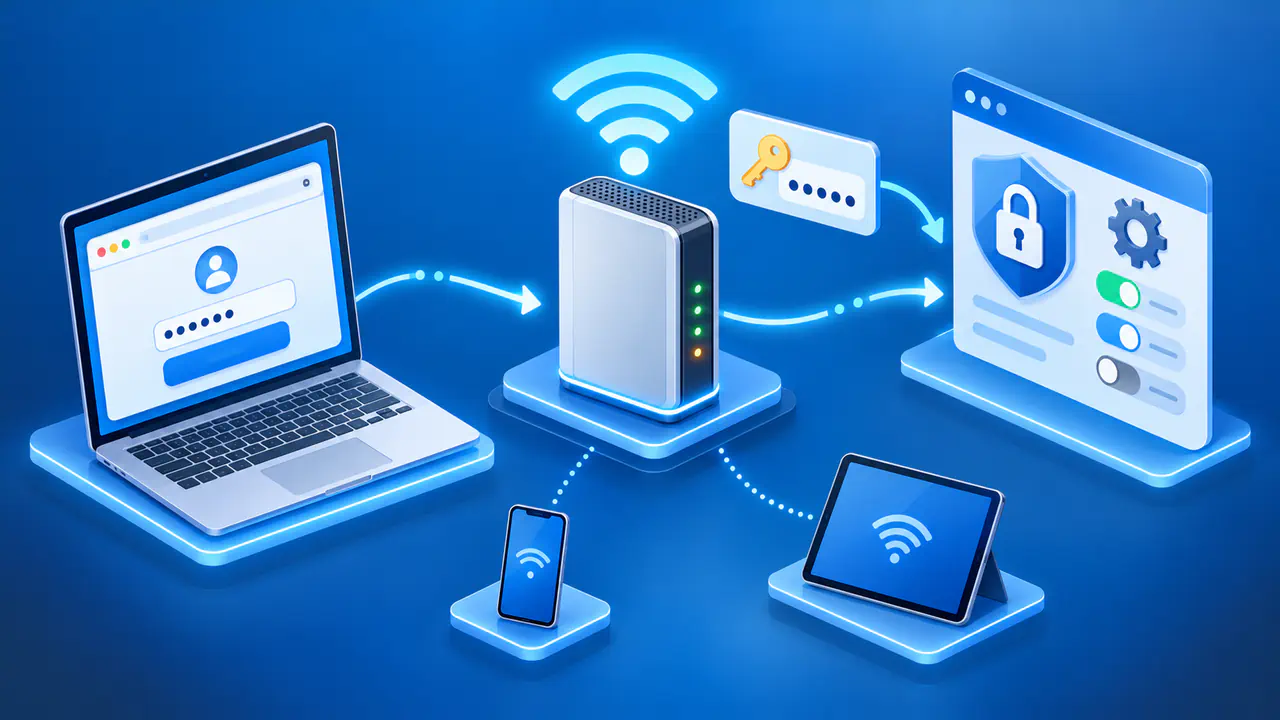
How to Log In to an AT&T Gateway
You can open AT&T gateway settings at 192.168.1.254 on your home network and enter the current Device Access Code when changing protected settings.
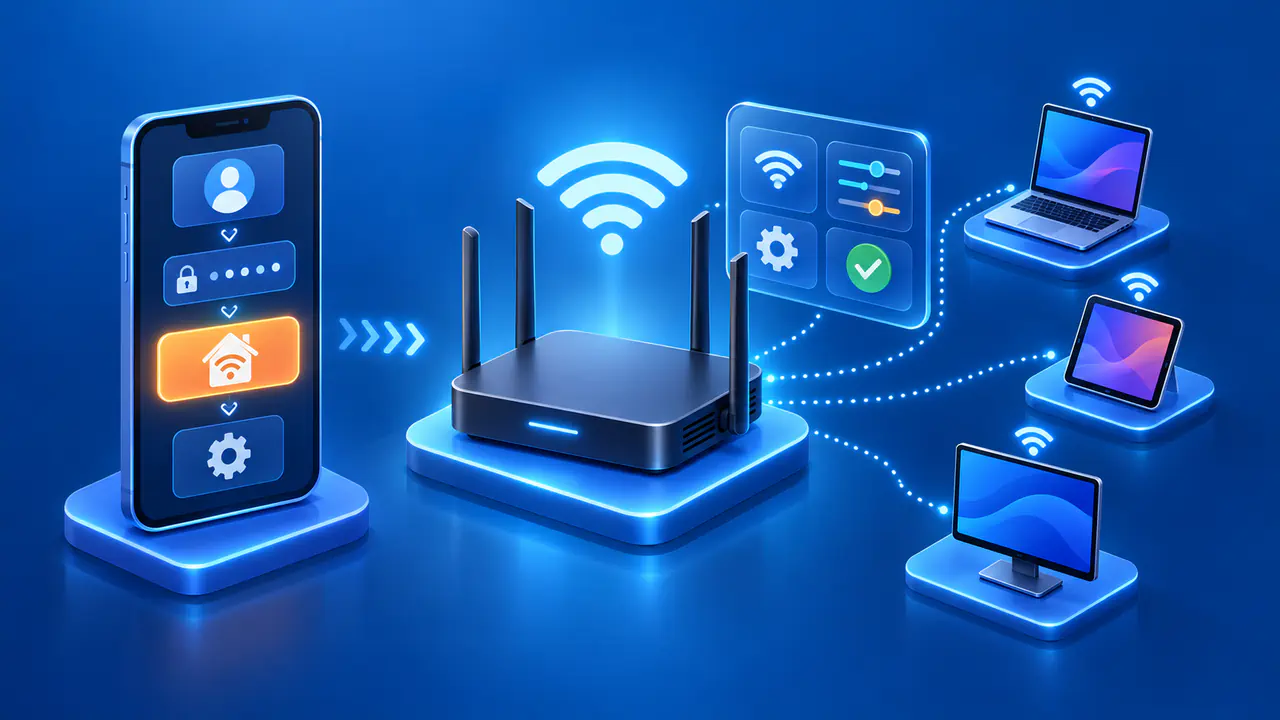
How to Manage a Spectrum WiFi 7 Router
Spectrum WiFi 7 router settings are available in the My Spectrum app after you sign in to your Spectrum account and select your internet service.
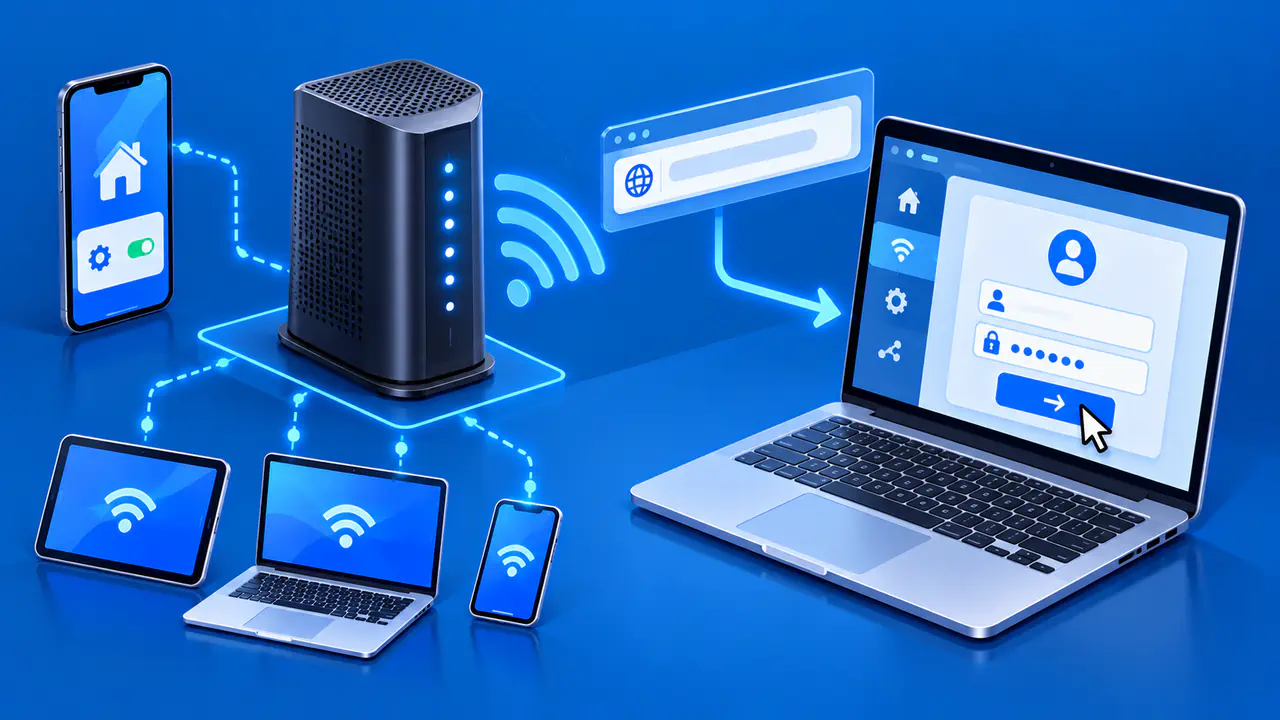
How to Log In to an Xfinity Gateway
Xfinity Gateway login requires a connection to your home network and an Admin Tool password, with access enabled in the Xfinity app on supported models.
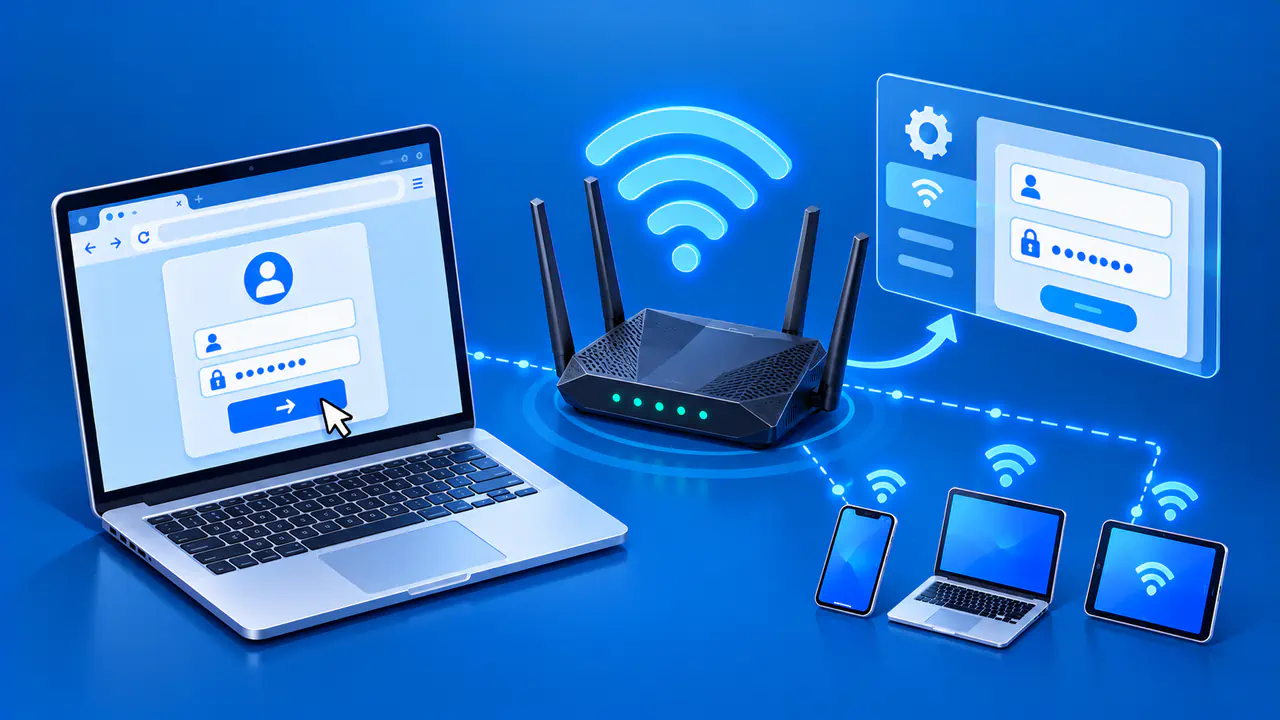
How to Log In to an ASUS Router
ASUS router settings are available at the router's local address after you connect to its network and sign in with the administrator username and password.
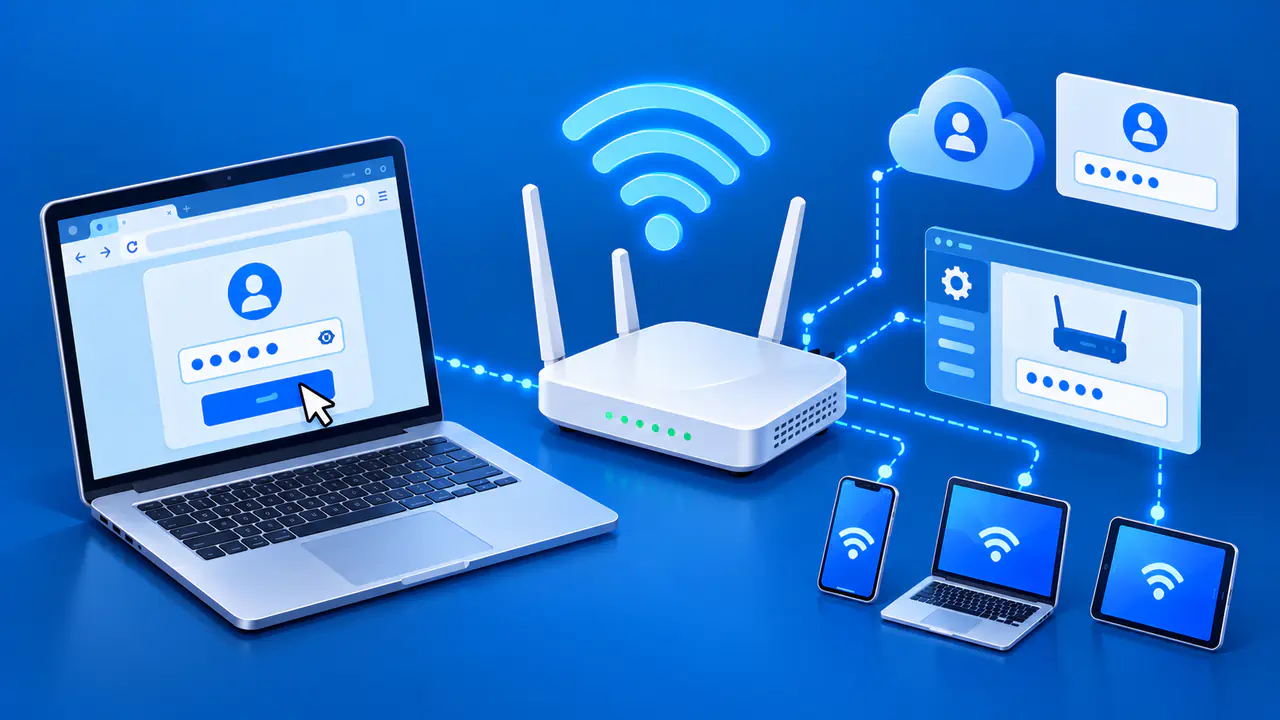
How to Log In to a TP-Link Router
TP-Link router login uses a local management address and either the router's administrator password or a linked TP-Link ID, depending on the device.
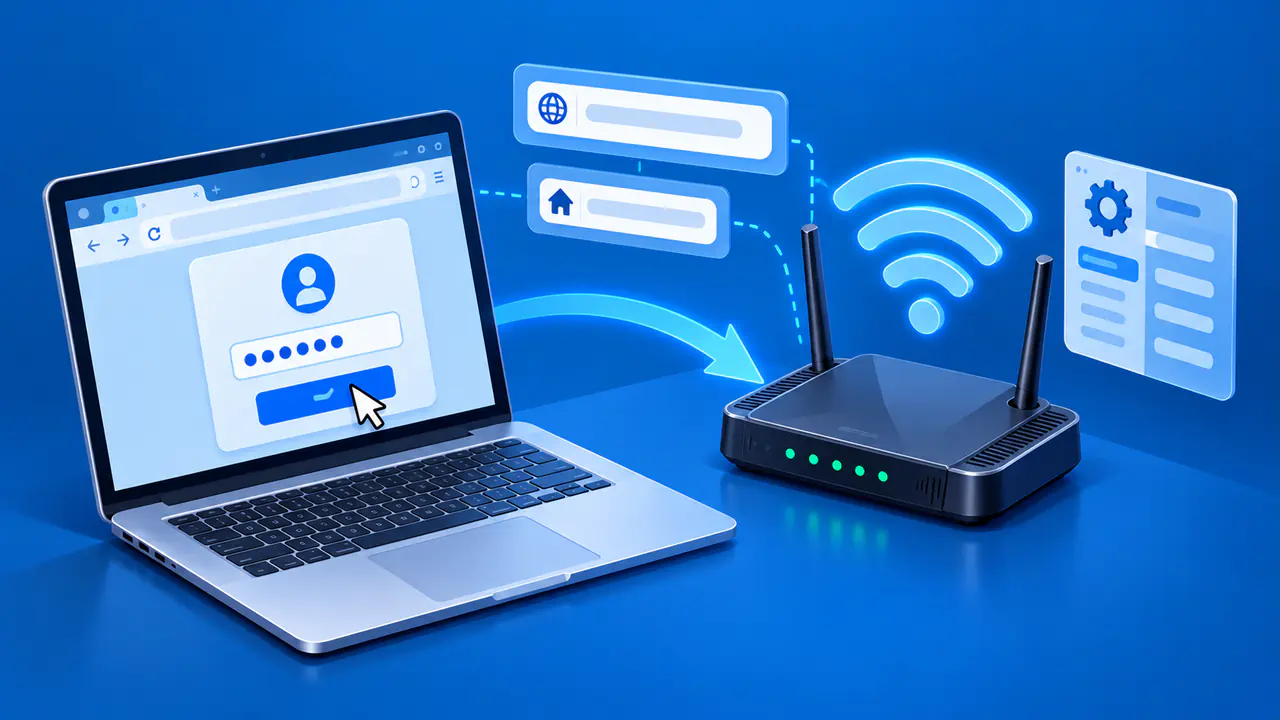
How to Log In to a NETGEAR Router
NETGEAR router settings are available through routerlogin.net or the router's local IP address when you connect to its network and enter the admin password.
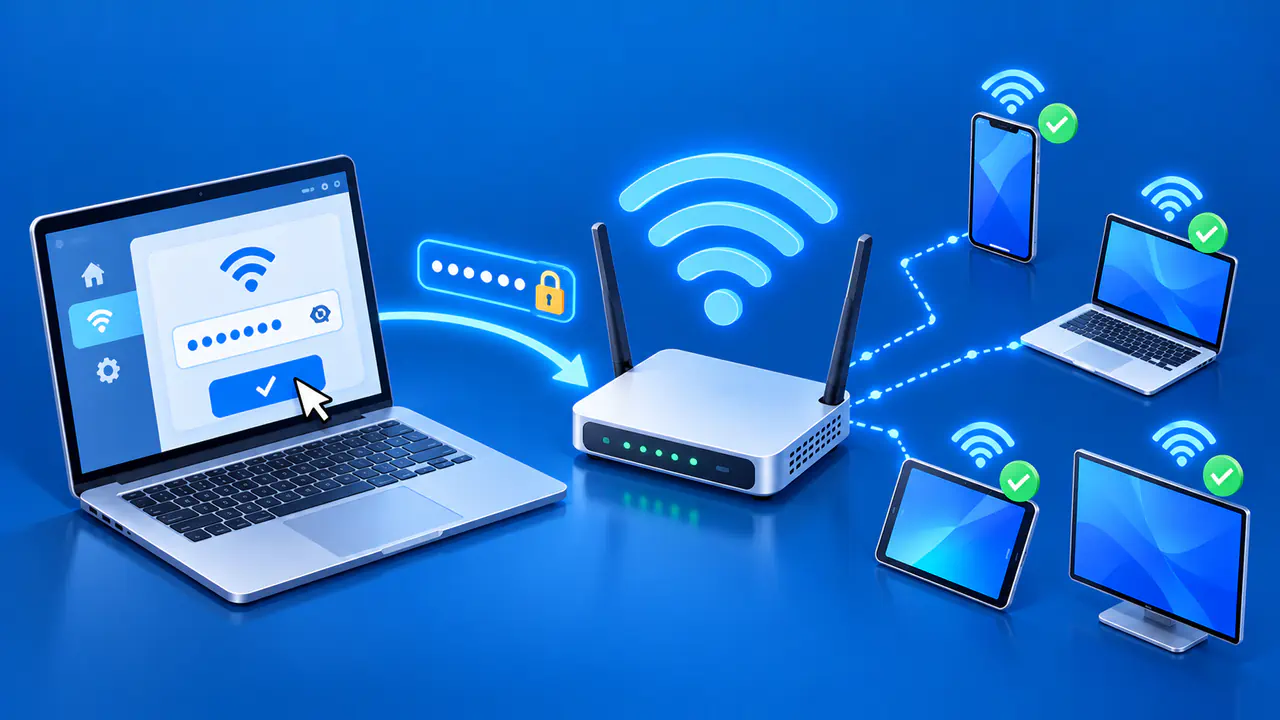
How to Change Your WiFi Password
You change a WiFi password in the router's app or wireless settings, then save the change and reconnect affected devices with the new password.
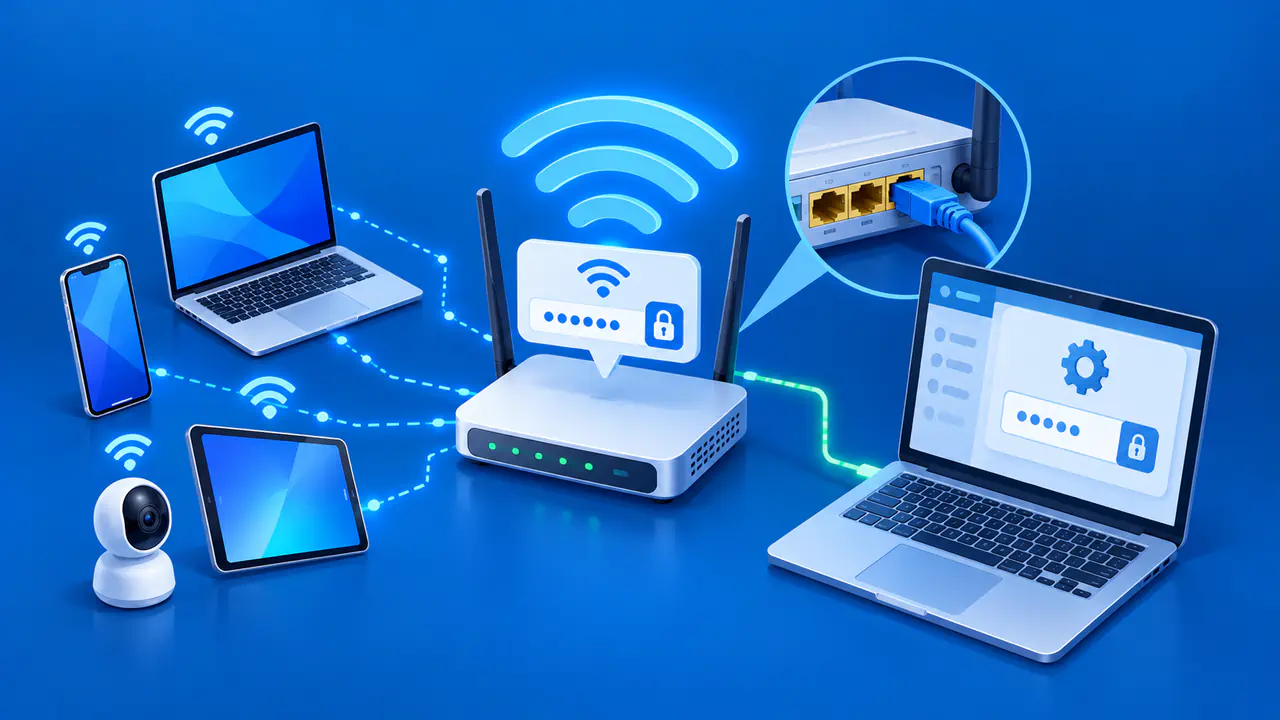
What Is a Network Security Key?
A network security key is usually the password for joining a WiFi network, while a router administrator password gives access to the router's settings.
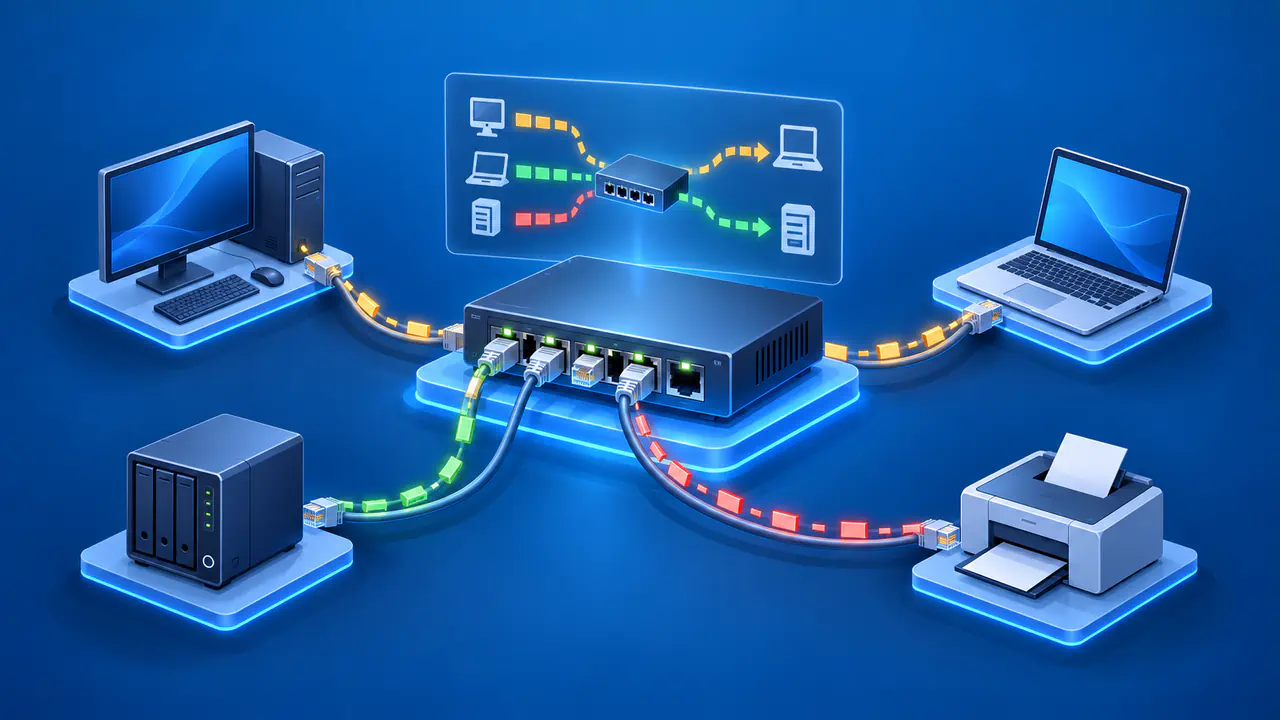
What Is Ethernet and How Does It Work?
Ethernet connects devices through cables and carries data in frames, while switches forward that data between devices on the same local network.
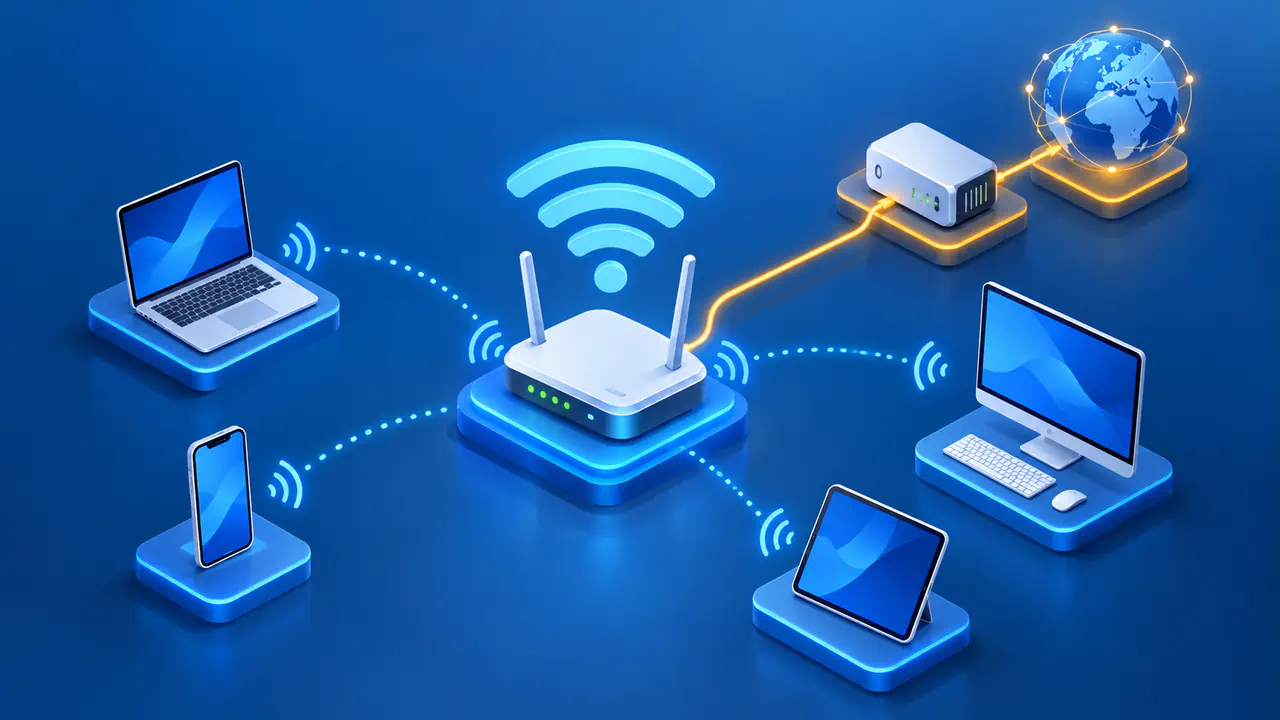
What Is WiFi and How Does It Work?
WiFi uses radio signals to connect nearby devices to a local network through an access point, while internet access requires a separate connection.
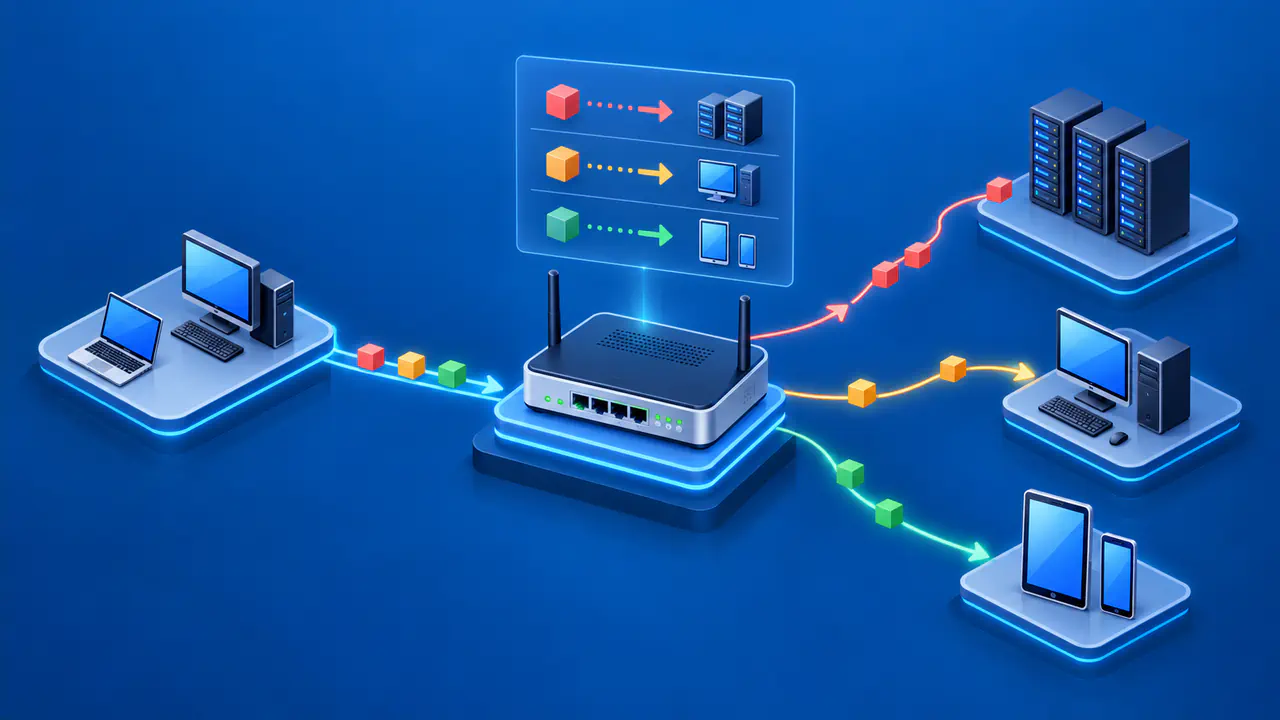
What Is a Router and How Does It Work?
A router connects separate IP networks by reading each packet's destination address and using its routing table to decide where to send it next.
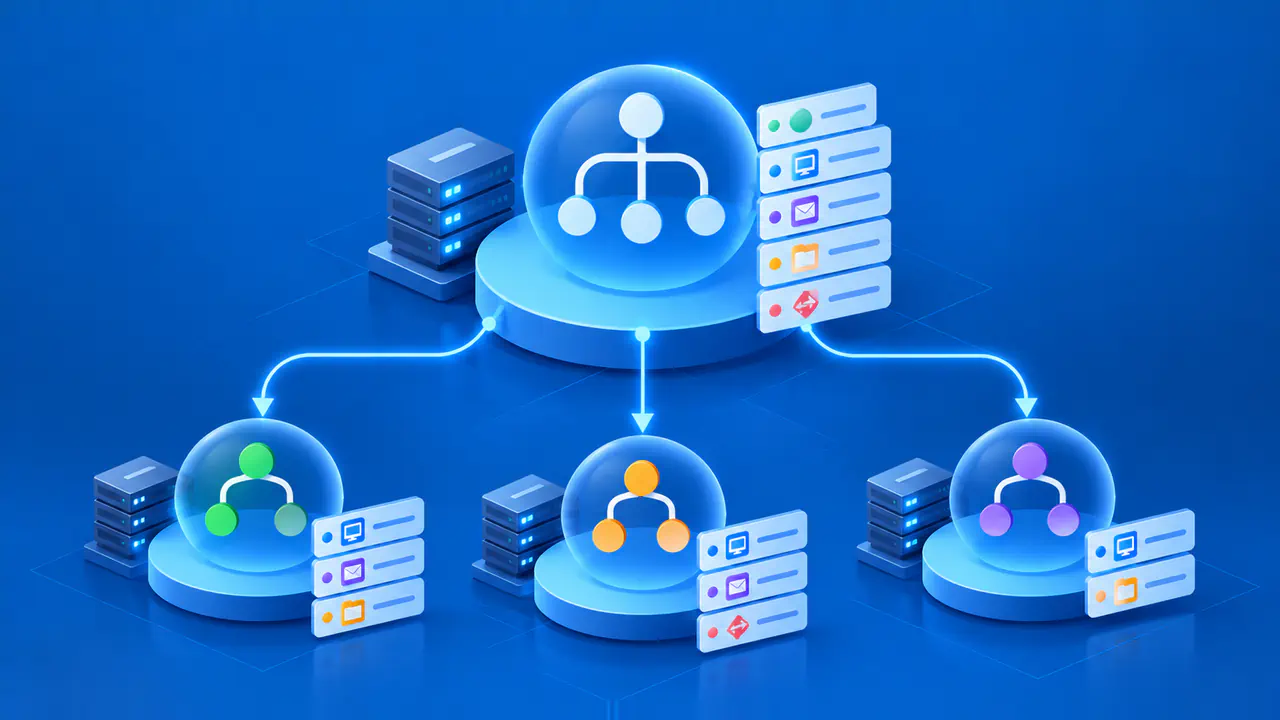
What Is a DNS Zone?
A DNS zone is a portion of the DNS namespace managed as one unit, containing its own authoritative records and any delegations to separate child zones.